Accounts Receivable Automation: Chase Unpaid Invoices Fast


Table of Contents
- Introduction
- Why do unpaid invoices pile up in small businesses?
- What is accounts receivable automation and how does it work?
- How do you automate invoice follow-up by aging bucket?
- Where does AI fit in automated payment reminders?
- What guardrails keep dunning automation from hurting relationships?
- How do you set up AR automation in 2 weeks?
- What does a weekly AR routine look like?
- Which AR KPIs should you track (DSO and beyond)?
- When should you book a roadmap call instead of DIY?
- Frequently Asked Questions (FAQs)
Introduction
You did the work. You sent the invoice. And now the money is just sitting somewhere on a client's desk, waiting for a follow-up that nobody wants to send. That gap between "invoiced" and "paid" is where a lot of small businesses quietly bleed cash. The product is fine, the margins are fine, but the bank balance doesn't reflect it because a chunk of revenue is stuck in overdue invoices.
Most owners I talk to know exactly which clients are late. They just don't chase consistently. Chasing feels awkward, it's manual, and it always loses to the next fire. So the follow-ups slip to month-end, the founder ends up doing a panicked batch of "just checking in" emails, and the cycle repeats.
Accounts receivable automation for small business fixes the consistency problem without you hiring a collections person you don't need yet. The idea is simple: pull your invoice data on a schedule, sort it by how late each invoice is, and send the right reminder, in the right tone, on the right channel, automatically - while keeping a human in the loop for the sensitive accounts. This post walks through how that works, the exact reminder cadence to use, a 2-week setup plan, a weekly routine, and the KPIs that tell you it's working.
Why do unpaid invoices pile up in small businesses?
The honest answer is that nobody owns the follow-up. In a small team, accounts receivable is everyone's job and therefore no one's job. Sales moved on to the next deal. Ops is delivering. The founder is doing five roles. Chasing money from a customer you like feels confrontational, so it gets deprioritized until cash flow forces the issue.
The result is a climbing DSO - days sales outstanding, the average number of days it takes to get paid after invoicing. When DSO creeps from 30 days to 50, you're effectively lending your customers money for three extra weeks, every cycle. You feel it as a tight month even when sales are strong.
There are two common reactions, and both are flawed. The first is to hire a dedicated collections or AR person too early. That's real salary for a job that, at your volume, is a few hours of structured work a week. The second is to lean on the generic reminders built into your accounting tool. Those help, but they're blunt: the same stiff template goes to a great customer who's three days late and to a serial deadbeat who's sixty days past due. Tone-deaf reminders either annoy good clients or get ignored by bad ones.
What you actually need sits between those extremes - something consistent like a hire, but cheap and tireless like software, and smart enough to change its tone based on context. That's the gap automation fills.
What is accounts receivable automation and how does it work?
Accounts receivable automation is a workflow that watches your outstanding invoices and runs the follow-up for you. Instead of a person remembering to check who's late, a scheduled job does it, decides what each invoice needs, and either sends a reminder or flags it for a human. Think of it as a quiet assistant that reads your AR ledger every morning and acts on it.
At a high level, the flow looks like this:
- Pull AR data on a schedule. Connect to your accounting or payments system - QuickBooks, Xero, or Stripe invoices - and fetch open invoices with their amounts, due dates, and customer details.
- Sort invoices into aging buckets. Group them by how overdue they are: not due yet, 1-7 days late, 8-30, 30-60, 60-plus. The bucket decides the tone and the action.
- Draft the right message. For each invoice, generate a reminder that references the invoice number, amount, due date, and a payment link - written in a tone that matches the bucket.
- Send or escalate. Gentle reminders for early buckets go out automatically. Higher buckets, large amounts, or sensitive accounts get routed to a human for approval before anything sends.
- Log and stop on payment. Every touch is logged back to your CRM or accounting notes, and reminders stop automatically the moment an invoice is marked paid.
The orchestration layer that ties this together is usually a tool like n8n. It handles the schedule, talks to the accounting API, calls an AI model to draft messages, sends through email or WhatsApp, and posts escalations to Slack. You're not building a giant system - you're wiring a handful of services into one reliable loop.
The key shift is from "remember to chase" to "the system already chased, here's the one account that needs you." That's what makes it sustainable for a small team.
How do you automate invoice follow-up by aging bucket?
The aging bucket is the heart of the whole thing. How late an invoice is should determine three things: the tone of the message, the channel you use, and whether a human needs to look before it goes out. A three-day-late invoice from a loyal client deserves a friendly nudge. A sixty-day-late invoice deserves a firm, clear message and probably a phone call. Treating those the same is the mistake generic reminders make.
The principle is that tone scales with lateness, and human involvement scales with risk. Early buckets are low-risk and can be fully automatic. Late buckets touch the customer relationship and the cash at stake, so a person reviews them. You start by automating only the gentle buckets, prove it's safe, then expand.
What reminder cadence should each aging bucket use?
Here's a practical cadence you can adopt as-is and tune later. The "auto/human" column is the important one: it decides what runs without you and what waits for a quick approval.
| Aging bucket | Tone | Channel | Auto or human |
|---|---|---|---|
| Not due / due today | Friendly heads-up with payment link | Auto | |
| 1-7 days late | Gentle nudge, assume it slipped | Auto | |
| 8-30 days late | Firmer, clear ask with due date and amount | Email (+ WhatsApp if opted in) | Auto, with human review for large amounts |
| 30-60 days late | Direct, mentions next steps | Email + WhatsApp | Human-approved before send |
| 60+ days late | Final notice, offer to talk | Phone / human email | Human only |
A few notes on using this. The early buckets do most of the work - a surprising share of "late" invoices are just forgotten, and a polite reminder on day three gets them paid without any awkwardness. By the time something reaches 60-plus days, software shouldn't be sending anything aggressive on its own; that's a conversation, not a template. Set a dollar threshold too: anything above an amount you care about (say a few thousand) always gets a human glance regardless of bucket.
Where does AI fit in automated payment reminders?
The cadence tells you when and through what channel. AI handles the part that used to make follow-up feel like a chore: writing a message that sounds human and fits the situation. A large language model like Claude can draft a context-aware reminder for each customer and bucket - polite but clear, referencing the specific invoice number, amount, due date, and payment link, with the tone dialed to how late they are.
This matters because the alternative is either a robotic template that customers tune out, or you writing each message by hand. The AI sits in the middle: it produces a tailored draft in seconds, and for early buckets it can send directly. For later buckets, the draft lands in front of you for a one-click approve, edit, or skip. You get the speed of automation and the judgment of a human exactly where judgment is needed.
A good drafting setup keeps a few things consistent: it always includes the payment link so paying is one click, it never threatens or guilt-trips, and it adapts wording to the relationship - warmer for long-term clients, more matter-of-fact for one-off jobs. You can give the model a short brand-voice note so every message sounds like you, not like a debt collector.
The escalation logic is where AI plus rules really shine. When an invoice crosses your threshold - above a set amount or past 60 days - instead of auto-sending, the workflow posts a short summary to Slack or email: who owes what, how late, the last three touches, and a suggested next step. You decide whether to call, offer a payment plan, or send a final notice. The machine does the gathering and drafting; you do the deciding.
What guardrails keep dunning automation from hurting relationships?
Dunning automation can quietly damage customer relationships if you let it run unchecked, so the guardrails matter as much as the workflow. The goal is to recover cash without making a good client feel hounded by a robot.
Start with these rules:
- Never fully auto-send aggressive messages. Anything firm or final goes through a human. Automation handles the gentle, low-risk reminders; people handle the tense ones.
- Always human-review escalations. Large amounts and long-overdue accounts get eyes on them before any message or call. A summary in Slack is enough to make a fast, informed decision.
- Respect payment terms and local rules. Don't chase before terms are actually breached, and follow any regional rules on debt communication and timing.
- Never double-send when a payment is in flight. Wire a webhook from Stripe or your accounting tool so that the moment an invoice is paid or partially paid, reminders stop. Nothing erodes trust faster than dunning someone who already paid.
- Start gentle, then expand. Launch with the early, low-risk buckets only. Once you trust the drafts and the data, extend automation deeper.
The mindset is "human in the loop for anything tone-sensitive." You're not removing yourself from collections - you're removing yourself from the repetitive 80% so you have attention left for the 20% that needs a real conversation.
How do you set up AR automation in 2 weeks?
You don't need a quarter-long project. A focused two weeks gets a working, safe system live. Here's a checklist that assumes you already use an accounting or payments tool.
Week 1 - connect and observe:
- Pick your source of truth. Decide whether AR data comes from QuickBooks, Xero, or Stripe invoices. Get API access and confirm you can pull open invoices with amounts and due dates.
- Stand up the orchestrator. Create an n8n account (cloud or self-hosted) and build a scheduled workflow that fetches open invoices each morning.
- Build the aging logic. In the workflow, tag each invoice with its bucket based on days past due.
- Set thresholds and an escalation channel. Define your dollar threshold and connect Slack or email for escalations.
- Run in dry-run mode. For the first few days, generate drafts but send nothing. Read what the system would have sent and sanity-check the buckets.
Week 2 - draft, send, and contain:
- Wire in AI drafting. Connect an LLM to write per-invoice messages, and give it your brand-voice note and a strict no-aggression rule.
- Turn on the gentle buckets only. Enable auto-send for "due" and "1-7 days" first. Keep everything 30-plus days human-approved.
- Add the stop-on-payment webhook. Connect Stripe or your accounting tool so reminders stop instantly when an invoice is paid.
- Log every touch. Write each reminder back to the customer record in your CRM or accounting notes so you have history.
- Add the dashboard. Build a simple view: total outstanding, amount by bucket, DSO trend, and who needs a human call this week.
By the end of week two you have a system that chases the easy stuff on its own and hands you a short, prioritized list for everything that needs a person. Start narrow, watch it for a week, then widen the buckets you trust.
What does a weekly AR routine look like?
Automation removes the daily grind, but you still want a short, fixed routine so nothing important hides. Fifteen minutes every Monday is enough for most small businesses. The point of the routine is to make decisions, not to do data entry - the system already gathered everything.
Each Monday, open the AR dashboard and run through this:
- Scan total outstanding and the trend. Is the number going up or down versus last week? A rising total with steady sales means follow-up is slipping somewhere.
- Review the escalation queue. Look at the human-approval items - 30-plus days and large amounts. Approve, edit, or convert to a call.
- Pick your call list. Identify the handful of accounts that need a real conversation this week and actually schedule those calls.
- Check for stuck accounts. Any invoice that's gotten multiple reminders with no response gets a decision: phone call, payment plan, or pause and escalate.
- Note anything off. A customer who's suddenly late when they're usually prompt might signal a dispute or a problem worth a personal check-in.
That's it. The reminders went out all week without you. Your Monday is just judgment calls on the few accounts that earned your attention.
Which AR KPIs should you track (DSO and beyond)?
If you don't measure it, you won't know the automation is working. Four KPIs tell the whole story, and your dashboard should surface all of them.
| KPI | What it tells you | Goal |
|---|---|---|
| DSO (days sales outstanding) | Average days to get paid after invoicing | Trending down |
| % invoices paid on time | Share paid by the due date | Trending up |
| Average days late | How overdue the late ones are | Trending down |
| Recovered cash per month | Dollars collected that were overdue | Steady or up |
DSO is the headline. It's the clearest signal of how fast cash comes back into the business, and a falling DSO directly improves your working capital - you're financing your customers for fewer days. The percentage paid on time shows whether your early, gentle reminders are nudging behavior in the right direction. Average days late tells you whether the chronic offenders are getting better or whether you have a few accounts dragging the average. And recovered cash per month is the dollars-and-cents proof that the system pays for itself.
Watch these over weeks, not days. A good automation rollout usually shows DSO ticking down and on-time payment ticking up within the first month or two, because the easy wins - forgotten invoices - get caught early and consistently.
When should you book a roadmap call instead of DIY?
A lot of this you can build yourself, and you should if you have the appetite. But there's a predictable stall point. It usually hits when you have to make the wiring decisions: which accounting system is the real source of truth, which tool orchestrates it, how to connect the escalation rules safely, and how to do all of it without accidentally double-sending or chasing a customer who already paid. That's where DIY projects quietly die - not in the idea, but in the integration details.
There's also a prioritization question. AR automation is one of several revenue and ops fixes you could tackle. Maybe chasing invoices is your biggest leak - or maybe it's a manual CRM-to-spreadsheet handoff, or your Monday ops reports, or something else entirely. Sequencing matters, because fixing the wrong thing first wastes the time and momentum you have.
If you're stuck choosing tools, unsure how to wire escalations safely, or just want someone to rank AR against your other fixes and scope the build, that's exactly what a roadmap call is for. In 45 minutes we map your cash-flow leaks, decide whether accounts receivable automation is the right first move, and lay out a concrete plan you can hand to a builder - or have me build. If you want to stop guessing and start with the highest-leverage fix, book your 45-minute AI roadmap call.
Frequently asked questions
Quick answers on the topics covered in this article.
It's a workflow that watches your open invoices, sorts them by how overdue they are, and sends the right payment reminder on the right channel automatically - while routing sensitive or large accounts to a human. It replaces inconsistent manual chasing without you hiring a dedicated collections person.
Tie the tone to the aging bucket. Early-late invoices get a friendly nudge sent automatically, while 30-plus-day and high-value accounts get a human-reviewed message or a call. Always include a payment link, never use aggressive wording on auto-sends, and stop reminders the moment an invoice is paid.
A typical stack is an accounting or payments source (QuickBooks, Xero, or Stripe invoices), an orchestrator like n8n to run the schedule and logic, an LLM such as Claude to draft messages, an email or WhatsApp channel to send, and Slack for escalations. You wire these into one loop rather than buying a heavy platform.
A practical cadence: friendly heads-up when due, gentle nudge at 1-7 days, a firmer ask at 8-30 days, a direct human-approved message at 30-60 days, and a final notice or phone call at 60-plus days. Tone and human involvement should both increase the later an invoice gets.
AI drafts a context-aware reminder for each customer and bucket - referencing the invoice number, amount, due date, and payment link, with tone matched to lateness. Early buckets can send directly; later buckets land in front of you for a quick approve or edit, giving you automation speed with human judgment.
DSO (days sales outstanding) is the average number of days it takes to get paid after invoicing. A lower DSO means cash returns faster and you finance your customers for fewer days, which directly improves working capital. It's the headline KPI for measuring whether AR automation is working.
About two weeks. Week one connects your data source, sets up the orchestrator, builds the aging logic, and runs in dry-run mode. Week two wires in AI drafting, turns on the gentle buckets, adds the stop-on-payment webhook, logs touches, and builds a simple dashboard.
For most small businesses with moderate invoice volume, a dedicated AR hire is premature - the work is a few structured hours a week. Automation gives you the consistency of a hire at software cost, with a human stepping in only for tone-sensitive accounts. Hire later if volume genuinely demands it.
Connect a webhook from Stripe or your accounting tool so that when an invoice is marked paid or partially paid, the workflow stops all further reminders for it immediately. This prevents the trust-damaging situation of chasing someone who has already paid.
Track four: DSO (should trend down), percentage of invoices paid on time (should trend up), average days late (should trend down), and recovered cash per month. Watch them over weeks; a good rollout usually shows DSO falling and on-time payment rising within the first month or two.
Share this article
Related workflows
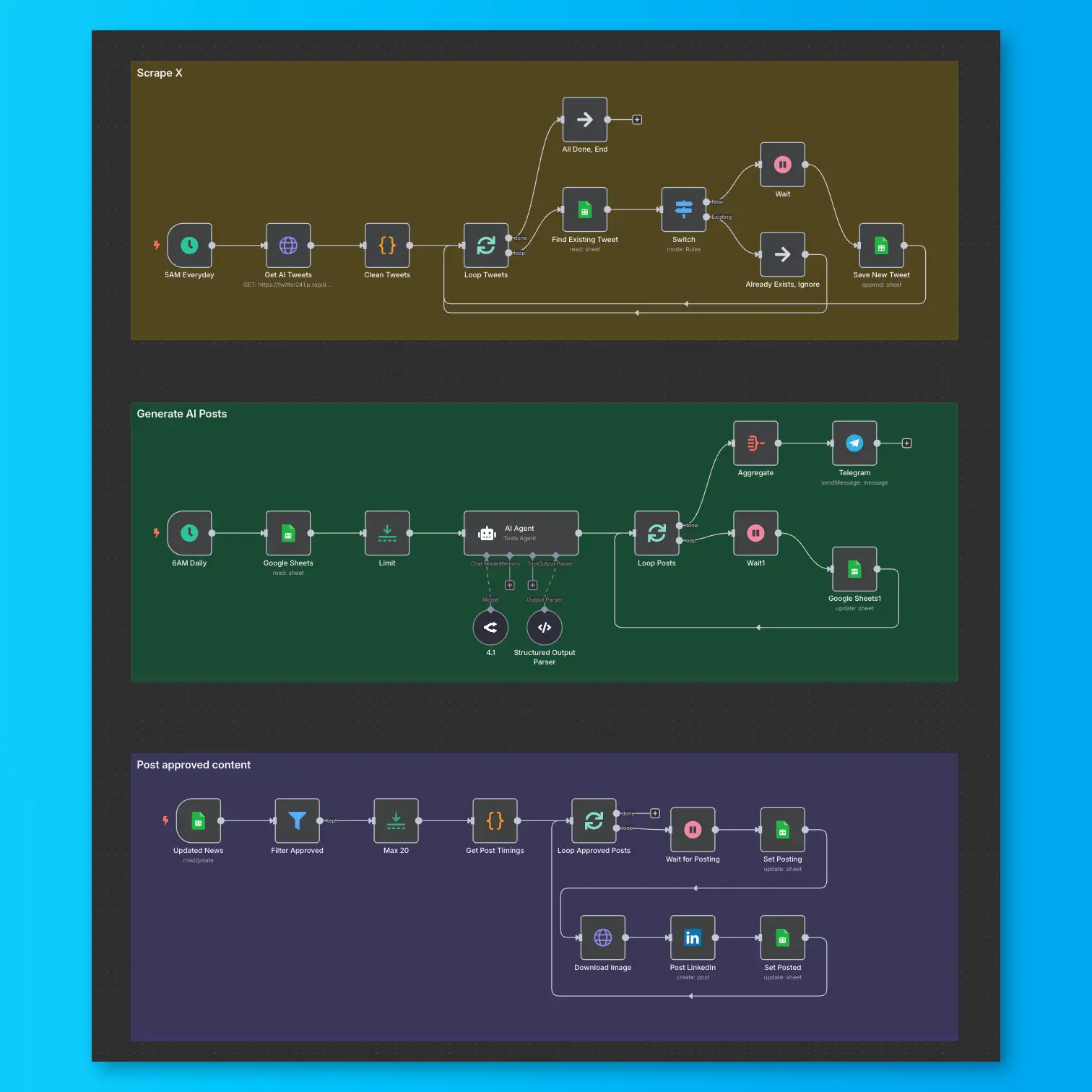
LinkedIn Automation From X Posts
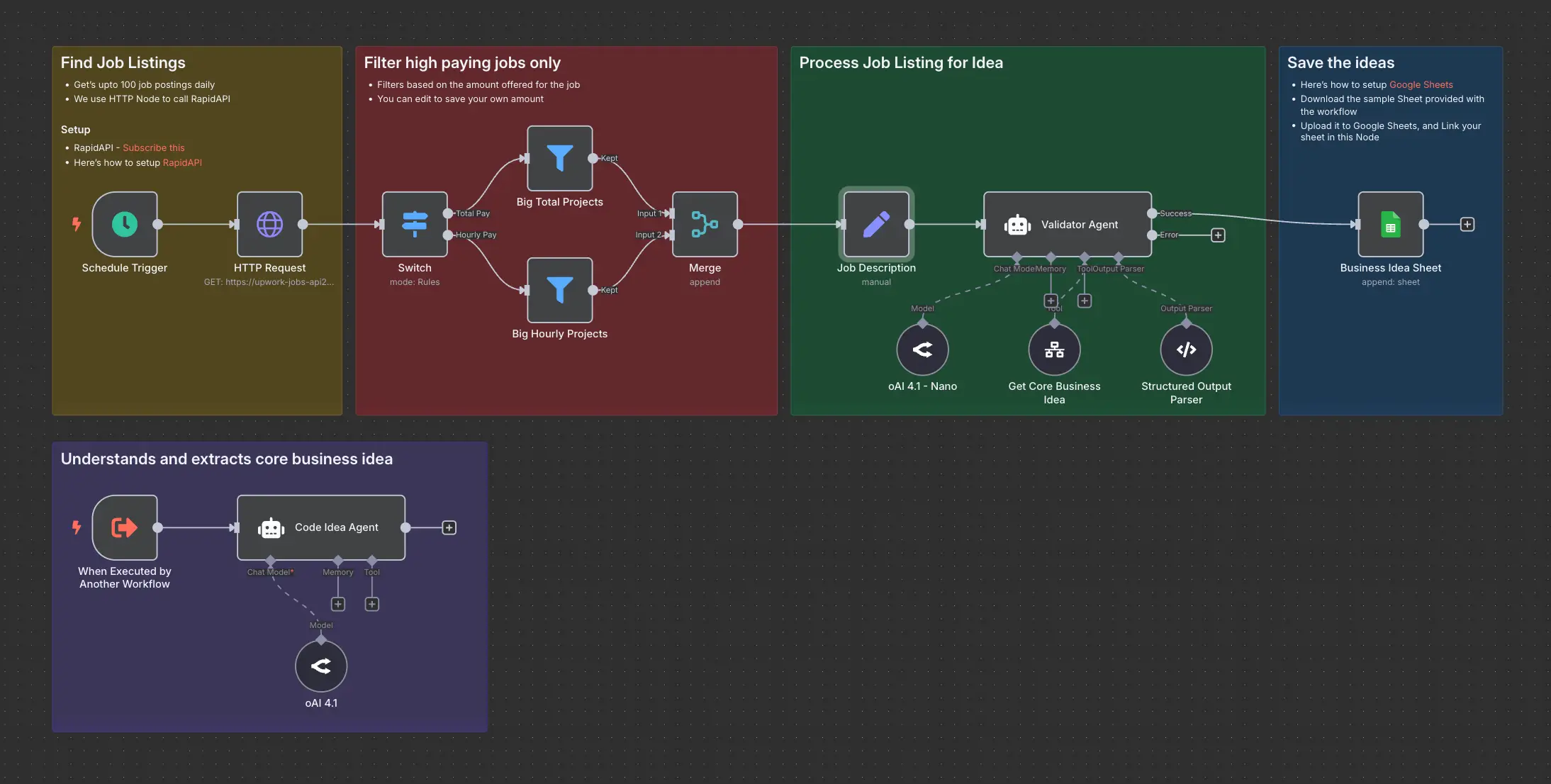
Daily Validated Business Ideas using n8n and Upwork