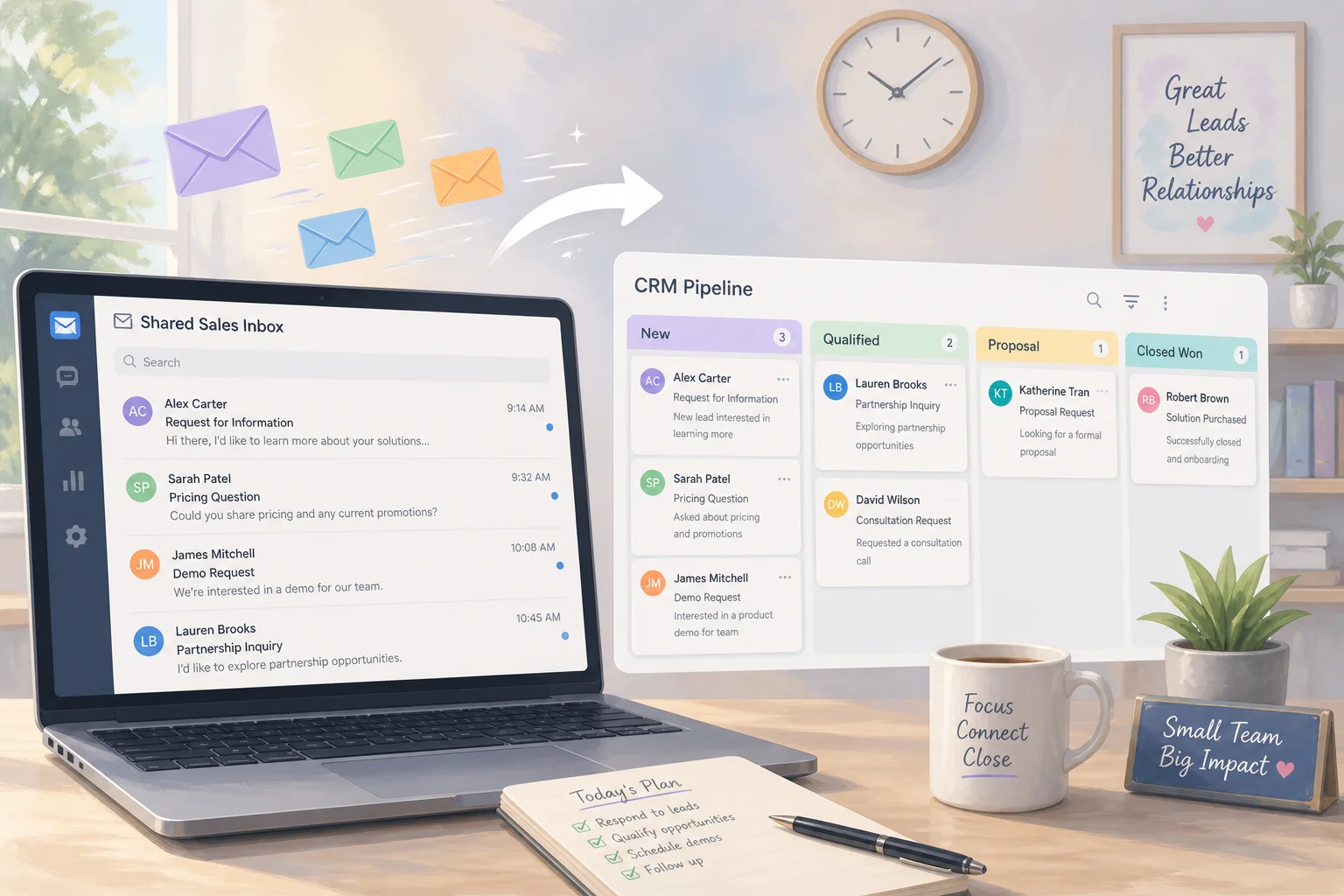
How to Run an AI Automation Audit Before You Buy Another (2026)


Table of Contents
- Introduction
- What is an AI automation audit for a small business?
- How does an AI readiness assessment for small business work before you buy tools?
- Why do you need a company brain before any AI automation audit?
- How do you map lead flow, CRM, support, and admin glue work?
- How do you score automation ideas by revenue impact versus effort?
- What common gaps show up in an AI readiness assessment?
- When should you book a 45-minute roadmap call to finish your backlog?
- Frequently Asked Questions (FAQs)
Introduction
Most small businesses already pay for more AI than they use. A chatbot drafts emails. The CRM has an "AI assistant" add-on. Someone bought Copilot seats. Meanwhile leads still sit in inboxes, support replies take hours, and the founder copies form data into spreadsheets at night.
The fix is rarely another subscription. It is an AI automation audit: a structured look at how work actually flows, what is ready for automation, and which changes move revenue before you swipe a corporate card again.
This guide walks through a practical AI readiness assessment small business teams can run in a few focused sessions. You will map lead flow, CRM and sales, customer support, and admin glue work; score each idea by revenue impact versus effort; spot gaps that will break automations; and know when a paid working session is worth it to turn a messy backlog into a 90-day plan.
What is an AI automation audit for a small business?
An AI automation audit answers three questions about real work, not vendor demos:
- Where do we spend time on repetitive, rules-based tasks that do not need human judgment every time?
- For each task, are our data, processes, and tools ready for AI to help safely?
- Which opportunities are worth doing now, ranked by revenue impact versus implementation effort?
You are not starting from tools ("Should we buy another AI assistant?"). You start from outcomes: more leads becoming customers, faster support without hiring, fewer invoice errors, founder hours back for selling.
An audit produces a short list of automations with owners, success metrics, and a honest "not yet" pile for ideas that need cleaner data or clearer process first. That list is what stops you from automating chaos or buying software that nobody adopts.
How does an AI readiness assessment for small business work before you buy tools?
Readiness is the layer beneath the audit. It asks whether your business can absorb automation without creating new risk.
Before you evaluate vendors, write down outcomes and constraints:
- Outcomes: e.g. cut first response time from six hours to one, free ten founder hours per week on admin, lift close rate on qualified leads by ten points.
- Constraints: budget for the next three to six months, functions that must stay human-only (pricing, contracts), and any privacy rules (health, finance, EU personal data).
Then define what "ready" means for each workflow bucket:
- Data: Is there one place leads and customers live, with source and date?
- Process: Can two people describe the same steps, or is it tribal knowledge?
- Tools: Do systems talk via API, webhook, or export-or only through copy-paste?
- People: Who maintains records, who approves customer-facing AI output?
- Measurement: Do you have baselines (response time, close rate, error rate)?
If readiness is weak in a area, your first project may be structural (shared CRM, ticket inbox, simple SOPs) rather than a flashy agent. That is still ROI: every future AI project gets cheaper.
Why do you need a company brain before any AI automation audit?
AI needs reliable inputs. If your "source of truth" is three spreadsheets and someone's inbox, automations will be fragile or wrong.
A minimal company brain for most small businesses includes:
- Customer and lead data in a CRM or a single shared sheet with clear ownership
- Financial and delivery data in accounting and project tools you already use
- Contracts, SOPs, and templates in a shared drive with version control
- A named owner for each dataset (who updates it and what counts as current)
Quick test: if a key person left tomorrow, could someone else find the latest pipeline, standard replies, pricing, and delivery checklist within an hour? If not, strengthen that foundation before you wire models into customer-facing flows.
Many consultants start engagements with a one-week tool and data pass: what people actually use (including shadow Notion boards), where duplicates live, and who has access. Cleaning that up pays off across every automation you build later.
How do you map lead flow, CRM, support, and admin glue work?
Capture reality, not the ideal process diagram. For each bucket, note trigger, steps in order, tools, who does the step, rough time, and pain (delays, drops, duplicate entry).
Lead flow and marketing: Where leads arrive (ads, search, referrals, DMs), how they enter your system (form, email, call), what happens next (auto-email, manual reply, qualification), how quality is recorded, and when sales takes over. Copy-paste from ads to sheets is a prime automation target-if data is consistent.
CRM and sales: Stages from interested lead to closed deal, templated communications, where deals stall, and whether notes from calls live somewhere searchable. No pipeline at all is a readiness issue; AI can draft follow-ups only if there is structure to attach them to.
Customer support: Channels (email, chat, phone, WhatsApp), assignment rules, top recurring question types, any FAQ or knowledge base, and whether you measure response and resolution time. AI triage and suggested replies need a shared queue and categorized history.
Admin glue work: Form to spreadsheet, CRM to invoice, inventory updates, weekly reports built from CSV exports, calendar confirmations. These tasks are repetitive, easy to describe, and often low risk-perfect for traditional integrations plus AI where text judgment is needed.
Resist optimizing while you map. Label pain honestly. You will score and prioritize in the next step.
Where do automation candidates hide in each area?
Break each workflow into atomic tasks (small actions one person takes). Example for a new lead: read inquiry, copy fields into CRM, classify intent, pick template, personalize opening, send, set reminder.
Ask per task:
- Is it repetitive?
- Is input and output clear?
- Are mistakes visible and fixable?
- Does it consume real hours each week?
Mark candidates on your map. Suitability varies by task: copying CRM fields is classic automation; classifying intent can be AI-assisted; final pricing stays human.
How do you score automation ideas by revenue impact versus effort?
Use a simple matrix so debates stay grounded. For each candidate, estimate:
Revenue impact (1-5)
- 1: Nice convenience, hard to tie to money
- 3: Saves meaningful time or improves consistency on revenue-adjacent work
- 5: Directly speeds pipeline, cash collection, retention, or capacity to sell
Effort (1-5)
- 1: Native integration or half-day workflow in tools you own
- 3: Cross-system flow with testing and owner training
- 5: Custom logic, multiple vendors, compliance review, or unclear process
Plot ideas in four quadrants:
| Low effort | High effort | |
|---|---|---|
| High impact | Do first (quick wins) | Plan as phase 2 with scope control |
| Low impact | Optional polish | Defer or drop |
Add a readiness gate: if data or process score is red, downgrade priority even when impact looks high. Automating a leaky funnel just leaks faster.
Document version 1 scope for top picks: one trigger, one channel, human approval on outbound messages, one metric for six weeks. Example metric: median minutes from form submit to first personalized reply.
What common gaps show up in an AI readiness assessment?
Teams hit the same blockers. Spotting them early saves tool spend.
Scattered customer data. Leads in ad platforms, deals in personal inboxes, support in WhatsApp threads. Fix: one CRM or shared pipeline before customer-facing AI.
Tool sprawl and shadow IT. Five AI trials, no inventory, data in personal accounts. Fix: usage audit, consolidate, simple policy on what may touch customer data.
Undocumented processes. "We just know how." Fix: one-page SOPs as you map workflows; AI suggestions align to those later.
Email and spreadsheets as the database. No stages, no ticket IDs, reporting by manual export. Fix: lightweight CRM, shared inbox, or help desk before heavy agents.
No baselines. You cannot prove ROI without before numbers. Fix: pull two to four weeks of history from CRM or support; set one primary metric per automation.
Over-autonomy expectations. High-risk tasks automated first, disappointment when drafts need edits. Fix: human-in-the-loop on anything customer-facing or contractual; promote autonomy only when error rates stay low.
Area-specific readiness checks:
- Lead flow: Single capture point, qualification criteria, known conversion rates.
- CRM: Defined stages, call notes searchable, proposal templates, clear marketing-to-sales handoff.
- Support: Shared queue, top 20-50 issues listed, minimal FAQ, response time tracked.
- Admin: Recurring reports identified, copy-paste between systems listed, owners named.
When should you book a 45-minute roadmap call to finish your backlog?
You can run most of this audit internally. Bring in a focused session when:
- You have a long candidate list and internal disagreement on priority
- Integrations span many systems or custom apps
- You already bought tools but adoption is low and you need a reset
- Compliance or data sensitivity makes DIY guesses expensive
A productive 45-minute roadmap call works when you arrive prepared: light workflow maps, impact versus effort scores, and two or three real examples (redacted emails, tickets, or reports). A strong session typically covers:
- Alignment (5-10 min): business model, pains, constraints, tools in play
- Audit review (15-20 min): which items are AI-ready, traditional automation, or premature
- Backlog and 90-day plan (10-15 min): top three to five builds with version 1 scope and metrics
- Next steps (5 min): what you implement in-house versus what needs build help
Paid working time aligns incentives: you leave with ranked work, not a generic slide deck. The fee is usually small next to another unused annual subscription or a quarter of manual glue work.
Ready to stop debating tools and start executing? Book your 45-minute roadmap call. You will leave with a prioritized automation backlog, clear version 1 scopes, and metrics tied to revenue-not another trial login.
Frequently asked questions
Quick answers on the topics covered in this article.
It is a structured review of how work flows today, which repetitive tasks are automation-ready, and which projects rank highest by revenue impact versus effort-before you buy more software.
The audit lists opportunities. Readiness checks whether your data, processes, tools, team skills, and governance can support those opportunities without breaking customer trust or compliance.
Not enterprise software, but you need one place for leads and deals with stages. Without that, start by centralizing pipeline and notes; then add AI for drafting, classification, and follow-up reminders.
Lead flow, CRM and sales, customer support, and admin glue work between tools. Together they cover how strangers become paying customers and how you get paid.
Use a 1-5 scale for impact (pipeline, cash, retention, sellable hours) and effort (integrations, compliance, process clarity). Require a readiness gate so high-impact but messy processes do not jump the queue.
Glue work is copying data between systems, building reports from exports, and updating records by hand. It is repetitive, well defined, and often low risk-ideal for integrations and AI where text handling helps.
Yes. Map workflows, break tasks down, score ideas, and fix readiness gaps. Consultants help when priorities conflict, systems are complex, or you need a ranked 90-day plan fast.
Start with AI draft and human send for outbound sales and support. Move to auto-send only on low-risk, high-volume patterns after you measure error rates and customer feedback.
Demos skip messy data, unclear ownership, and missing baselines. An audit forces you to automate real steps in real systems with metrics, so adoption ties to outcomes.
Workflow sketches, your impact-effort scores, current tool list, constraints (budget, privacy), and redacted examples of emails or tickets you want improved. That preparation is what turns forty-five minutes into a usable backlog.
Share this article
Related workflows
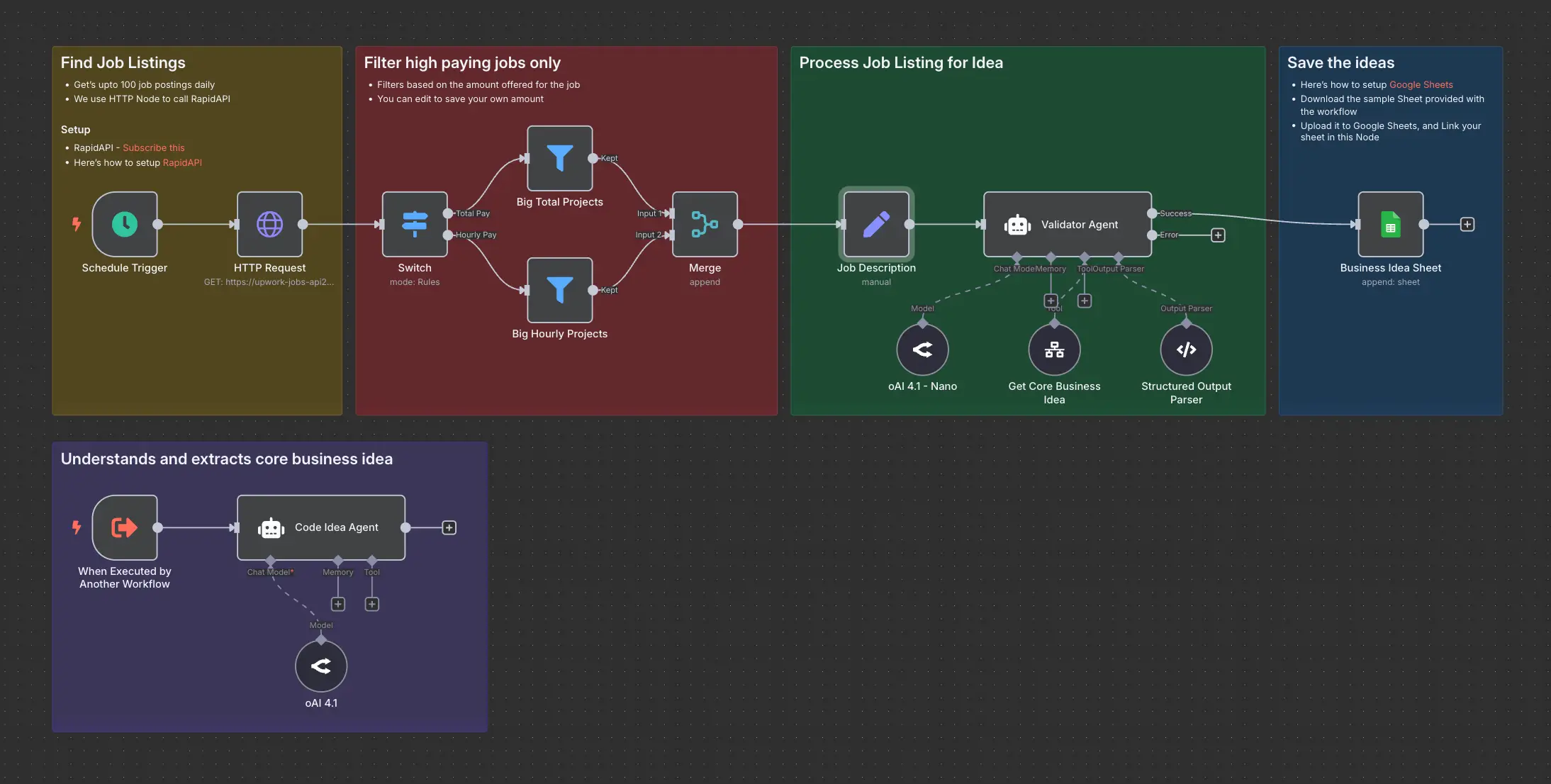
Daily Validated Business Ideas using n8n and Upwork
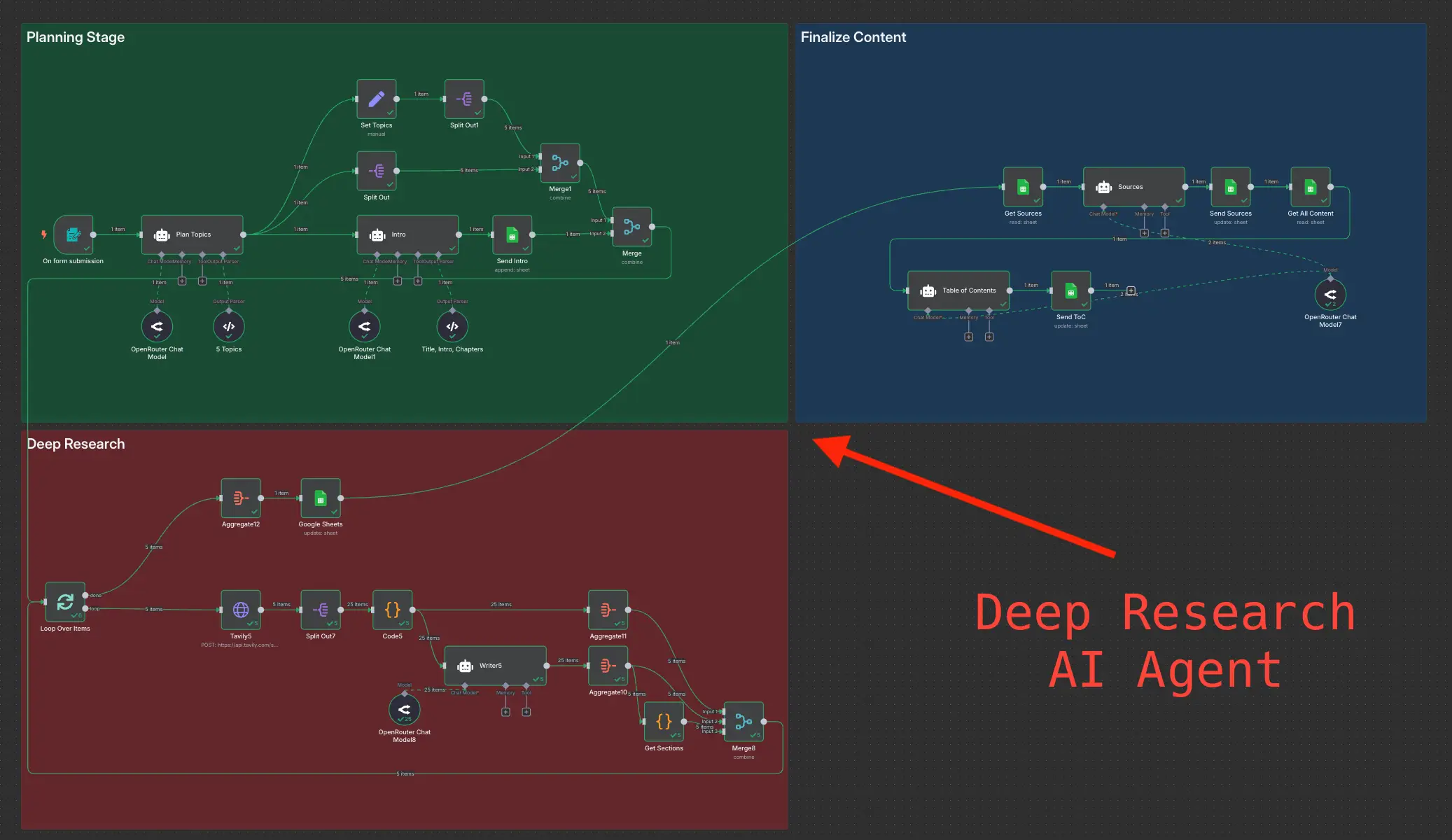
Deep Research using n8n automation to generate report using Tavily