Claude Customer Support Automation: Triage Before You Hire (2026)


Table of Contents
- Introduction
- What is Claude customer support automation for a small support team?
- Why do agents keep retyping the same five support conversations?
- How does the intake, classify, draft, approve, and send pipeline work?
- How do you connect Claude to Zendesk, Intercom, Freshdesk, or HubSpot?
- How does Claude API support automation compare to macros and native help desk AI?
- What should automated support reply drafting cost in API spend and latency?
- When should Claude auto-send replies versus always require human approval?
- How do you ground Claude in your help center without confident wrong answers?
- What PII and audit trail practices matter for Claude customer support workflows?
- How do you rank support automation against lead response on one backlog?
- When should you book a 45-minute roadmap call for support vs CRM glue?
- Frequently Asked Questions (FAQs)
Introduction
Past a few dozen tickets a day, support stops feeling like answering questions and starts feeling like sorting and retyping the same five conversations. Someone reads every new message, decides what it is, digs up the right answer, rewrites it in a friendly tone, and only then moves on. Escalations and revenue-sensitive accounts sit at the bottom while the queue fills with WISMO, password resets, and billing repeats.
Claude customer support automation changes that rhythm. You wire Claude into your help desk so the default path is intake → classify → draft → human approve → send. Your team still owns judgment, relationships, and edge cases. The read, categorize, and rewrite loop becomes mostly machine work with humans as editors, not typists.
This guide is for teams handling roughly 50–500 tickets per month. It covers AI ticket triage, automated support reply drafting, Anthropic API patterns, and pairing Claude with Zendesk, Intercom, Freshdesk, or HubSpot through n8n, Make, or small middleware. It is intentionally different from broad deflection playbooks in stop repeat support tickets: deflect 80% before you hire more. That post is about self-serve and queue design. This one is the Claude-specific stack: classify, draft, approve, send.
Before you subscribe to another seat, map what is broken with AI automation audit and readiness: what to map before you subscribe. When support competes with pipeline work for the same calendar, use what to automate first: a revenue-first prioritization framework so you build the right layer first.
What is Claude customer support automation for a small support team?
Claude customer support automation means calling Anthropic's Claude models through the API to read incoming messages, classify them into your categories, draft on-brand replies, and write results back into the ticket your agents already use.
It is not a generic website chatbot trying to fully resolve issues in a widget. It is not a pure deflection strategy that hides the contact form. Those tactics have a place; they are covered in the deflection post linked above. Here the focus is operational: every email, chat, or form submission gets understood, tagged, routed, and answered with a high-quality draft without hiring another generalist agent.
The honest question is rarely bot or no bot. It is whether Claude can take 60–80% of the reading and typing so humans spend time on judgment, retention risk, and pre-sales threads. That is automated support reply drafting with a human as sender of record, not autonomous AI pretending to be your whole team.
Why do agents keep retyping the same five support conversations?
Queues grow in predictable ways. You add macros and rules: if the subject contains refund, tag Billing and assign Alice. The macro library outgrows memory. Rules get brittle when customers phrase the same issue ten different ways.
Meanwhile the operational questions get harder:
- Which tickets are from accounts in onboarding or renewal?
- Which look like upsell opportunities versus pure cost?
- Which are outage-level urgent versus nice-to-have feature asks?
The real work is often intent classification and account context, not the literal typing. When context lives in CRM, billing, and product analytics while the ticket lives in the help desk, agents tab-hop, read long histories, and still manually decide what to do next.
A Claude pipeline replaces ad hoc heroics with a repeatable flow:
- Intake - ticket created; pull channel, identifiers, CRM tier, renewal date, product area.
- Classification - structured fields: issue type, priority, sentiment, revenue risk.
- Drafting - reply grounded in help center and runbooks, in your voice.
- Human approval - agent edits or escalates; nothing customer-facing until approved.
- Logging - store classification, draft, final message, and overrides for audit and tuning.
Agents stop spending brainpower on what is this ticket and start reviewing, correcting, and escalating.
How does the intake, classify, draft, approve, and send pipeline work?
Picture a new ticket in Zendesk, Freshdesk, or Intercom.
Intake should capture more than the raw message: channel (email, chat, in-app), customer ID and email, plan tier and MRR from CRM, renewal or onboarding flags, and rough product context. Context that is siloed in billing or success tools is exactly what makes triage slow; your middleware should assemble one payload before any model call.
Classification uses a short prompt and structured output. Claude returns JSON your code validates before writing tags and custom fields back to the ticket. Example shape:
{
  "category": "Billing",
  "sub_category": "Refund request",
  "priority": "High",
  "sentiment": "Frustrated",
  "revenue_risk": "Medium",
  "auto_send_eligible": false
}
That is AI ticket triage with reporting you can trust, not a single generic AI tag.
Drafting runs on the full thread, classification output, account metadata, and retrieved help articles. The draft lands as an internal note or suggested reply inside the help desk, as if a fast colleague wrote the first pass.
Approve is the default. The agent polishes or replaces the draft, escalates to engineering, or loops in sales. Capture diff between draft and sent message; that signal improves prompts weekly.
Send only after approval unless you have explicitly earned auto-send on a narrow, measured category. Log classification, draft, final text, and who approved.
When should you use Claude Haiku vs Sonnet for AI ticket triage and drafting?
Anthropic's model lineup changes names over time, but the pattern holds:
- Haiku (fast, inexpensive): classification, sentiment, priority, quick quality checks.
- Sonnet (capable, still reasonable latency): customer-facing drafts, summaries, nuanced policy language.
Classification is a structured output problem with short prompts; optimize for cost and speed. Drafting needs tone, empathy, and policy nuance; the extra capability usually pays for itself in fewer agent edits.
Many teams use Haiku for triage and Sonnet for drafts, or Haiku for a first-pass draft with Sonnet only when category or MRR warrants it. Claude's API supports structured outputs and tool use, so you can require valid JSON, call tools to fetch order status or CRM fields, then draft with the enriched context.
How do you connect Claude to Zendesk, Intercom, Freshdesk, or HubSpot?
Integrations fall into three patterns: agent-in-ticket (AI surfaces inside the help desk UI), channel-embedded (AI in Slack or chat apps), and API-first orchestration (your automation owns logic and writes back via REST).
For Claude customer support automation, API-first plus agent-in-ticket experience usually wins:
- n8n, Make, Zapier, or custom middleware listens for ticket or conversation webhooks.
- Middleware calls Claude for classify and draft.
- Results post back as tags, custom fields, internal notes, or pending replies.
Zendesk, Intercom, Freshdesk, and HubSpot Service Hub all expose create and update APIs and webhooks on new conversations. A common small-team pattern is n8n for glue plus a thin API service for prompts, retrieval, and JSON validation so workflow changes do not live only in someone's head.
Keep agents in one screen. The AI should feel like a co-pilot pre-filling work, not a separate product they must learn.
How does Claude API support automation compare to macros and native help desk AI?
Macros and rules-only routing are predictable until they are not. Volume grows, macro count explodes, and rules fail on wording variations. They cannot see renewal risk in CRM or combine billing failure with plan tier.
Native help desk AI (Zendesk, Freshdesk, Intercom built-ins) is easy to turn on and well integrated. It helps with auto-tagging, reply suggestions from past tickets, and sentiment flags. For many teams it is the right first experiment.
Native AI is also opinionated and platform-specific. It struggles when categories must reflect your revenue model, when triage needs CRM lifecycle stage, or when the same logic must span support, success, and ops tools. You tune inside their UI, not your full stack.
Claude via API sits between:
- Convenience: drafts and tags still appear in the ticket.
- Control: your categories, retrieval, escalation rules, and cross-system context.
- Portability: if you switch help desks, core prompt and middleware logic can move with you.
Use native AI for quick wins. Add Claude when you need custom AI ticket triage, grounded automated support reply drafting, and glue to CRM and billing that one vendor cannot see.
| Approach | Best for | Weak when |
|---|---|---|
| Macros and rules | Stable, literal patterns | Nuanced wording, CRM-aware routing |
| Native help desk AI | Fast setup, in-app suggestions | Custom revenue categories, multi-tool logic |
| Claude API pipeline | Classify + draft + approve with your data | Messy KB, no audit trail, skipping human review |
What should automated support reply drafting cost in API spend and latency?
Exact per-token pricing shifts; design for the pattern, not a single number.
Classification typically uses hundreds of tokens per ticket. Drafting often stays under a few thousand when retrieval is tight. For 50–500 tickets per month, using Claude on every ticket for both triage and draft commonly lands in tens of dollars per month in API spend, not hundreds, especially with Haiku on classification.
The bigger cost is setup: clean categories, integrated CRM fields, help articles that match how customers write, and a human review habit. Latency is rarely the blocker for email; Haiku-class models are near real-time for triage, and Sonnet-class drafting in a few seconds is fine when work is asynchronous. Live chat may need Haiku-only triage inline and batched drafting.
Optimize by trimming prompts, retrieving only top relevant articles, and routing enterprise or renewal tickets to draft-only paths without a second model call.
When should Claude auto-send replies versus always require human approval?
Start with human-in-the-loop as the default. Auto-send is earned on narrow categories where answers are standard, mistakes are cheap, and you measure accuracy weekly.
Example policy:
- Draft-only for billing, security, contracts, and accounts above an MRR threshold.
- Draft-only when sentiment is frustrated or revenue risk is high.
- Auto-send only for tightly defined patterns (e.g. known shipping-status templates) after Phase 2 metrics show agents accept drafts with minimal edits.
Many small businesses never need full auto-send. Phase 2 alone - reliable triage plus drafts agents mostly accept - often cuts minutes per ticket without autonomous risk.
How do you ground Claude in your help center without confident wrong answers?
Generic AI replies come from weak context. Solid drafts need context, constraints, and examples.
Context: product summary, SLAs, plan tiers, and retrieved snippets from help center and internal runbooks per ticket, not the whole wiki in every prompt.
Constraints: what the model must never do (promise refunds, change legal terms) and how to behave when uncertain (ask a clarifying question, flag for human).
Examples: a few real tickets paired with ideal responses in your voice; few-shot beats vague tone instructions.
Retrieval-augmented generation means search your docs for the ticket topic, pass only the top matches, and refresh when policies change. If the help center is wrong, AI amplifies the error - fix content before you scale drafting.
What PII and audit trail practices matter for Claude customer support workflows?
Sending customer text to an external model requires a deliberate plan.
- Send the minimum: message body, pseudonymous ID, plan tier; mask or hash email and phone when possible.
- Instruct the model not to repeat sensitive data in outputs unless required.
- Log classification, draft, final message, approver, and overrides in a store you control.
- Review Anthropic's current data processing, retention, and residency terms against your policies and customer contracts.
Regulated industries may need DPIAs, separate test environments, and stricter minimization. Most B2B SaaS teams succeed with sensible minimization, human approval on risky categories, and reconstructable audit trails.
How do you rank support automation against lead response on one backlog?
Claude support automation does not exist in a vacuum. The same founder often owns inbox, pipeline follow-up, and CRM hygiene.
Rank work by what is costing revenue now:
- If repeat tickets delay renewals and delivery, prioritize classify-and-draft plus deflection from the support post.
- If leads go cold because nobody follows up, prioritize lead workflows first.
- If agents tab-hop because CRM and help desk disagree, fix CRM glue before you tune prompts.
Phase the Claude rollout:
- Classify only - Haiku tags and priorities; no customer drafts. Stress-test categories against real volume.
- Draft with approval - Sonnet on one or two high-volume, low-risk categories; measure edit distance.
- Selective auto-send - only where metrics justify it; expand drafting to more categories.
Pause at any phase that matches your risk tolerance. Phase 2 alone is often enough ROI.
When should you book a 45-minute roadmap call for support vs CRM glue?
Reading about Claude customer support automation is cheap. Sequencing it against lead response, deflection, and CRM integrations under your real stack is not.
Book a 45-minute roadmap call when you want a paid working session, not a discovery pitch. You leave with a ranked backlog that compares support deflection, Claude triage and draft pipelines, lead response automations, and CRM glue so one calendar does not starve while you fix WISMO.
Bring your help desk, CRM, approximate ticket volume, and the top themes from the last thirty days. The goal is fewer repeat threads, faster reviewed replies, and a pipeline that matches how your team actually sells and retains customers.
Frequently asked questions
Quick answers on the topics covered in this article.
Using Anthropic's Claude API to classify incoming tickets, draft replies from your knowledge base, and post results into your help desk for human review before anything is sent to customers.
Rules match keywords and static conditions. Claude triage reads full message text plus CRM context and returns structured fields like category, sentiment, priority, and revenue risk that adapt when customers phrase issues differently.
The model writes the first draft inside the ticket; agents edit and send. Automation removes most reading and typing time while keeping humans accountable for policy and tone on sensitive threads.
Use Haiku for classification and quick checks; use Sonnet (or your current mid-tier Claude model) for customer-facing drafts that need nuance. Splitting models keeps cost and latency down without sacrificing draft quality.
Use webhooks from Zendesk, Intercom, Freshdesk, or HubSpot into n8n or Make, call Claude from a small middleware step, and write tags and draft notes back via their APIs. Start with classify-only before enabling drafts.
API costs for roughly 50–500 tickets per month are often modest compared to salary; the real investment is integration, knowledge cleanup, and review habits. ROI shows up as minutes saved per ticket and faster response on repeat themes.
Keep draft-only for billing, security, legal, refunds, angry sentiment, high MRR accounts, and anything where a wrong answer has outsized cost. Earn auto-send only on narrow, measured categories after weeks of agent acceptance data.
That post focuses on deflection, self-serve, macros, and queue design before generic AI chatbots. This post focuses on the Claude API pipeline: classify, draft, human approve, send, and help desk plus CRM glue.
Yes. Grounding reduces hallucinations but cannot fix wrong articles. Audit and update top ticket drivers first, as described in the automation audit post, then turn on drafts for categories with stable answers.
A paid session that ranks support deflection, Claude triage and draft work, lead automations, and CRM integrations on one backlog so you know what to build next instead of buying another tool seat.
Share this article
Related workflows
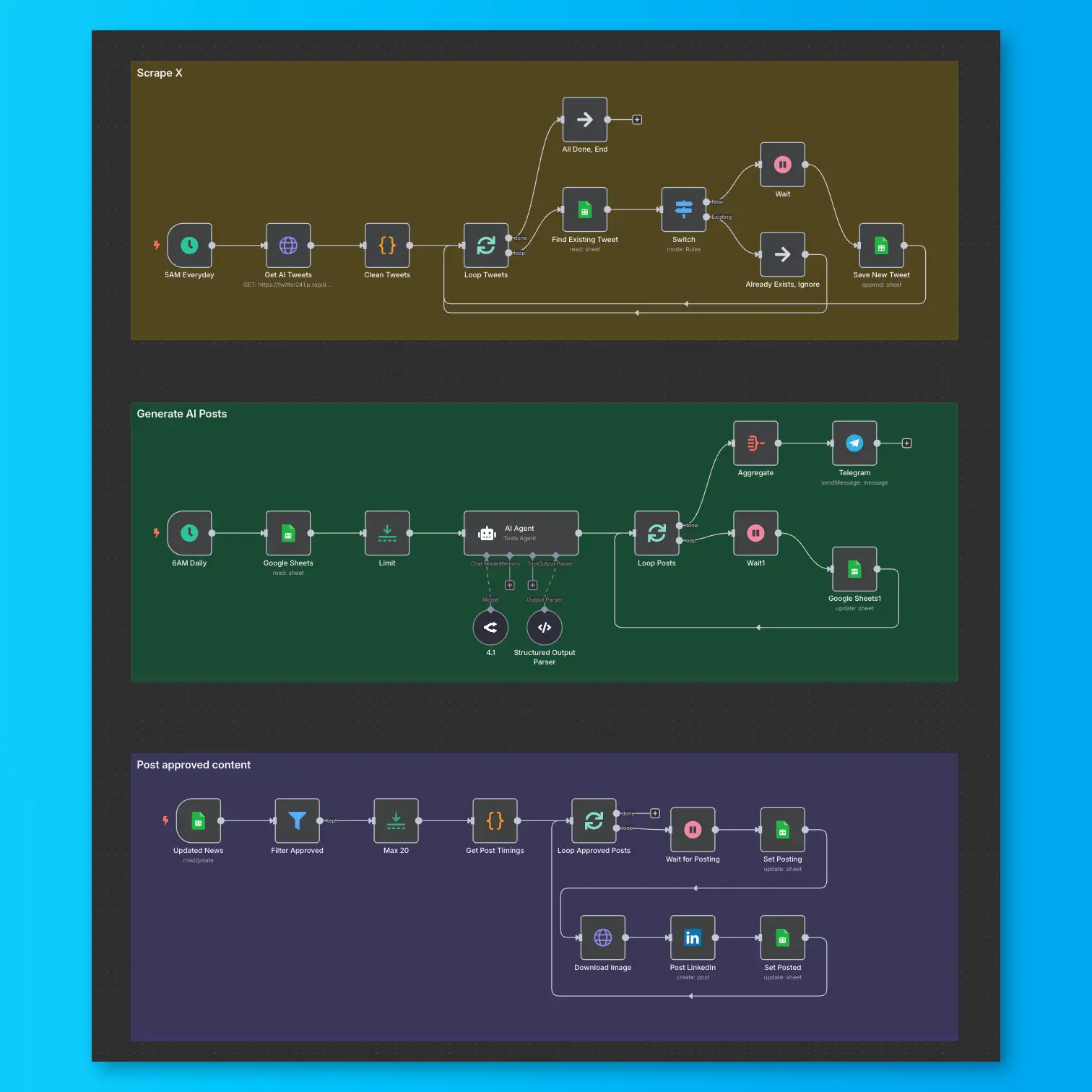
LinkedIn Automation From X Posts
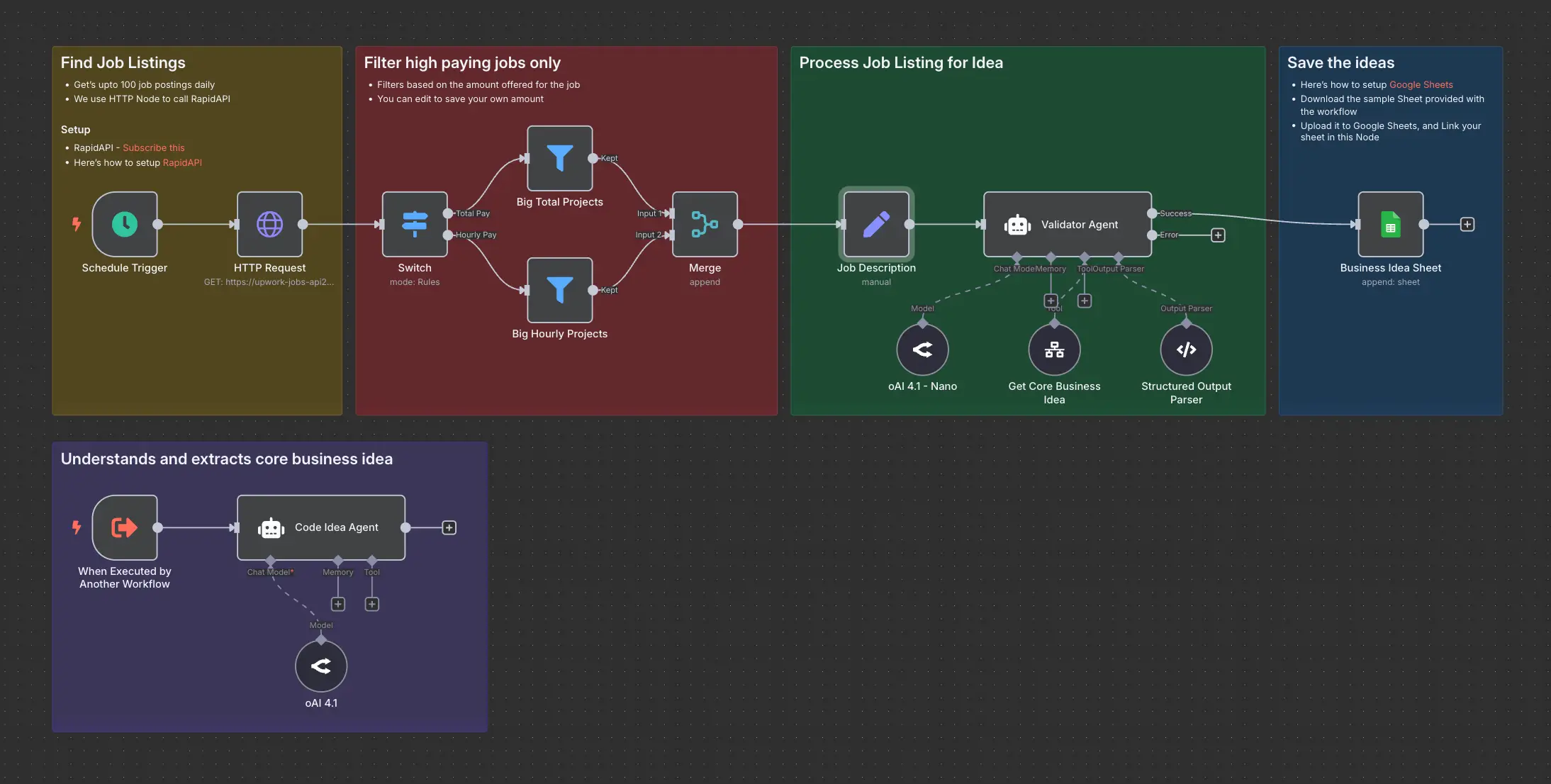
Daily Validated Business Ideas using n8n and Upwork