Why does accounts payable break when vendor invoices live in
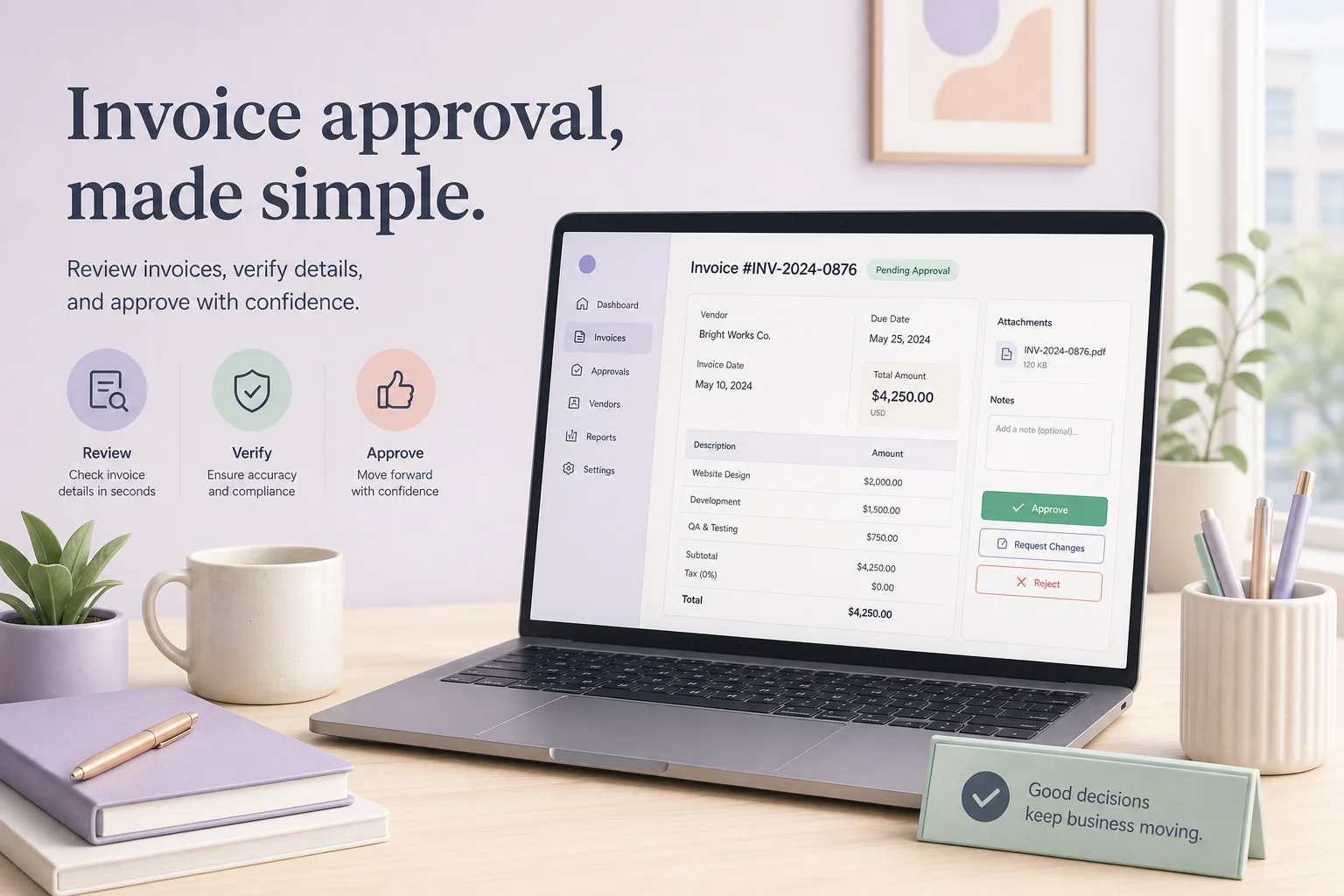

Table of Contents
- Introduction
- Why does accounts payable break when vendor invoices live in Gmail?
- What is AI invoice processing for a small business AP team?
- Why is paste-into-Claude not enough for Claude contract review automation?
- How does extract, flag, summarize, and approve before QuickBooks work?
- What anomalies should Claude flag on invoices and vendor contracts?
- How do Claude Cowork approve-before-send patterns differ from production guardrails?
- How do you wire Gmail, Claude API, and n8n without auto-pay risk?
- What is a realistic 30-60 day path from ad hoc chat to scoped AP automation?
- When should you book a roadmap call for finance workflow automation?
- Frequently Asked Questions (FAQs)
Introduction
If you run a small business, your accounts payable system is probably a handful of Gmail labels and heroic memory work.
Vendors email PDFs to a shared inbox. Someone forwards them to the owner. The owner replies "Approved" from their phone between meetings. Maybe the bill lands in QuickBooks later. Maybe the contract lives in a folder called "Vendors - Misc." And every so often a duplicate invoice or quiet rate increase slips through because nobody had time to open the contract and compare line items.
Claude already helps with the reading part. Paste a contract, ask what to worry about, get a solid first pass. That does not stop a bad invoice from being paid or prove to your bank, investor, or auditor that you have real controls.
AI invoice processing for a small business means moving Claude out of a chat tab and into an approval workflow: extract structured data, compare invoices to contracts, flag anomalies, hand a clean decision package to a human, then book the bill. Money still moves only after a person says yes.
This guide covers Claude contract review automation inside Gmail-to-QuickBooks AP, Cowork-style experimentation versus production guardrails, and when to scope finance automation on a 45-minute roadmap call. Map your stack first with AI automation audit and readiness. Rank AP against revenue work using what to automate first. If you already use Claude Projects for canonical docs, the same pattern applies to vendor agreements in Claude Projects for onboarding without another SaaS seat.
Why does accounts payable break when vendor invoices live in Gmail?
Email-based AP feels simple because it piggybacks on habits you already have. It quietly fails on the controls that protect cash and margin.
When vendor invoices sit in long threads and approvals happen from memory, the same failures repeat:
Duplicate payments. An invoice gets forwarded twice, or the vendor resends a "reminder" with the same number. Without a structured log of what was received and approved, duplicates hide in normal monthly volume.
Rate drift from contracts. A SaaS vendor bumps per-seat price by 5%. A freelancer's hourly rate changes on one invoice but not another. Storage fees creep. Unless someone opens the contract PDF and compares line items, small changes compound.
Missing purchase orders. POs often live as informal email: "Yes, let's move forward." When the invoice arrives without a PO reference, it is easy to assume legitimacy.
Auto-renewals on autopilot. Contracts with 30- or 60-day notice clauses renew because nobody watches the calendar. The only signal is next year's invoice in the inbox.
Tax and fee inconsistencies. Wrong local tax, surprise processing fees, discounts that never applied. None are catastrophic alone; together they erode margin.
Larger companies have AP staff and ERP checks. Small teams rarely do. The fix is not another PDF reader. It is treating AP as a workflow with extraction, comparison, approval, and audit trail - not a reading problem you solve once per invoice in a browser tab.
What is AI invoice processing for a small business AP team?
AI invoice processing for a small business means calling Claude through the API (or a governed integration) to read incoming invoices and contracts, return structured fields your code validates, compare against your vendor master and agreements, and produce an approval summary humans act on.
It is not a generic chatbot that "handles AP." It is not auto-pay from your bank. Claude is the review engine; your orchestration layer routes documents; humans remain sender of record for approval and payment batches.
The target outcome: 60-80% of reading, typing, and cross-checking becomes machine work. Owners and finance leads spend time on judgment - rate negotiations, new vendors, disputes - not re-keying line items from PDFs.
Why is paste-into-Claude not enough for Claude contract review automation?
Copy-pasting a PDF into Claude and asking for a summary is useful. For accounts payable it has hard limits:
No system of record. Chat history is not an approval log. It does not tie to QuickBooks, bank statements, or vendor files. Proving who approved what, when, and on which data means scrolling transcripts.
No consistency. One person checks tax every time; another only asks for a summary; a third skips Claude during busy weeks. Quality depends on habit, not design.
No payment gate. Claude can say "looks fine" while someone still pays a duplicate or wrong amount. The assistant is advisory, not part of the control surface.
No book context. A browser tab does not know which invoice numbers already exist in QuickBooks, contracted rates per vendor, or this month's spend - unless you paste that in every time.
Claude contract review automation needs repeatable prompts, canonical contract storage (Drive, a database, or a Claude Project), structured outputs, and a human approve step before anything writes to accounting. That is the gap between informal cowork use and production guardrails.
How does extract, flag, summarize, and approve before QuickBooks work?
A practical flow for a small AP team:
- Capture - Dedicated
ap@inbox or Gmail label "Vendor - Invoices." n8n (or similar) triggers on new mail with PDF attachments. - Normalize - Text PDFs go straight to Claude; scans pass through OCR first.
- Extract - Claude returns validated JSON: vendor, invoice number, dates, currency, line items, tax, total, payment terms.
- Enrich - Workflow looks up duplicate bill candidates in QuickBooks, pulls the MSA from Drive or a Project, passes history and expected tax rate as context.
- Compare - Second Claude call (or same call with tools) checks invoice vs contract and flags anomalies.
- Summarize - Automation builds a one-screen approval card: facts, flags, recommendation (approve, confirm rate change, hold duplicate).
- Approve - Human clicks Approve or Hold in Slack or email; nothing customer-facing or payment-facing until then.
- Book - Approved JSON creates or updates a bill in QuickBooks; payment still runs through your normal bank process.
Notice what never happens: Claude or the workflow initiates ACH, wires, or card charges. Role ends at analysis and structured handoff. That is approve-before-book, not approve-before-send email - same human-in-the-loop discipline, applied to finance.
What structured JSON should Claude return from a vendor invoice PDF?
Define a schema your code validates before any write to accounting. Example shape:
{
  "vendor_name": "Acme Cloud LLC",
  "invoice_number": "INV-2026-0412",
  "invoice_date": "2026-05-15",
  "due_date": "2026-06-14",
  "currency": "USD",
  "subtotal": 2400.00,
  "tax": 210.00,
  "total": 2610.00,
  "payment_terms": "Net 30",
  "po_number": "PO-1182",
  "line_items": [
    {
      "description": "Platform seats (12)",
      "quantity": 12,
      "unit_price": 200.00,
      "amount": 2400.00
    }
  ],
  "anomaly_flags": [
    {
      "code": "RATE_DRIFT",
      "severity": "medium",
      "detail": "Unit price $200 vs contract $185 per seat"
    }
  ],
  "recommendation": "HOLD_CONFIRM_RATE"
}
Use Haiku for extraction when formats are stable; use Sonnet when contracts are dense or flags need nuanced policy language. Store the raw model output, validated JSON, and human decision together for audit.
What anomalies should Claude flag on invoices and vendor contracts?
Replace vague "looks okay" with checks that run every time:
| Check | What Claude compares | Typical flag |
|---|---|---|
| Rate and quantity drift | Invoice line items vs contract baseline | Per-seat price increased without amendment |
| New fees | Invoice surcharges vs contract allowed charges | "Regulatory recovery fee" not in MSA |
| Tax | Implied rate vs expected for vendor/location | 9.5% calculated vs 8.75% expected |
| Payment terms | Invoice vs contract | Net 15 on invoice, Net 30 in agreement |
| Duplicates | Invoice # and amount vs QuickBooks history | Same # paid last month |
| Spend trend | Last 3 invoices for recurring vendor | 20% MoM increase |
On contracts, extract renewal dates, notice periods, auto-renew vs fixed term, price adjustment caps, and liability language into structured fields. Feed renewal deadlines into a calendar so AP is not the only reminder system.
Tie logs into broader control design from AI automation audit readiness so AI-assisted AP is repeatable and verifiable, not a one-off experiment.
How do Claude Cowork approve-before-send patterns differ from production guardrails?
Anthropic frames Claude as a coworker: think, write, analyze on demand. Many teams start finance that way - paste PDF, get summary, maybe a line-item table. That Cowork pattern is right for one-off SOW reviews, negotiation language, or unusual credit memos. You choose when to ask; you choose what to do with the answer.
Production guardrails embed Claude in a workflow with:
- Fixed inputs (invoice PDFs, contract IDs from vendor master)
- Fixed outputs (JSON schema, enumerated flag codes, short approval summary)
- Orchestration outside the model (n8n routes, dedupes, logs)
- Human approval gates before QuickBooks or bank
- Explicit deny list: no vendor emails, no payment initiation, no silent book entries
Cowork is where you experiment and learn prompts. Guardrail mode is where you systematize what worked and make it part of financial controls. Approve-before-send in email or Slack drafts is the same muscle: AI proposes, human commits. AP adds approve-before-book so margin and cash are not hostage to tab memory.
How do you wire Gmail, Claude API, and n8n without auto-pay risk?
A minimal production stack:
- Gmail - Label trigger or dedicated inbox; attachment download in n8n.
- OCR (if needed) - Cloud vision or built-in PDF text extraction node.
- Claude API - Messages API with system prompt scoped to extraction and comparison only; structured output or tool schema enforced in code.
- QuickBooks (or Xero) - Read bills for duplicate check; create bill only on approved status.
- Slack or email - Interactive message with Approve / Hold; webhook back to n8n updates status.
- Log - Airtable, Postgres, or Notion row per invoice: PDF link, JSON, flags, approver, timestamp.
Security practices that matter for finance:
- API keys in secrets store, not in workflow JSON exports
- Least-privilege OAuth on Gmail and accounting
- Redact full card or bank numbers from prompts; pass last-four only if needed
- Retention policy on PDFs and logs aligned with your accountant
Start with invoices under a dollar threshold. Run parallel manual entry until extraction accuracy is boring. Only then widen vendor coverage or auto-create bills.
What is a realistic 30-60 day path from ad hoc chat to scoped AP automation?
You do not jump from forwarded Gmail to full Claude + QuickBooks in one weekend.
Week 1-2 - Formalize Cowork. Shared prompt checklist: always extract line items, implied tax, contract alignment. Save in a Project with vendor MSAs. Everyone approving uses the same checklist.
Week 3-4 - Semi-structured. Claude outputs tables you paste into a spreadsheet or QuickBooks. Still manual booking; you prove format reliability per top vendors.
Week 5-6 - Automation collects and stores. n8n ingests labeled mail, calls Claude, writes JSON to a log. Approvals stay manual; you gain search and duplicate visibility.
Week 7-8 - Approval gates. Slack cards with one-click Approve/Hold; status drives whether a bill may be created.
After trust - Accounting draft bills. Human still runs payment batches; data entry is mostly automated.
Rank whether AP beats lead response or support triage for your next build slot using what to automate first. AP protects margin and risk; it is worth building when vendor volume or diligence pressure justifies it.
When should you book a roadmap call for finance workflow automation?
Invest when you process more than a few dozen vendor invoices monthly, work with agencies whose rates change, or external stakeholders ask how approvals are controlled beyond email.
Skip heavy automation if you have five bills a month and two vendors - your risk is late payment, not rate drift.
Book a 45-minute roadmap call when finance workflows need scoped automation: which vendors, which thresholds, which systems (Gmail, QuickBooks, Slack), and what must never be auto-paid. You leave with a ranked backlog that compares AP review, support triage, lead response, and CRM glue so one calendar does not starve while invoices stay in memory.
Frequently asked questions
Quick answers on the topics covered in this article.
It means software reads vendor invoice PDFs, pulls out structured fields like amount and line items, checks them against contracts and past bills, and gives a human a short approval summary before anything is entered in QuickBooks or paid from the bank.
No. Claude speeds reading, extraction, and anomaly spotting. Your bookkeeper or owner still approves, owns the chart of accounts, and runs payment batches. The goal is fewer keystrokes and fewer missed duplicates, not removing human judgment on money.
Automation runs the same checks every time, stores JSON and flags in a log, connects to QuickBooks for duplicate detection, and blocks booking until a human approves. Chat-only review depends on who remembered to ask and leaves no audit trail tied to payments.
Use approve-before-book: Claude and n8n create a draft bill or approval record only after a human clicks Approve. Never give the model or workflow permission to initiate bank transfers or card charges.
Common flags include duplicate invoice numbers, rate drift vs contract, new surcharges not in the MSA, tax rate mismatches, payment term changes, and rising spend on recurring vendors. Severity and codes should be defined in your schema, not left vague.
You need an orchestration layer - n8n, Make, or custom middleware - to watch Gmail, call the Claude API, validate JSON, query accounting, and post approval messages. Claude alone in a browser tab cannot enforce gates or logging.
Cowork is flexible ad hoc analysis in the Claude app. Production guardrails fix inputs and outputs, log every run, and require human approval before writes to accounting. Use Cowork to design prompts; use guardrails to run them at scale.
Use Haiku for high-volume, consistent invoice layouts and structured extraction. Use Sonnet when contracts are long, flags need policy nuance, or approval summaries must explain tradeoffs to a non-technical owner.
AP protects margin and compliance; lead automation protects revenue. Score both on volume, error cost, and stakeholder pressure using a revenue-first framework, then build the higher-impact lane first if engineering time is limited.
Book when invoice volume, vendor complexity, or audit questions exceed what Gmail and memory can handle, and you need a scoped plan for Gmail, Claude API, accounting, and approval channels without auto-pay risk.
Share this article
Related workflows
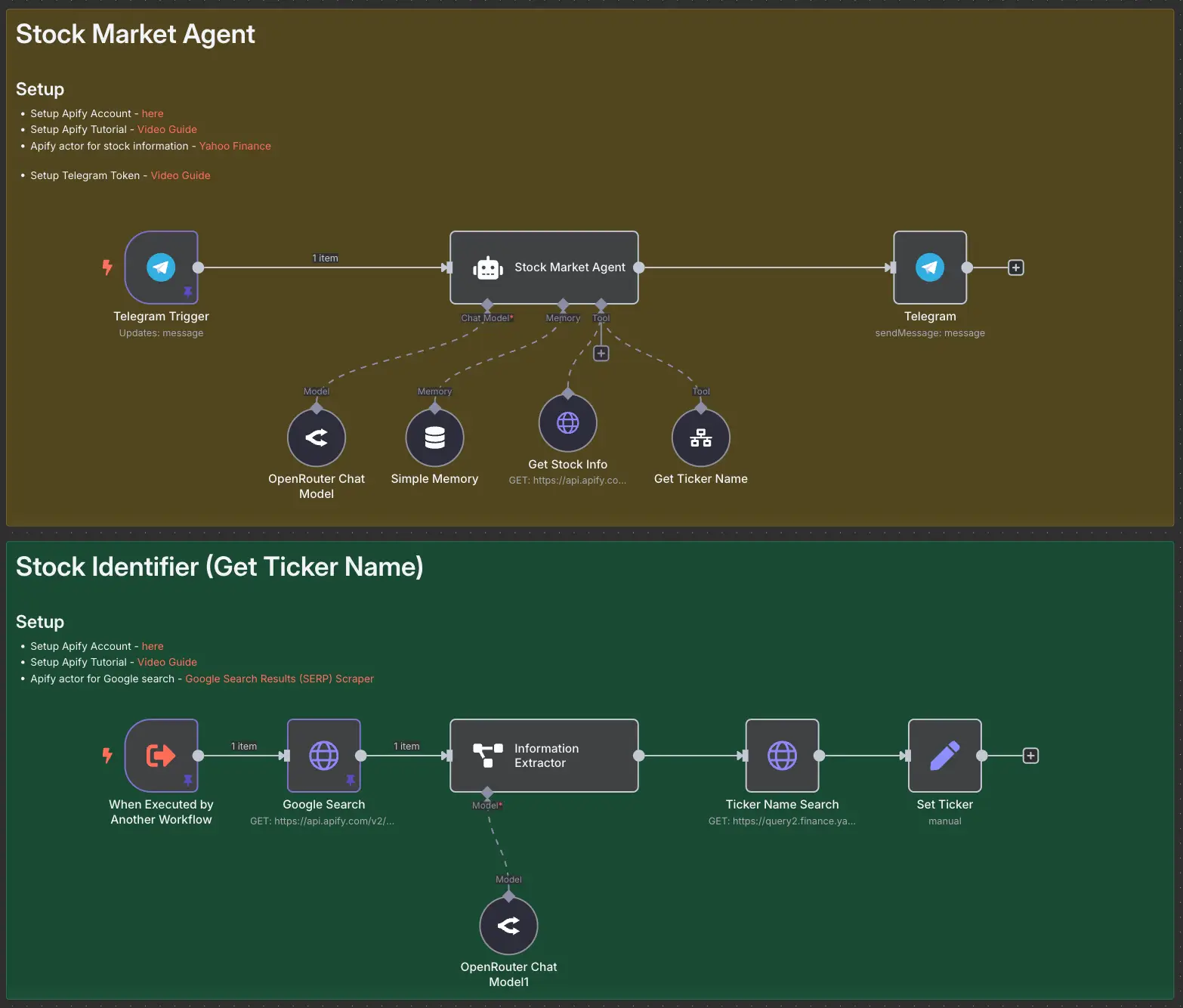
Stock Market AI Agent using n8n and Apify
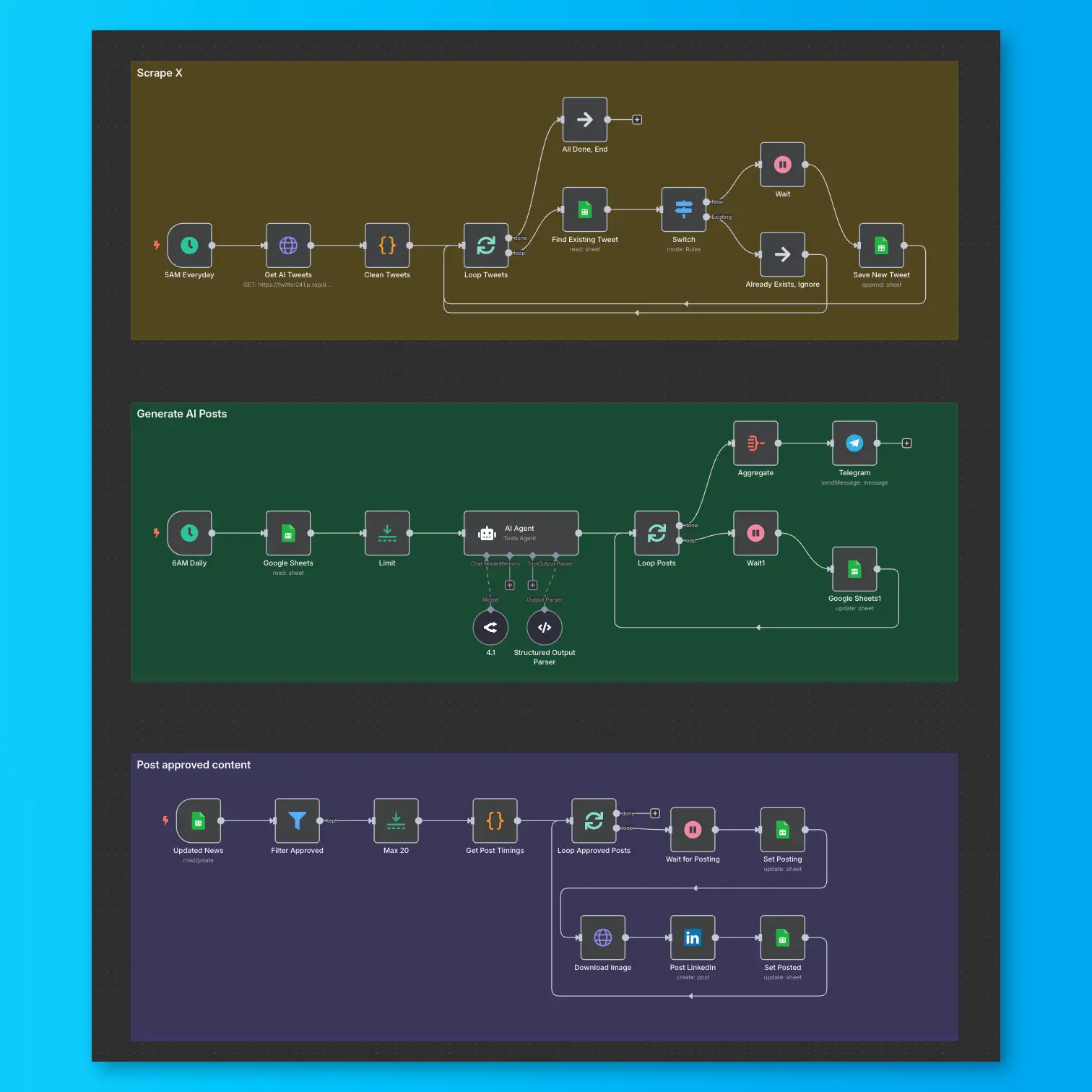
LinkedIn Automation From X Posts