How Do You Stop Re-Typing Claude Drafts Into WhatsApp? (2026)


Table of Contents
- Introduction
- Why is copy-paste still the bottleneck when Claude drafts WhatsApp replies?
- What is Claude MCP WhatsApp handoff and how does bidirectional flow work?
- How do approval gates and MCP permission prompts keep humans in control?
- When should n8n own orchestration instead of Claude Desktop alone?
- What RevOps patterns work first for small teams on WhatsApp?
- When should you book a roadmap call for WhatsApp MCP wiring?
- Frequently Asked Questions (FAQs)
Introduction
Your rep opens WhatsApp on their phone, copies the customer's question into Claude, gets a perfect reply, pastes it back, then opens HubSpot to log "had a chat." Twenty minutes later another thread needs the same dance.
You already fixed part of this for email and CRM notes - see stop copy-pasting between Claude and your CRM. WhatsApp is the channel that still breaks the pattern because Business API webhooks, MCP tool calls, and approval gates rarely get wired together in one flow.
This post is WhatsApp-specific MCP handoff: bidirectional automation, permission prompts, and n8n as the production layer so Claude drafts become sent messages and CRM records without retyping.
Why is copy-paste still the bottleneck when Claude drafts WhatsApp replies?
Copy-paste remains the bottleneck because Claude and WhatsApp live in separate apps with no shared thread ID, so every draft is a manual relay. The AI does the thinking; humans do the transport. That works at five messages a day and collapses at fifty.
The hidden costs stack fast. Typos when pasting long replies. Wrong thread when juggling multiple chats. CRM fields filled from memory instead of the actual conversation. No audit trail proving what was promised. Managers see "we use AI" while reps still act as the integration layer.
WhatsApp Business Cloud API exists precisely to remove phone-UI dependency: server-side send and receive with webhooks. Model Context Protocol (MCP) adds a standard way for Claude to call tools like sendWhatsAppMessage or logLeadToCRM with visible permission cards instead of smuggled HTTP. Together they replace the clipboard - if you implement handoff deliberately, not as another disconnected pilot.
What is Claude MCP WhatsApp handoff and how does bidirectional flow work?
Claude MCP WhatsApp handoff is a pattern where an MCP server exposes WhatsApp Cloud API actions to Claude, and inbound webhooks push customer messages back into Claude's context - so drafts and sends share one thread. Bidirectional means read and write, not outbound-only blasts.
Outbound path: Claude drafts a reply, requests an MCP tool call (send_text, send_template, etc.), the MCP server translates that into Meta Graph API requests using your WABA token and phone number ID.
Inbound path: Meta posts to your webhook; n8n or the MCP layer forwards message text and metadata to Claude as context for the next turn. Claude sees the live thread, not a paraphrase someone typed.
Hosted MCP gateways (AnythingMCP and similar) shorten setup: paste System User token, WABA ID, connect Claude Desktop or claude.ai with a bearer URL. Self-hosted MCP servers trade convenience for control over logging and data residency.
For production RevOps, the durable shape is:
Inbound webhook -> n8n -> Claude API -> draft + structured CRM payload
                    -> approval branch -> WhatsApp send node -> CRM update
Claude Desktop MCP is excellent for pilots and owner-operators. n8n owns cron, retries, SLAs, and multi-system writes when volume and compliance matter - the same split described in Claude Routines vs n8n.
How do approval gates and MCP permission prompts keep humans in control?
Approval gates pause automation before a customer-visible WhatsApp send; MCP permission prompts show which tool Claude wants to call so humans approve or deny each action. They solve different layers of the same problem - governance without killing speed.
MCP clients surface tool calls as cards: "Send WhatsApp message to +1... with body: ..." Approve once per action. That is enough for owners testing MCP connectors.
Production teams add workflow gates in n8n:
| Gate type | When to use |
|---|---|
| Always approve | Pricing, refunds, legal, custom quotes |
| Auto-send | Template fills, shipping updates, "got your message" ack |
| Escalate only | Complaints, chargebacks - no AI send |
Tiered rules beat blanket auto-send. Low-risk templates can flow unattended if copy is pre-approved. Sales threads stay draft-until-human.
Interactive approval can live in Slack ("Approve / Edit" buttons triggering webhooks) or in Claude permission UI for MCP-native setups. The principle: Claude proposes, your policy disposes, WhatsApp delivers.
When should n8n own orchestration instead of Claude Desktop alone?
n8n should own orchestration when you need 24/7 webhooks, CRM write-back, retries, audit logs, or more than one human approving sends - Claude Desktop MCP alone cannot stay online as your message router.
Use Claude Desktop + MCP when:
- One operator tests WhatsApp send from natural language.
- Volume is low and hours are business-only.
- You want zero server maintenance for a two-week pilot.
Move orchestration to n8n when:
- Inbound messages arrive nights and weekends.
- HubSpot, Pipedrive, or sheets must update on every thread.
- Multiple reps need a shared inbox semantics.
- You must prove message history for compliance.
The Claude node (or HTTP Request to Anthropic) inside n8n generates drafts and JSON extractions. WhatsApp Business Cloud nodes send. CRM nodes persist. MCP remains optional glue for desktop power users, not your production spine.
Pair this with WhatsApp Claude CRM logging when your primary pain is pipeline truth, not just typing fatigue.
What RevOps patterns work first for small teams on WhatsApp?
Start with lead qualification handoff: inbound WhatsApp -> Claude extracts fields -> human approves reply -> CRM updates in one workflow. It removes the most repetitive copy-paste loop and produces measurable pipeline data.
Pattern 1 - Qualify and log: Claude proposes two qualifying questions and a CRM payload. Human approves send. n8n writes the deal stage. No retyping questions or fields.
Pattern 2 - Support triage: Claude summarizes thread + sentiment tags. n8n routes simple FAQs to auto-template sends; complex threads ping Slack. Builds on support triage before you hire but on WhatsApp.
Pattern 3 - Template lifecycle: CRM events trigger n8n; Claude fills template variables; WhatsApp sends appointment or payment reminders. Humans never draft repetitive transactional copy.
Pattern 4 - Account briefings: Before renewals, Claude pulls recent WhatsApp + CRM via tools, outputs a briefing. Follow-up drafts still go through approve-to-send. Complements renewal-season Claude prep.
Ship one pattern end-to-end before combining all four.
When should you book a roadmap call for WhatsApp MCP wiring?
Book a roadmap call when MCP pilots work in Desktop but production needs webhooks, CRM keys, and approval policy in one ranked plan. Common trigger: "We proved Claude can draft; we cannot keep the laptop open 24/7."
Bring volume estimates, current BSP or Cloud API status, CRM name, and who approves sends. You leave with first workflow spec (qualify vs triage vs templates), MCP vs n8n boundary, and build order - not a retainer pitch.
Frequently asked questions
Quick answers on the topics covered in this article.
It is connecting Claude to WhatsApp Business Cloud API through an MCP server so the model can read threads and send messages via tool calls, replacing manual copy-paste between Claude and WhatsApp.
The CRM MCP post covers cross-tool patterns broadly. This post focuses on WhatsApp-specific bidirectional flow, template rules, and RevOps approval gates on a high-volume messaging channel.
Either works. Hosted MCP reduces setup time; self-hosted servers give more control over tokens, logs, and hosting region. Production stacks often use n8n with direct Cloud API nodes instead of desktop MCP.
A System User access token with whatsapp_business_messaging and whatsapp_business_management, plus your WABA ID and phone number ID from Meta Business Suite.
Yes, if the MCP server exposes template send tools. Claude should only fill approved template parameters, not invent marketing copy outside template structure.
When Claude requests a tool call, the client shows a card describing the action. You approve or deny before the message sends or CRM updates - a built-in human gate.
MCP does not replace workflow engines. n8n handles always-on webhooks, branching, retries, CRM integrations, and team approval queues Claude Desktop cannot run headlessly.
Treat WABA tokens as production secrets. Log tool calls. Define which data may enter Claude prompts. Use approval gates on outbound sends. Same hygiene as any customer-facing AI workflow.
It can if you key contacts only by phone number. Store BSUID from webhooks as primary identity - see WhatsApp BSUID CRM keys.
When pilots stall on Meta verification, webhook security, or approval policy across sales and support. A roadmap session ranks the smallest shippable handoff before you fund a full integration build.
Share this article
Related workflows
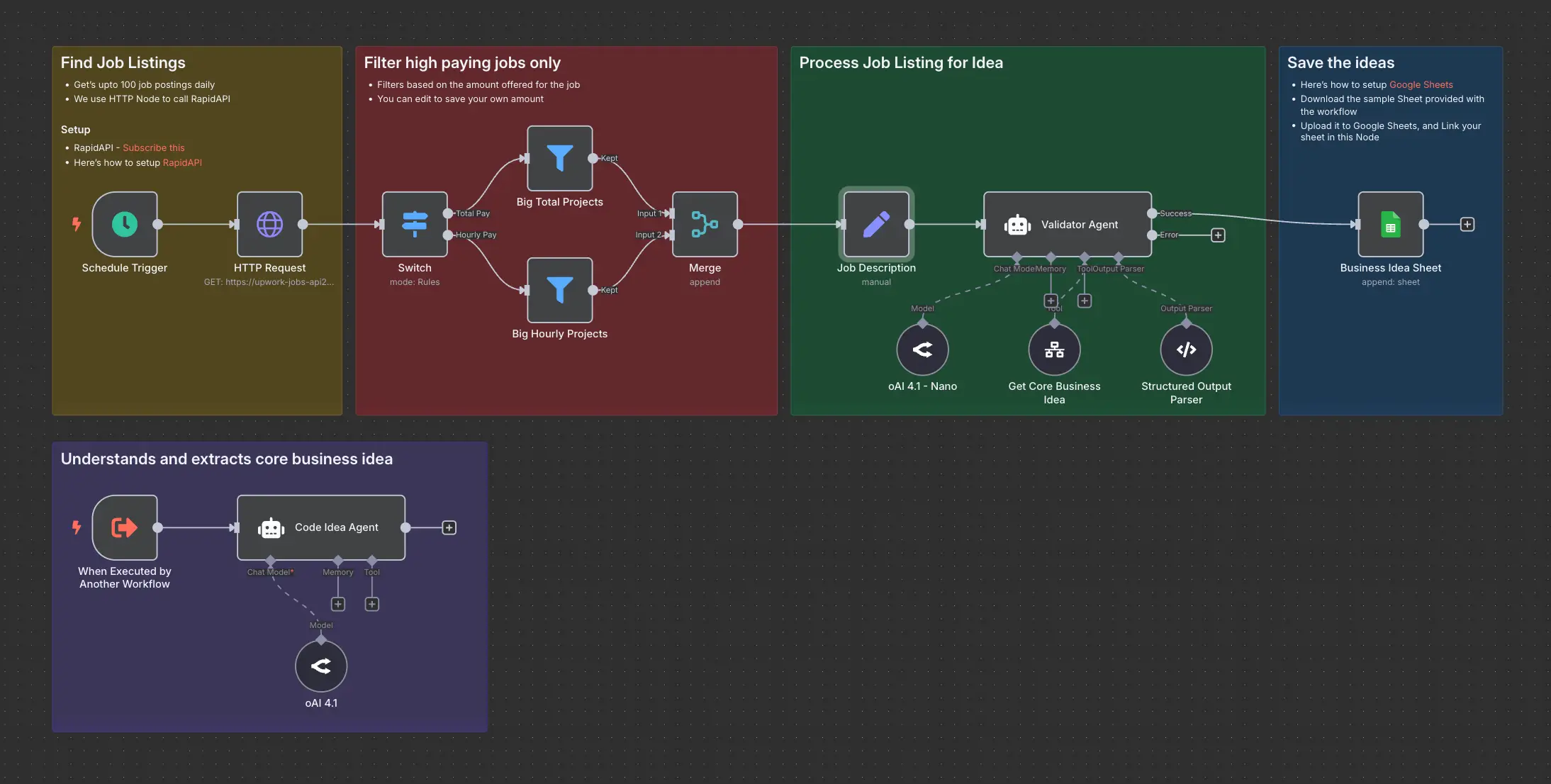
Daily Validated Business Ideas using n8n and Upwork
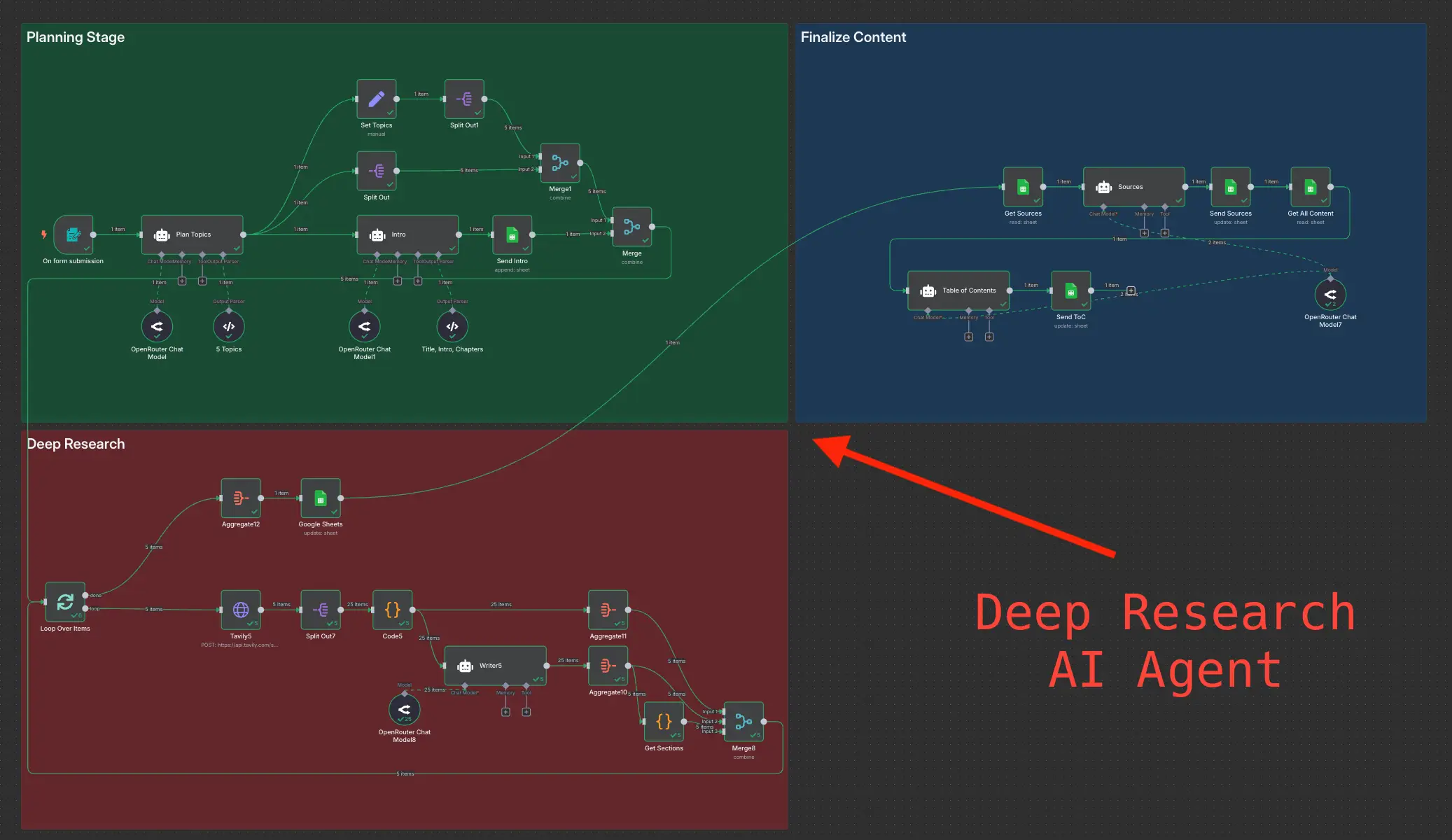
Deep Research using n8n automation to generate report using Tavily