How to Monitor Competitor Prices on Amazon Automatically (2026)


Table of Contents
- Introduction
- Why Does Manual Amazon Price Checking Break at Scale?
- What Should You Track in an Amazon Price Monitoring Scraper?
- How Do You Track Amazon Competitor Prices Automatically with No Code?
- How Do You Set Daily Scheduled Runs and Slack or Email Alerts?
- How Can You Trigger Apify from Python and Save Results to a Dataset?
- How Do You Build a Live Google Sheets Price Dashboard?
- What Does a Real UK Electronics Monitoring Workflow Look Like?
- Frequently Asked Questions (FAQs)
Introduction
If you sell on Amazon in 2026, pricing speed is a competitive advantage. The teams that react first usually keep Buy Box visibility and protect margin.
That is why the query "track Amazon competitor prices automatically" keeps growing among US and UK operators.
In this guide, you will learn two practical paths:
- A no-code workflow using Apify Actors
- A Python API workflow for technical teams
You will also see how to set up daily runs, send Slack/email alerts, and publish results into a live Google Sheets dashboard using Apify.
Why Does Manual Amazon Price Checking Break at Scale?
Manual price checks feel manageable when you track five or ten products. They fail the moment your catalog, competitor list, or marketplace count grows.
Now imagine a typical seller watching 50 competitor ASINs across amazon.com and amazon.co.uk. If your team tracks price, Buy Box owner, stock, and review count, that is already 200+ data points per day.
If a competitor drops price at 2:10 AM and your team reviews pricing at 9:00 AM, you spend most of the morning in a weaker position.
An Amazon price monitoring scraper fixes the timing problem first. Data collection becomes continuous, and your team can focus on decisions, not repetitive page checks.
What Should You Track in an Amazon Price Monitoring Scraper?
For practical pricing decisions, track four core fields consistently:
| Field | Why it matters | Typical action |
|---|---|---|
| Current price | Baseline competitiveness | Decide if repricing is required |
| Buy Box owner | Direct proxy for conversion visibility | Prioritize ASINs where Buy Box shifted |
| Stock status | Identifies temporary leverage windows | Raise or hold price when rival is out of stock |
| Review count | Context for price elasticity and trust | Avoid overreacting against low-trust rivals |
You can extend this with rating, seller name, shipping speed, and coupon visibility, but these four fields are enough to start an effective monitoring system.
For deeper context, add review trend tracking through the Amazon Reviews Scraper.
How Do You Track Amazon Competitor Prices Automatically with No Code?
The fastest path is Apify's Amazon Product Scraper. You can start with the free Amazon scraper and expand once your workflow is validated.
Step 1 - Add ASINs or Product URLs for US and UK
In the Actor input, add the competitor products you care about. Include both domains when relevant:
https://www.amazon.com/dp/B0EXAMPLE01
https://www.amazon.co.uk/dp/B0EXAMPLE01
https://www.amazon.com/dp/B0EXAMPLE02
https://www.amazon.co.uk/dp/B0EXAMPLE02
This is important because pricing dynamics are often different between amazon.com and amazon.co.uk, even for the same item family.
Step 2 - Configure Fields and Run Limits
Set the run to collect at least:
- Price
- Buy Box owner
- Stock status
- Review count
For first-pass QA, start with 20-50 ASINs.
Step 3 - Validate Output Before Scaling
After your first run, check:
- Are all ASINs returning expected marketplace data?
- Is Buy Box ownership captured in a usable format?
- Are stock values normalized enough for filters?
- Do review counts match live pages within acceptable tolerance?
Once quality is stable, increase coverage and schedule.
If you have not created an account yet, start here: Apify free plan.
How Do You Set Daily Scheduled Runs and Slack or Email Alerts?
A single manual run is useful. Scheduled runs create operating rhythm.
In Apify, configure a schedule to run daily (or twice daily for active categories). A common pattern for UK teams is:
- Morning run: 06:30 UK time
- Afternoon run: 15:30 UK time
Then configure webhook-driven notifications for high-impact events:
- Price drop greater than 10%
- Buy Box ownership change
- Stock status moved to out-of-stock
You can route webhook payloads into Slack, email automation, or a workflow tool like n8n/Make. The message should include actionable fields, not raw logs:
- ASIN
- Previous price
- New price
- Percentage change
- Buy Box owner
- Marketplace (US/UK)
This shifts pricing from passive reporting to active response.
How Can You Trigger Apify from Python and Save Results to a Dataset?
If your team wants API-level control, trigger the Actor from Python and consume the dataset programmatically.
import os
import time
import requests

APIFY_TOKEN = os.environ["APIFY_TOKEN"]
ACTOR_ID = "junglee/amazon-crawler"

run_input = {
    "startUrls": [
        {"url": "https://www.amazon.com/dp/B0EXAMPLE01"},
        {"url": "https://www.amazon.co.uk/dp/B0EXAMPLE01"},
        {"url": "https://www.amazon.com/dp/B0EXAMPLE02"},
        {"url": "https://www.amazon.co.uk/dp/B0EXAMPLE02"}
    ],
    "maxItems": 50
}

run_response = requests.post(
    f"https://api.apify.com/v2/acts/{ACTOR_ID}/runs",
    params={"token": APIFY_TOKEN},
    json=run_input,
    timeout=60
)
run_response.raise_for_status()
run_data = run_response.json()["data"]
run_id = run_data["id"]

print(f"Run started: {run_id}")

dataset_id = None
while True:
    status_response = requests.get(
        f"https://api.apify.com/v2/actor-runs/{run_id}",
        params={"token": APIFY_TOKEN},
        timeout=60
    )
    status_response.raise_for_status()
    status_data = status_response.json()["data"]
    status = status_data["status"]

    if status == "SUCCEEDED":
        dataset_id = status_data["defaultDatasetId"]
        break

    if status in {"FAILED", "ABORTED", "TIMED-OUT"}:
        raise RuntimeError(f"Actor run ended with status: {status}")

    time.sleep(8)

items_response = requests.get(
    f"https://api.apify.com/v2/datasets/{dataset_id}/items",
    params={"token": APIFY_TOKEN, "clean": "true"},
    timeout=60
)
items_response.raise_for_status()
items = items_response.json()

print(f"Fetched {len(items)} records from dataset {dataset_id}")
This gives you a repeatable entry point for BI, repricers, or internal pricing services. It is also a clean way to build an Amazon scraper Apify 2026 workflow in your own stack.
How Do You Build a Live Google Sheets Price Dashboard?
For non-technical stakeholders, Google Sheets is still one of the fastest ways to operationalize price intelligence.
Recommended flow:
- Apify run completes and writes to dataset.
- Webhook triggers automation (n8n, Make, Zapier, or custom endpoint).
- Latest items are appended to a
raw_datasheet. - A
dashboardsheet calculates:- Daily price delta
- Percentage change
- Buy Box owner shifts
- Alert flags for drops greater than 10%
Use conditional formatting to highlight rows where Price change % <= -10. That simple rule alone can cut review time and help pricing managers focus only on material movements.
If your team is just getting started, launch with the Apify free plan, validate one category, then scale.
What Does a Real UK Electronics Monitoring Workflow Look Like?
A UK electronics retailer tracked 50 competitor ASINs daily across amazon.co.uk and selected overlaps on amazon.com. Their challenge was familiar: manual checks were inconsistent, and they often responded to competitor moves too late.
They implemented this playbook:
- Actor: Amazon Product Scraper
- Scope: 50 ASINs
- Schedule: twice daily
- Alert rule: notify when any price drops more than 10%
- Channel: Slack + email webhook notification
This gave the pricing team clear morning priorities instead of a full manual sweep. They moved from broad monitoring to exception-based action, which is exactly how competitive pricing operations should run.
Frequently asked questions
Quick answers on the topics covered in this article.
Use a single workflow that includes product URLs from both amazon.com and amazon.co.uk, then segment the output by marketplace in your dataset or dashboard.
Track price, Buy Box owner, stock status, and review count first. These four fields cover most day-to-day pricing decisions.
Most teams begin with daily runs. High-velocity categories often benefit from twice-daily schedules to reduce reaction lag.
Apify run completion can trigger a webhook that posts formatted messages to Slack or sends email summaries when alert conditions are met.
Start with 20-50 ASINs, validate data quality and alert relevance, then expand to larger sets once the workflow is stable.
Launch a small pilot with the free Amazon scraper, set a daily schedule, and add one alert rule for price drops greater than 10%.
Share this article
Related workflows
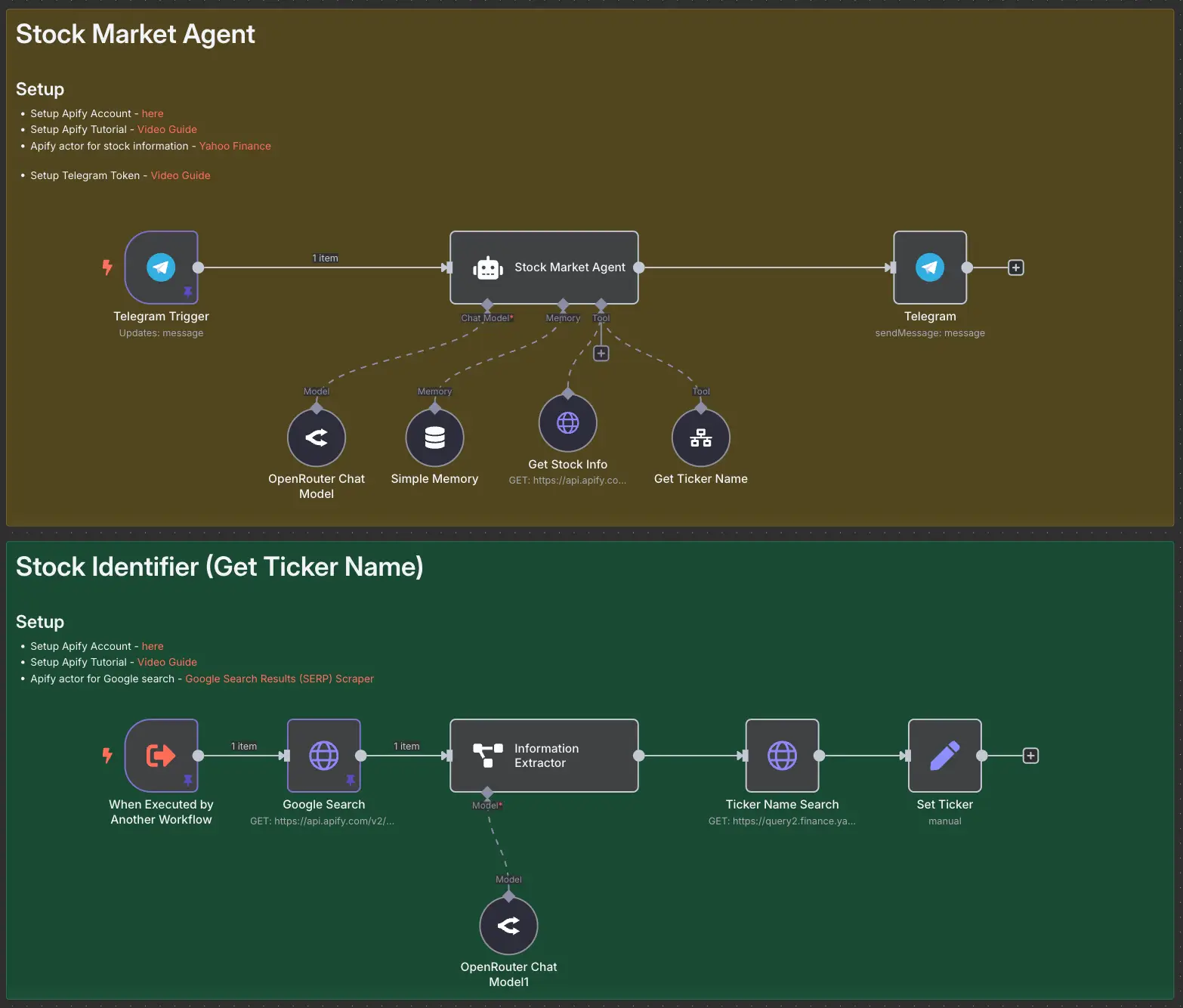
Stock Market AI Agent using n8n and Apify