Leads Die in Your Shared sales@ Inbox While WhatsApp Gets All the Attention
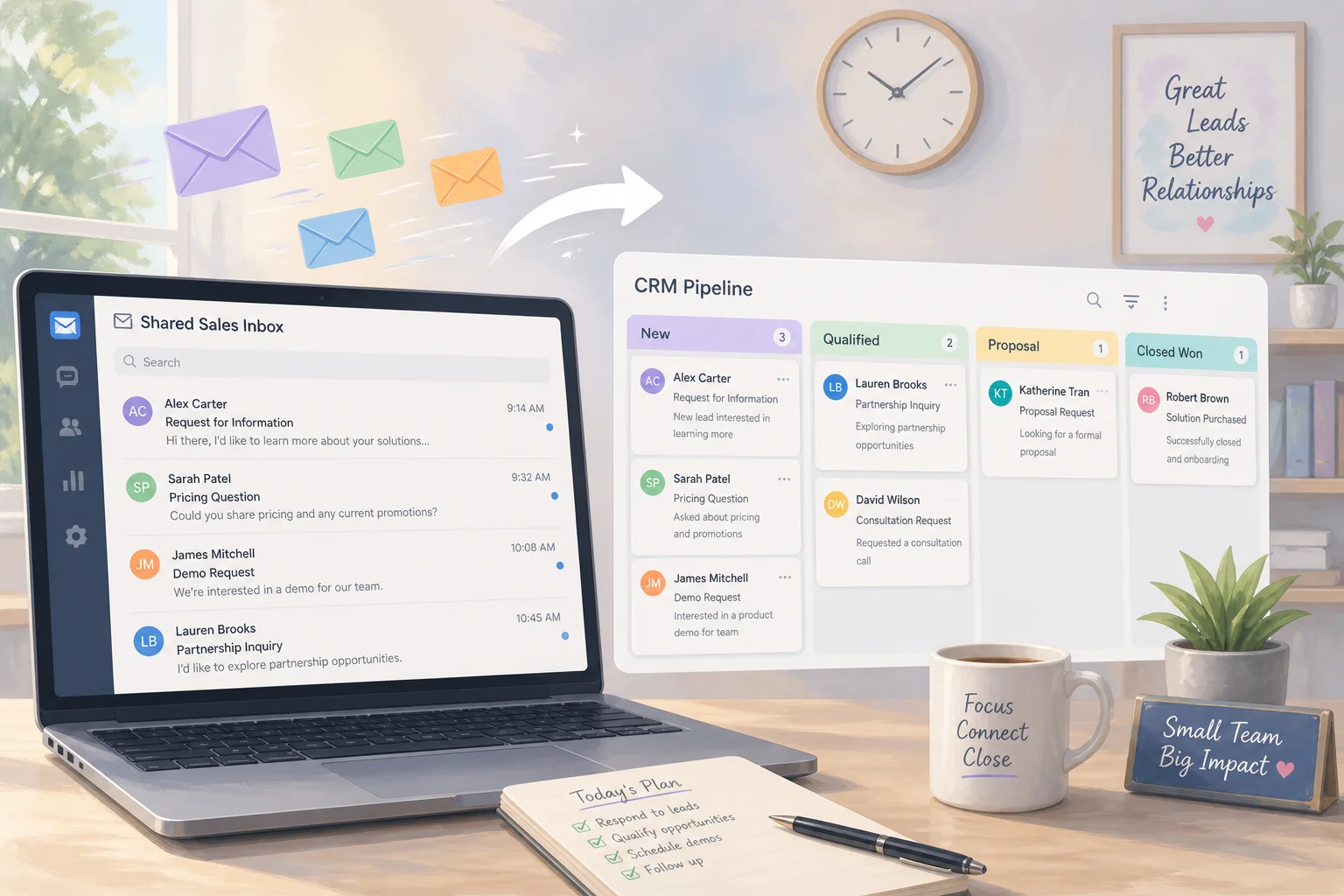

Table of Contents
- Introduction
- Why do leads die in your shared sales@ inbox while WhatsApp gets all the attention?
- What causes unassigned hello@ threads and duplicate CRM records from email leads?
- Why is a full helpdesk migration the wrong first fix for shared inbox automation?
- How does email lead response automation work for small business without leaving Gmail?
- How does Claude classify inbound email and extract intent and budget?
- What does a practical n8n workflow look like for shared inbox lead automation?
- What should your daily and weekly checklist include for email lead response automation?
- How do you unify email leads with WhatsApp without building another inbox?
- When should you book a roadmap call to pick email vs WhatsApp vs forms first?
- Frequently Asked Questions (FAQs)
Introduction
Your team spent the last quarter wiring WhatsApp webhooks, tuning click-to-message ads, and celebrating sub-minute reply times on chat. Meanwhile, serious buyers keep emailing sales@ with budget, timeline, and a request for a demo - and those threads sit unassigned for days.
That is not a channel preference problem. It is a shared inbox automation gap. Email still carries your highest-intent B2B leads, partner intros, and procurement enquiries. But without email lead response automation small business teams can actually maintain, those messages rot in hello@ while everyone optimizes the shiny channel.
This guide explains why email leads go cold, how duplicate CRM records multiply the damage, and how to classify inbound mail, extract intent and budget, draft replies, and create deduped CRM tasks with Claude and n8n - without migrating to a heavyweight helpdesk.
Why do leads die in your shared sales@ inbox while WhatsApp gets all the attention?
Leads die in shared sales@ inboxes because nobody owns the thread, response SLAs live only on WhatsApp, and email feels like legacy work even when it carries the biggest deals. A shared address like sales@ or hello@ promises visibility. In practice it creates diffusion of responsibility: everyone can see the message, so no one is clearly accountable.
WhatsApp gets the love for good reasons. It is conversational, mobile-first, and easy to measure. You can see unread counts, set a time-to-lead SLA on WhatsApp, and point automation at a single webhook. Email feels slower and messier. Newsletters, vendor pitches, and internal forwards share the same inbox as a six-figure opportunity.
The result is predictable. Chat leads get instant acknowledgment. Email leads wait until someone has a free block to "clear the inbox." By then the buyer has booked with a competitor or deprioritized the project. Serious prospects - enterprise buyers, agencies, press, partners - still prefer email for substantive conversations. Neglecting sales@ does not mean email stopped mattering. It means your best leads are landing in the channel your team stopped optimizing.
What causes unassigned hello@ threads and duplicate CRM records from email leads?
Unassigned hello@ threads happen when shared inboxes lack explicit ownership rules, and duplicate CRM records happen when multiple people manually log the same email lead without a dedupe check. Both problems compound each other.
On the inbox side, Gmail and Outlook shared mailboxes were built for access, not accountability. A demo request arrives at hello@ on Tuesday. Two people read it. Both assume the other will reply. Neither assigns the thread. It drops below the fold under newsletters and calendar invites. A week later someone asks "did we ever follow up with Acme?" and the answer is a shrug.
On the CRM side, manual copy-paste is the default workflow. One rep creates a contact from the email. Another rep, not seeing that record, creates a second one with a slightly different company name. Reporting breaks: lead count doubles, attribution splits, and follow-up sequences fire twice. This is the same glue-work pattern described in your team is the API between CRM and spreadsheets - humans bridging tools because systems do not talk.
Email also fragments across channels. A prospect DMs on Instagram, then sends a requirements doc to sales@. Without unified identity, you get two leads for one person. The WhatsApp thread shows engagement. The email thread shows silence. Pipeline reviews focus on chat metrics while the real deal sits in an unassigned mailbox.
Why is a full helpdesk migration the wrong first fix for shared inbox automation?
A full helpdesk migration is the wrong first fix because small teams need lead triage and CRM hygiene on sales@, not a new omnichannel platform that replaces Gmail and retrains the whole company. Helpdesk tools excel at ticket hierarchies, SLA dashboards, and support queues at scale. They are powerful when volume is high and processes are standardized.
For a five-to-twenty-person team whose pain is "email leads go cold and CRM has duplicates," replatforming is expensive distraction. You must reroute DNS, reconfigure forms, migrate permissions, and teach everyone a new interface. Integrations that pointed at sales@ need retesting. Meanwhile WhatsApp, Meta leads, and Typeform still need their own automations.
The pragmatic path is shared inbox automation as a layer: keep reading email in Gmail or Outlook, connect those inboxes to n8n, and let AI classify and route without forcing a new inbox product. You get assignment logic, dedupe, and draft replies without abandoning tools people already use. Save helpdesk evaluation for when support volume genuinely outgrows labels and filters - not when the real issue is lead response on two addresses.
How does email lead response automation work for small business without leaving Gmail?
Email lead response automation for small business watches your shared inbox, classifies each new message, updates or creates CRM records with dedupe, and prepares draft replies or tasks - all while your team keeps using Gmail or Outlook normally. You are not replacing the inbox. You are adding an orchestration layer behind it.
The architecture has four layers. First, ingestion: n8n triggers on new mail in sales@ or hello@ via Gmail or Microsoft Graph, optionally filtered to a "Leads" label so newsletters never enter the pipeline. Second, intelligence: Claude reads subject and body, returns structured JSON with category, urgency, intent, budget signals, and suggested owner. Third, CRM action: the workflow searches HubSpot, Pipedrive, or Zoho by email domain and company name, updates an existing contact when found, or creates one with consistent field mapping. Fourth, human output: draft reply saved as a Gmail draft, CRM task created with due date, or Slack notification to the assigned rep.
Nothing sends to the customer without approval in v1. Automation handles triage, data entry, and first-draft speed. Humans send. That matches how teams already treat AI lead scoring and routing: machine classifies, person closes.
Compared to manual HubSpot-to-Sheets handoffs, this removes the spreadsheet middleman for inbound email. The CRM becomes the system of record on arrival, not after someone remembers to log it Friday afternoon.
How does Claude classify inbound email and extract intent and budget?
Claude classifies inbound email by reading subject and body, then returning structured labels for category, urgency, intent, budget range, timeline, and recommended assignee - typically above 90% accuracy on well-defined business categories with clear prompts. Enterprise email triage deployments report similar accuracy on service-request classification when categories are explicit and examples are included in the prompt.
A practical classification schema for sales@ might include: demo request, pricing enquiry, partnership proposal, support issue, job application, vendor pitch, and spam. Sub-labels capture urgency (same-day vs exploring), sentiment, and whether the sender looks like a decision-maker or an assistant gathering quotes.
Extraction turns free text into CRM-ready fields. From "We're a 40-person fintech looking to automate onboarding by Q3, budget around $15-20k" Claude can output company size, industry, project type, timeline, and budget band. Those fields drive routing: high-budget demo requests go to senior sales with a same-day task; general info requests get a draft FAQ reply; support issues route to a different queue entirely.
Prompt design matters. Give Claude your product description, tone guidelines, three example emails per category, and strict JSON output schema. Run Haiku for high-volume classification and Sonnet when the email is long or ambiguous. Log every classification for weekly review so misfires become prompt improvements, not silent failures.
What does a practical n8n workflow look like for shared inbox lead automation?
A practical n8n workflow for shared inbox lead automation chains Gmail trigger, Claude classification, CRM search-and-upsert with dedupe, draft reply or task creation, and an error branch that alerts you when any step fails. Here is the happy path in order.
Step 1 - Trigger and filter. Gmail "new email" on sales@ and hello@, scoped to inbox or a Leads label. Drop obvious noise: noreply senders, internal domains, mailing-list headers.
Step 2 - Classify and extract. HTTP node or Anthropic node sends subject, body, and sender to Claude. Parse JSON: category, urgency, intent_summary, budget_signal, timeline, suggested_owner, confidence.
Step 3 - Dedupe in CRM. Search CRM by email address first, then company domain. If match found, append note with email summary and bump lead status. If no match, create contact with standardized fields including source: sales@ and first_touch_channel: email. Maintain a thread-ID registry in Sheets or Postgres so repeat messages in the same conversation do not spawn duplicate tasks.
Step 4 - Route output by category. Demo request plus high urgency: create CRM task due today, assign owner, generate Gmail draft with booking link. Pricing enquiry: draft reply with tier summary, task due in 24 hours. Partnership or press: route to founder queue. Spam or vendor: label and archive, no CRM write.
Step 5 - Error handling. Separate workflow catches API failures, logs the raw email ID, and pings Slack so no lead disappears silently when Claude or CRM is down.
Start with classification-only for one week. Review labels before enabling CRM writes. Then enable create/update with dedupe. Then add draft replies for two categories you trust. Expand from there.
What should your daily and weekly checklist include for email lead response automation?
Your daily checklist covers unassigned threads, draft approvals, and error logs; your weekly checklist covers classification accuracy, dedupe health, and SLA trends across email and chat. Treat this like operations, not a one-time setup.
Daily checklist (15 minutes)
- Open sales@ and hello@ filtered to "unassigned" or "needs reply" - target zero threads older than 24 hours for sales categories.
- Review AI-generated Gmail drafts in the Drafts folder - send, edit, or discard each within your response SLA.
- Check CRM tasks created overnight from email automation - confirm owner and due date are correct.
- Scan n8n error workflow notifications - reprocess any failed emails manually.
- Spot-check one classified email per inbox - did category and budget extraction look right?
Weekly checklist (45 minutes)
- Pull count of inbound email leads by category (demo, pricing, partnership, other) - compare to prior week.
- Audit CRM for duplicate contacts created from the same domain in the last seven days - tighten search rules if duplicates appear.
- Review median time from email arrival to first human reply - set a target (e.g., under 4 business hours for qualified leads).
- Compare email lead volume to WhatsApp and form leads - is any channel under-served?
- Update Claude prompt examples with two misfires from the week.
- Confirm webhook and OAuth tokens for Gmail, CRM, and Anthropic are valid.
- Share one win with the team (e.g., "Tuesday enterprise enquiry answered in 22 minutes because draft was ready").
If form leads still go quiet after submit, cross-read why leads go quiet after the form - email, WhatsApp, and forms often fail for different reasons and need separate fixes.
How do you unify email leads with WhatsApp without building another inbox?
You unify email and WhatsApp leads by normalizing both into the same CRM schema inside n8n, using email address and phone as identity keys, and applying one routing rubric regardless of channel. You do not need a new omnichannel inbox product if your CRM is the single queue.
Both channels should write the same fields: source, intent summary, budget band, timeline, urgency, owner, and next action. WhatsApp webhooks and Gmail triggers feed separate n8n branches that merge before the CRM node. When a prospect messages on WhatsApp Monday and emails a PDF Tuesday, dedupe by phone or email links the activity to one record.
Routing rules stay consistent. High-intent demo requests get a same-day task whether they arrived by chat or mail. Low-intent info requests get a templated draft on the channel they used. Reporting becomes honest: total qualified leads per week, median response time by channel, conversion by source - not siloed metrics that make WhatsApp look perfect while email bleeds.
This is the same principle as AI lead scoring with Claude routing: one rubric, many inputs. Email is not a second-class citizen. It is another webhook into the same pipeline you already built for chat.
When should you book a roadmap call to pick email vs WhatsApp vs forms first?
Book a roadmap call when you have multiple lead channels leaking, limited build bandwidth, and no clear order for which automation returns the most pipeline per hour of setup. Most small teams cannot fix email, WhatsApp, Meta forms, and support tickets in one sprint. Sequencing matters.
Email-first makes sense when serious buyers email sales@ with budgets and RFPs, when duplicate CRM records from manual logging are killing reporting, or when hello@ threads sit unassigned while chat gets fast replies. WhatsApp-first makes sense when ads drive click-to-message, when your market expects instant mobile chat, or when time to lead on WhatsApp is already measured in hours. Forms-first makes sense when Meta or Typeform volume is high but follow-up after submit is broken.
A roadmap call maps your actual lead journeys - not generic best practices - and scores impact vs effort for each channel. You leave with a ranked backlog: which inbox to automate first, which CRM fields to standardize, and which workflows to build in n8n before buying another SaaS seat.
Frequently asked questions
Quick answers on the topics covered in this article.
Email leads go cold because shared inboxes lack clear ownership and SLAs, while WhatsApp has visible unread counts and faster habits. Serious buyers still email for demos and budgets, but those threads sit unassigned until someone "clears the inbox." Automating classification and CRM tasks on sales@ closes the gap without slowing chat.
Shared inbox automation connects addresses like sales@ and hello@ to a workflow that classifies each email, extracts intent and budget, dedupes CRM records, and creates draft replies or follow-up tasks. Your team keeps using Gmail or Outlook; n8n and Claude handle triage behind the scenes.
No. Full helpdesk migration is overkill when the problem is lead triage and CRM hygiene on a few shared addresses. Layer n8n plus Claude on your existing Gmail or Outlook inbox first. Evaluate helpdesk tools later if support ticket volume outgrows labels and filters.
Claude reads subject and body, returns JSON with category, urgency, intent, and budget signals, and n8n routes that output to CRM updates and draft creation. In v1, replies stay as Gmail drafts or internal tasks until a human approves and sends. Nothing goes to the customer automatically.
Search CRM by email address and company domain before creating contacts. Append notes to existing records when a match is found. Track email thread IDs so repeat messages in one conversation do not spawn new leads. Standardize field mapping so every rep logs the same way.
Yes. Use separate trigger branches per provider, normalize to a common JSON shape, then merge into one classification and CRM path. The intelligence and routing logic stays identical; only ingestion differs.
Start with demo requests and pricing enquiries - high intent, repeatable replies, clear owners. Add partnership and press routing next. Defer support-heavy categories until lead automation is stable, or route them to a separate queue entirely.
Most small teams see value in the first two weeks: fewer unassigned threads, faster first replies from pre-drafted responses, and cleaner CRM data. Full ROI shows when you measure median email response time and duplicate rate month over month.
Automate whichever channel leaks the most qualified pipeline today. If WhatsApp already has webhooks and SLAs but sales@ sits unassigned, fix email first. If ads drive chat and email is low volume, prioritize WhatsApp. A roadmap session ranks channels by impact, not hype.
Gmail or Microsoft 365 for the shared inbox, n8n for orchestration, Claude for classification and draft generation, and your CRM (HubSpot, Pipedrive, Zoho, etc.). Optional: Slack for assignment alerts, Google Sheets for thread-ID dedupe registry. No new inbox product required.
Share this article
Related workflows
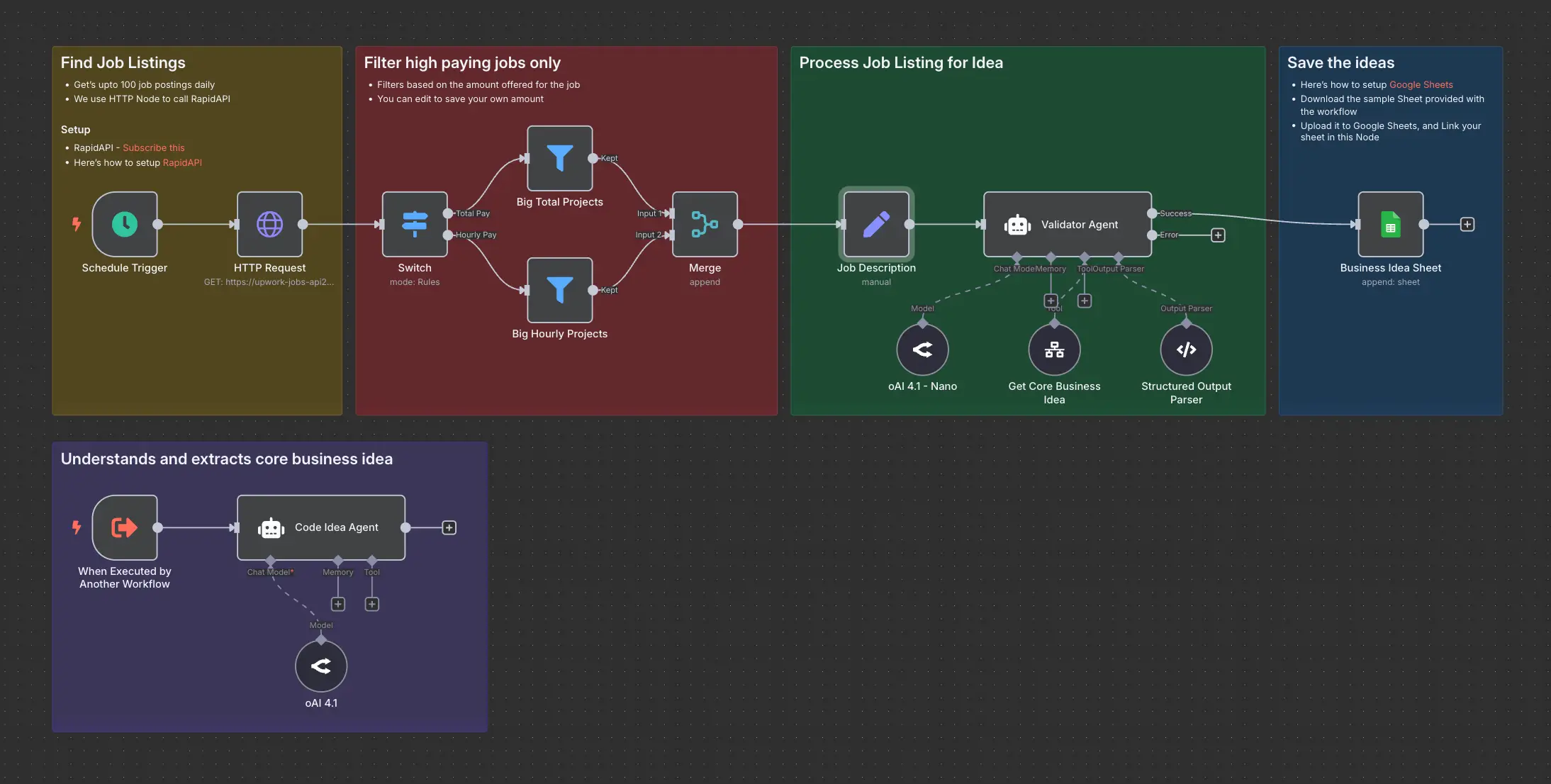
Daily Validated Business Ideas using n8n and Upwork
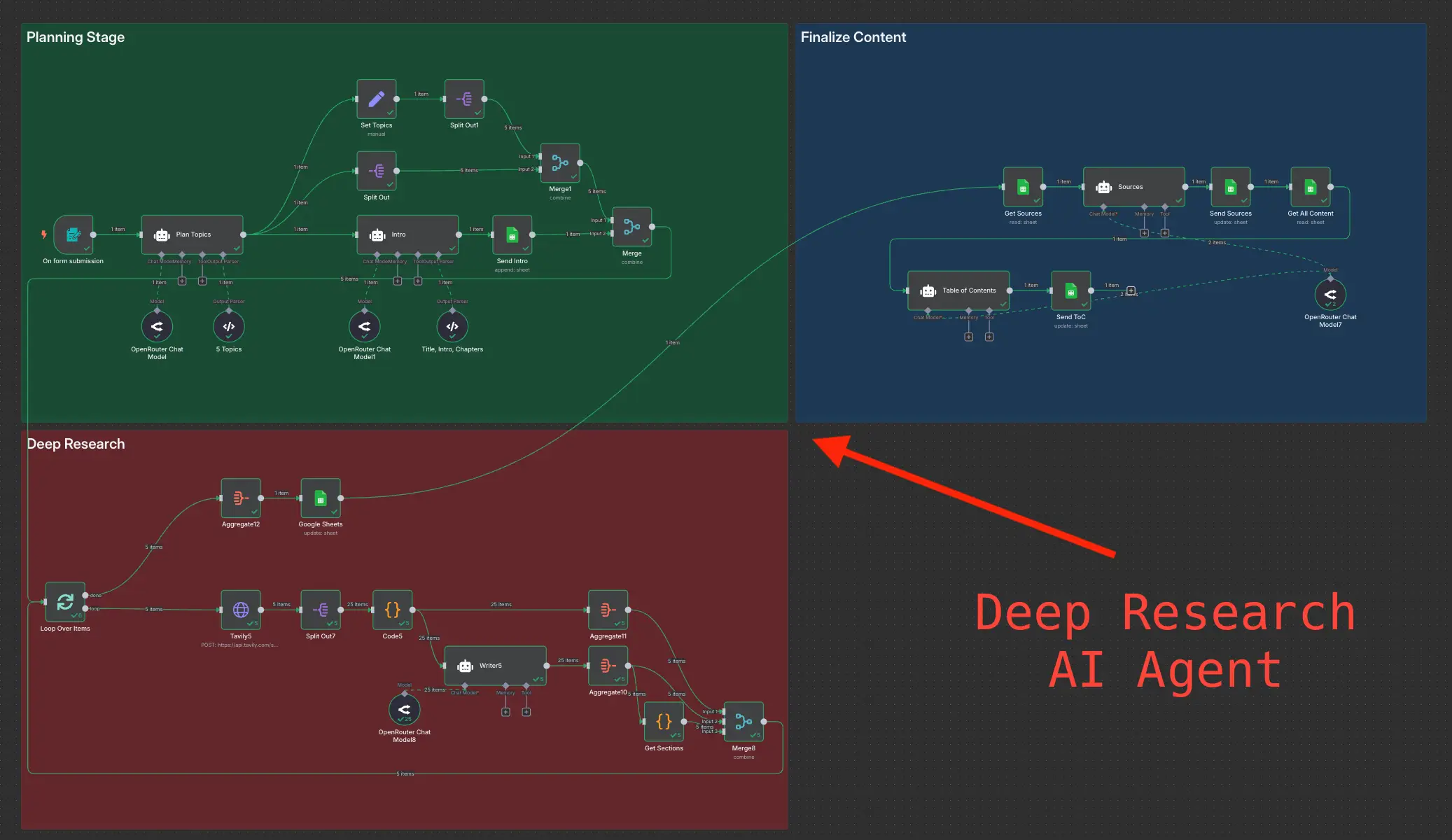
Deep Research using n8n automation to generate report using Tavily