Why does AI tool sprawl leave small business stacks with (2026)


Table of Contents
- Introduction
- Why does AI tool sprawl leave small business stacks with disconnected workflows and no clear priority?
- How is a stack map different from a generic AI readiness checklist when you have too many automation tools?
- How do you draw a stack map that lists systems, owners, data flows, and gaps?
- How do you score impact and effort to decide which automation to build first?
- What does a revenue-first ranked build order look like in practice?
- When should you choose native integrations, glue tools like Zapier or n8n, or AI steps in the chain?
- How does a ranked build order connect to ROI on two or three revenue flows instead of more subscriptions?
- When should you stop tool shopping and book a roadmap call instead of adding software?
- Frequently Asked Questions (FAQs)
Introduction
If your team already pays for Zapier, ChatGPT, a CRM, ad platforms, and a few AI copilots, but leads still get copied out of inboxes and nobody can draw how data moves, you are living with AI tool sprawl small business leaders know well. The pain is not ignorance. It is too many automation tools and no shared picture of what should connect first.
This article is deliberately different from a generic readiness exercise. If you want a checklist-style lens on gaps and governance, pair this with AI automation audit and readiness assessment for small business. Here the job is narrower and more operational: build a stack map, score impact and effort, then produce a ranked build order so you can answer which automation to build first without buying another subscription to postpone the decision.
Why does AI tool sprawl leave small business stacks with disconnected workflows and no clear priority?
Sprawl happens when tools arrive faster than ownership and data contracts. Marketing adopts an AI writer, sales lives in the CRM, finance exports from billing, and someone spins up chatbots that never write back to the same contact record. Each purchase feels rational in isolation. Together they raise coordination cost: handoffs, retyping, reconciling versions of the customer, and quiet failures nobody monitors.
Surveys of small business AI adoption often show several tools in active use across research, content, engagement, and workflow automation. The pattern that predicts results is not headcount of logos on a slide. It is whether a few revenue flows run end to end with minimal breaks. If your answer to "where does a new lead live within five minutes?" is still "it depends who saw the form," you do not need a twelfth SaaS trial. You need a map and a sequence.
How is a stack map different from a generic AI readiness checklist when you have too many automation tools?
Checklists ask whether leadership supports AI, whether data is clean, whether people are trained. Those questions matter for enterprise programs. For a lean team drowning in too many automation tools, they rarely answer the urgent question: what wire to pull first.
A stack map is a one-page, revenue-centered view of systems, owners, data in and out, and gaps. It names the handoffs where work leaves one tool or one person and enters another. That is where automation earns its keep, because every break is a place money or hours leak. Once the map exists, you stop debating abstract "readiness" and start scoring concrete automations, which is how you escape checklist theater without ignoring risk.
How do you draw a stack map that lists systems, owners, data flows, and gaps?
Anchor the map on three to five flows that touch money: for example new lead to qualified opportunity, closed won to onboarding, renewal and expansion, and billing to cash.
Anchor the map on three to five flows that touch money: for example new lead to qualified opportunity, closed won to onboarding, renewal and expansion, and billing to cash. For each flow, build a simple table with four columns.
Systems lists every application that touches the flow, including email, spreadsheets, and ad platforms. If ChatGPT sits in the middle of a manual copy workflow, write it down honestly.
Owner is a single human name per system in that flow, not a department label. Sprawl persists when "marketing owns it" but no one can change a webhook.
Data in and data out states the objects you care about, such as leads, deals, invoices, or tickets, and whether they arrive by API, import, webhook, or someone's memory.
Handoffs and gaps is where you mark exports on Friday night, Slack DMs that hold contract terms, or a Stripe customer that never becomes a CRM account.
Add two optional notes when you can: volume (how many events per week) and pain (what breaks when the step fails). High volume plus manual work is a strong signal for early automation. This is the same backbone you would use before a deeper prioritization pass; for a full revenue-first matrix on what to cut versus keep, see what to automate first: revenue prioritization framework.
How do you score impact and effort to decide which automation to build first?
From the map, write ten to twenty candidate automations as one-sentence outcomes, such as "every ad lead creates or updates a CRM contact with source and region" or "closed won creates a project, assigns an owner, and starts onboarding email." Do not start by naming a vendor feature.
From the map, write ten to twenty candidate automations as one-sentence outcomes, such as "every ad lead creates or updates a CRM contact with source and region" or "closed won creates a project, assigns an owner, and starts onboarding email." Do not start by naming a vendor feature. Start with the outcome.
Impact is a one to five score built from three checks. Revenue proximity asks whether the automation touches new money, protects renewals, or speeds velocity. Risk reduction asks whether it removes error-prone typing in critical fields. Leverage asks whether it returns hours to people who directly drive pipeline.
Effort is easier to read as ease on a one to five scale: technical complexity, data readiness, and change management. Native paths and clean objects score high. Fragile branching, messy objects, and behavior change score low.
Multiply impact by ease to get a simple priority number from one to twenty-five. Sort descending. The top slice is your first build wave; the bottom slice is research debt, not this quarter's calendar. This is the operational sibling to the subscription critique in AI automation ROI: two to three revenue flows, not more subscriptions, because it forces you to fund flows, not logos. When two candidates tie, prefer the one that removes a human copy step on a high-volume path over the one that only polishes reporting.
What does a revenue-first ranked build order look like in practice?
The exact order depends on your map, but a ninety-day pattern shows up often in B2B and high-ticket B2C teams. The rule is to connect revenue before you chase novelty AI.
What belongs in phase one for lead capture and CRM hygiene?
Phase one targets no lead left behind. Unify web forms, landing pages, ad lead forms, and chat so every net new contact lands in the CRM with source tags and dedupe rules you can explain. Add immediate acknowledgment and routing so response time is not a personality trait. Favor native connectors when they cover your objects; add glue only where a source refuses to talk cleanly. Light AI can normalize messy free-text fields once the pipe exists, but the win is reliable capture, not a flashier model.
Add one lightweight health signal before you declare victory: a daily count of new CRM contacts versus inbound events from ads and the site. If the ratio drifts, you catch silent failures before they become a quarter-end surprise.
Where do follow-up and nurture automations fit in phase two?
Phase two assumes phase one data is centralized. Now you can run multi-touch sequences, revive stale opportunities, and route by segment without re-building identity from scratch. AI belongs as embedded steps: draft batches for human approval, classify intent from structured CRM fields, summarize activity before a call. Batch review beats pasting into a chat window for every email because it cuts handoffs while keeping a human gate where conversion risk is real.
How do you wire closed-won to onboarding and billing in phase three?
Phase three closes the loop from signature to cash and first value. Automations here create projects or workspaces from the deal, kick onboarding checklists, and create draft invoices or subscriptions with the right line items. This is where native CRM-to-billing links earn their keep. When you need custom branching across three systems, orchestration tools become justified. End-to-end chains across sales, delivery, and finance are where disconnected stacks hurt most, so resist starting here if leads still live in spreadsheets.
When should reporting and higher-order AI workflows wait until later phases?
Phase four is a revenue cockpit: scheduled pipeline summaries, MRR or cash snapshots, and alerts on failed payments or stalled deals. Much of this can start inside native reporting; glue helps when you must merge CRM and billing into one narrative channel. Phase five is higher-order AI such as broad lead scoring, agentic support tiers, or generated proposals. Those fail quietly without clean data and observable baselines, which is why they belong after the first three phases stabilize.
When should you choose native integrations, glue tools like Zapier or n8n, or AI steps in the chain?
Native integrations are the default when vendors maintain a supported path between the objects you already use. They age better when APIs change and they keep configuration shallow, which matters when you are trying to shrink coordination debt.
Glue tools such as Zapier, Make, or n8n earn their place when there is no native path, when logic branches across several APIs, or when you need retries, transforms, and observability in one place. For a balanced comparison of how each fits AI-heavy workflows, read n8n vs Make vs Zapier for AI workflow automation. Budget owners should watch for single-person bus factor and silent failures, then cover both with shared ownership and simple health checks.
AI steps belong where inputs are unstructured or drafting is repetitive, and where you can batch review or bound the blast radius of mistakes. Treat models as steps in a chain, not a magic layer dropped on top of broken pipes.
How does a ranked build order connect to ROI on two or three revenue flows instead of more subscriptions?
A build order is how you operationalize the ROI idea that a small team wins by automating two or three revenue-critical flows deeply before spreading thin.
A build order is how you operationalize the ROI idea that a small team wins by automating two or three revenue-critical flows deeply before spreading thin. Your map shows which flows matter; your scores pick the automations inside them; your phases sequence dependencies so you do not automate nurture on top of phantom leads.
Limit tool shopping during the cycle. New vendors reset onboarding, security review, and integration work. If the map says your blocker is routing, buying another analytics suite is procrastination. Tie each shipped automation to a metric you agreed in advance: time to first touch, percent of leads in CRM within ten minutes, error rate on project creation, hours returned to sales per week.
When should you stop tool shopping and book a roadmap call instead of adding software?
If you recognize the pattern, five AI tools and nothing talks, and meetings keep ending with "we should evaluate one more platform," you are stalled. An external pass can compress weeks of debate into a single stack map, a scored backlog, and a ninety-day sequence with explicit native versus glue versus AI choices for each item.
When you are ready to replace shopping with a ranked plan, book a focused session on /roadmap-call and bring your owners, not your vendor shortlists.
Frequently asked questions
Quick answers on the topics covered in this article.
It means you operate many AI and automation products without a shared map of systems, data ownership, or sequence, so workflows stay manual and coordination cost stays high.
If you cannot list your top three revenue flows and the systems each touches, or if similar work is automated in three places with different owners, you likely have overlap without integration.
Score candidates by impact multiplied by ease after you map handoffs. Start with unified lead capture and CRM updates because they sit closest to new revenue and usually offer strong native paths.
A stack map names systems, owners, and data movement for specific money paths. A readiness checklist tests broad maturity and rarely produces a ranked build order on its own.
Prefer native integrations for standard objects and vendor-maintained paths. Use glue when you need custom orchestration, retries, or systems without a supported link.
After capture and routing exist, use AI on structured CRM data for drafting, classification, or summarization with batch or template review, not as a substitute for wiring systems together.
Three to five scored automations inside two or three revenue flows beats a dozen half-finished zaps. Depth stabilizes metrics; breadth hides failure.
Track percent of inbound leads in CRM within minutes, median time to first human or automated touch, and conversion from lead to qualified opportunity compared to baseline.
Wait until core capture, follow-up, and closed-won handoffs run reliably and you can measure baselines. Advanced AI needs clean objects and observable chains.
Bring owners per system, export or screenshot examples of broken handoffs, volume notes, and your draft stack map even if messy. The goal is a ranked ninety-day plan, not another slide of logos.
Share this article
Related workflows
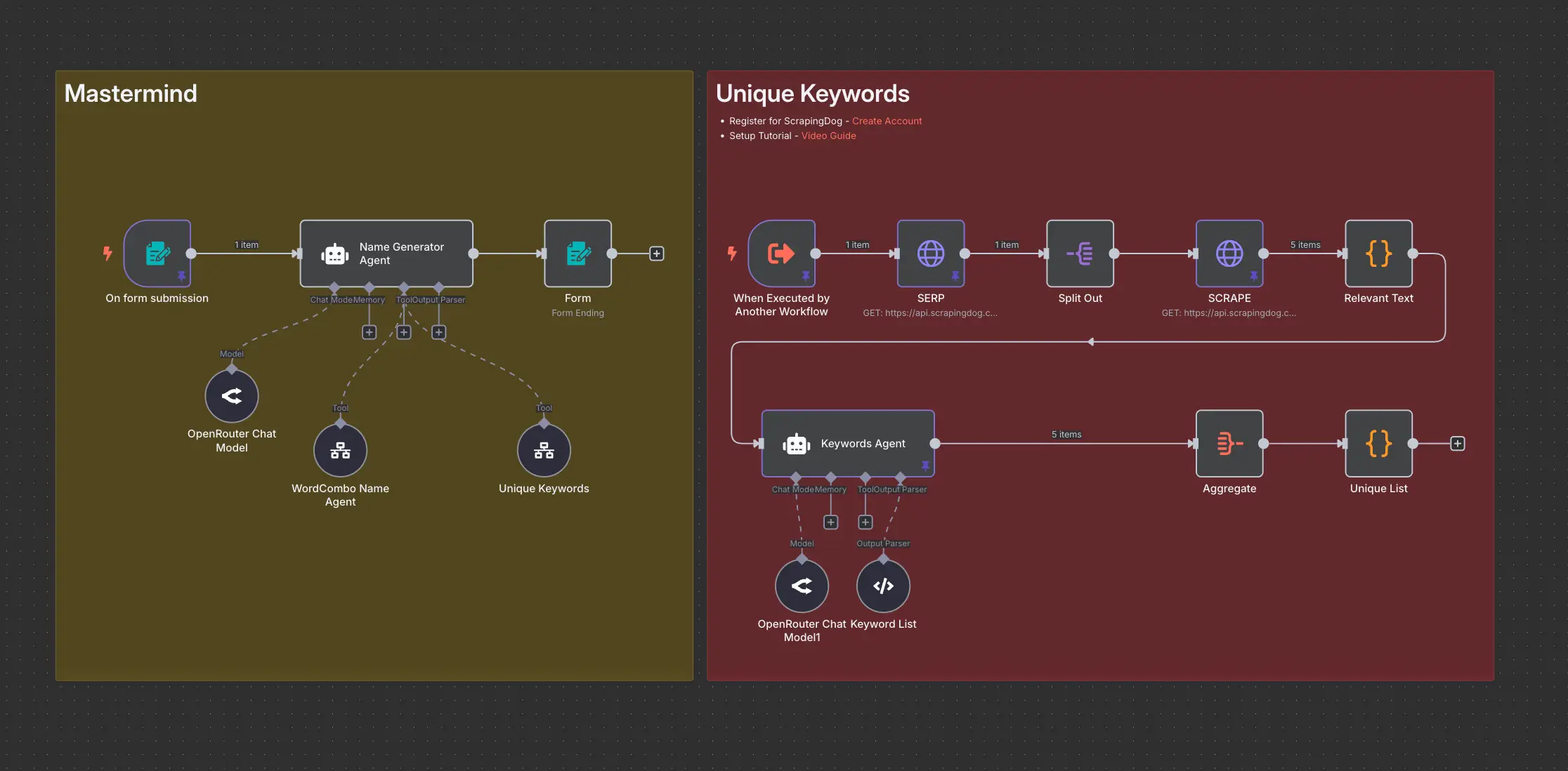
Domain Name Generator n8n workflow using ScrapingDog
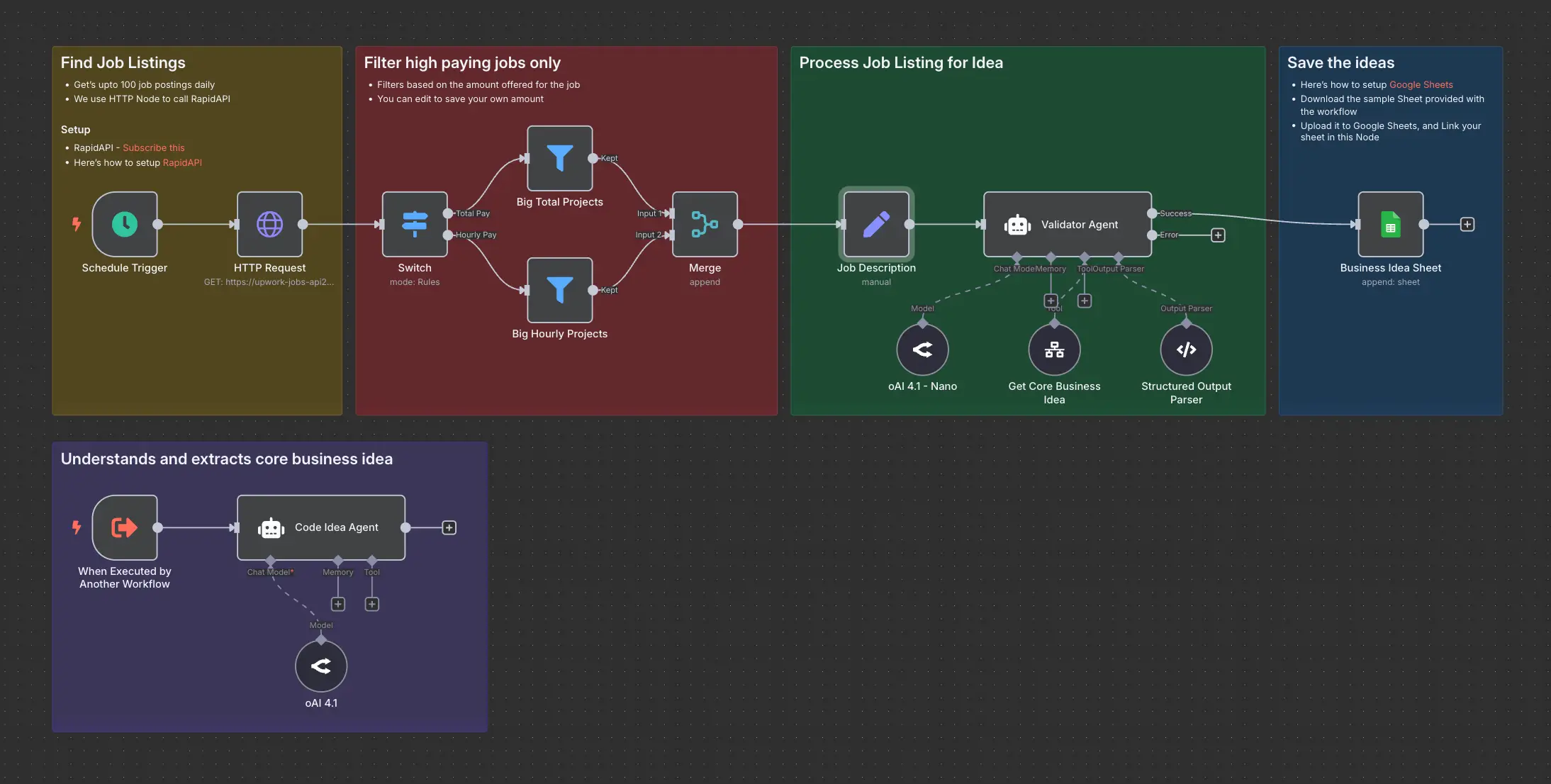
Daily Validated Business Ideas using n8n and Upwork