Why Do Shopify Orders Still Need a Human to Text "Thanks for Your Order" on WhatsApp? (2026)
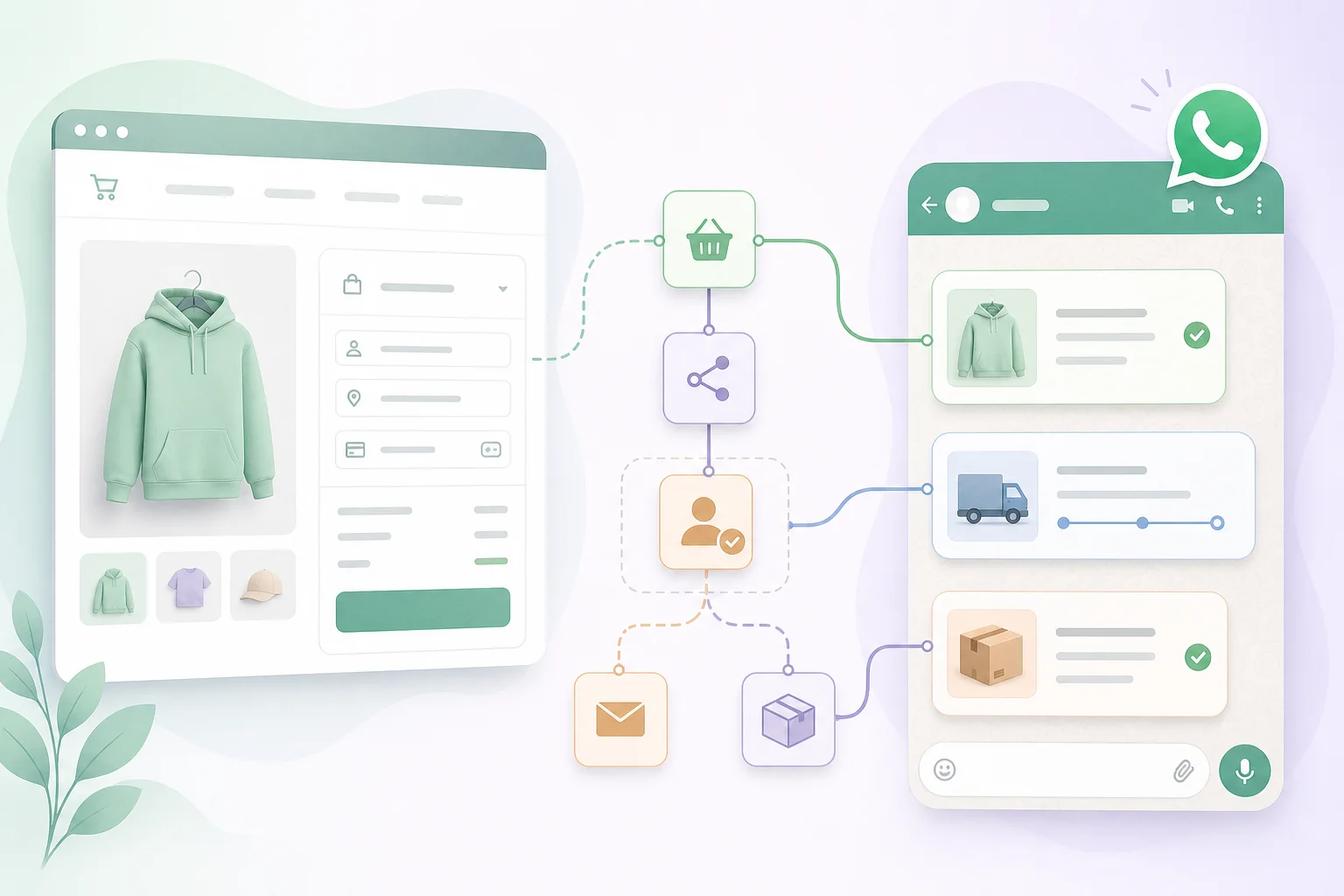

Table of Contents
- Introduction
- Why do Shopify D2C brands still send manual WhatsApp order confirmations?
- What is WhatsApp order confirmation automation for Shopify?
- How do WhatsApp utility templates work for order placed, shipped, and delivered?
- How do you collect WhatsApp opt-in at Shopify checkout?
- How does Shopify webhook to n8n to Claude to WhatsApp Business API work?
- How does the WhatsApp 24-hour rule affect post-purchase WhatsApp?
- How do you avoid utility template rejection on WhatsApp?
- When should humans gate delays, refunds, and exceptions on WhatsApp?
- What daily and weekly checklists keep post-purchase WhatsApp on track?
- When should you book a roadmap call for Shopify WhatsApp automation?
- Frequently Asked Questions (FAQs)
Introduction
Your ops lead is not lazy. Your post-purchase stack is.
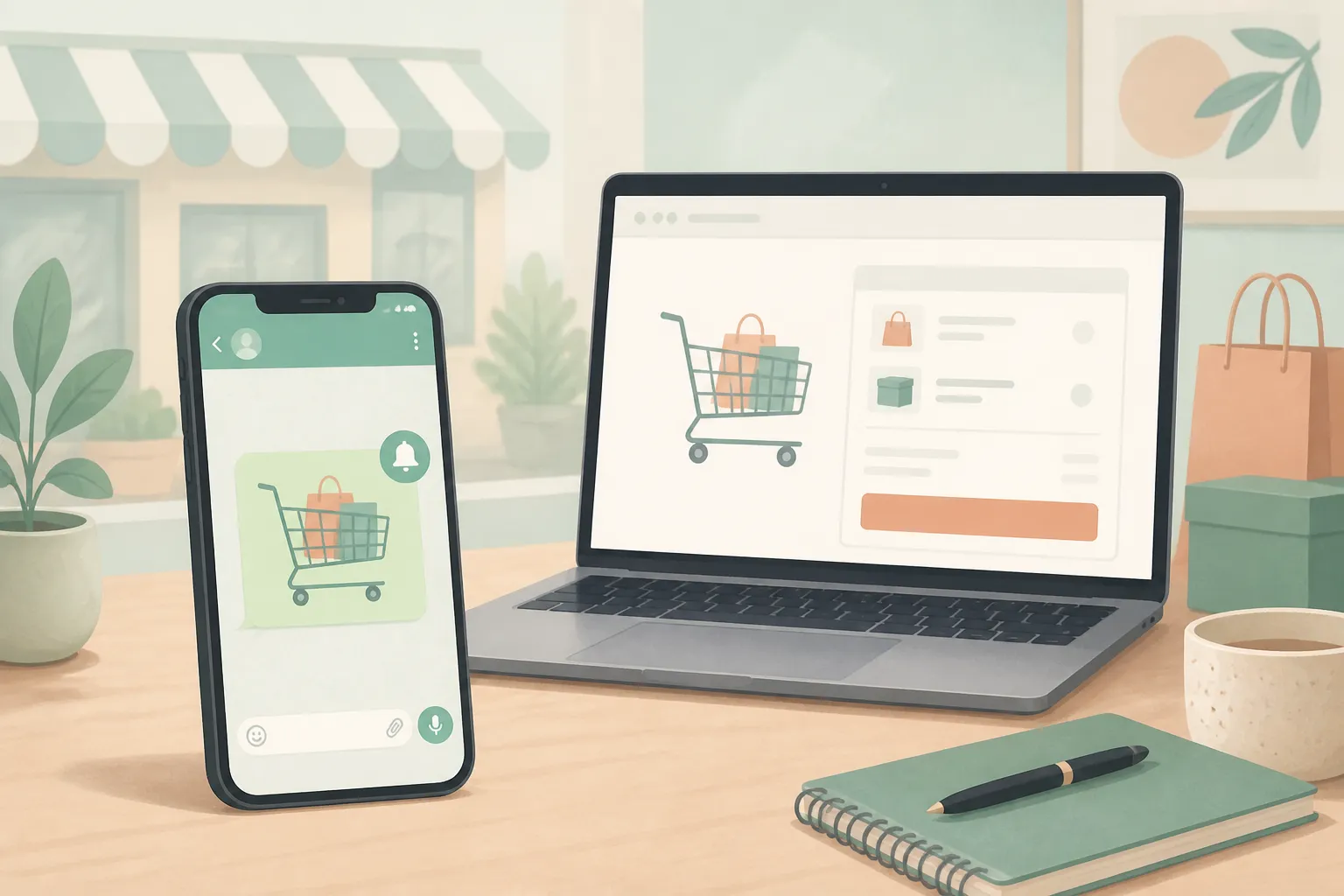
A Shopify order lands at 11:47 p.m. The customer paid. Email confirmation fires automatically. But in India, Brazil, or the UAE, the customer expects a WhatsApp message - and someone on your team still copies the order number into a personal phone, types "Thanks for your order," and hopes they got the tracking link right.
That manual step exists because WhatsApp order confirmation automation is not plug-and-play. Meta requires pre-approved utility templates for business-initiated messages. Customers must opt in at checkout. The 24-hour rule decides whether you send a template or a free-form reply. And when a shipment slips or a refund starts, a human still needs to approve what goes out.
This post covers post-purchase WhatsApp for Shopify D2C: compliant utility templates, checkout consent, an n8n pipeline from orders/create to the WhatsApp Business API, and human gates where automation should stop. If pre-purchase speed is your bigger leak, start with WhatsApp time to lead and slow first replies. For policy guardrails, read WhatsApp AI chatbot rules for D2C. Rank this build against revenue work using what to automate first. If checkout converts but carts stall, pair confirmations with WhatsApp abandoned cart recovery.
Why do Shopify D2C brands still send manual WhatsApp order confirmations?
Shopify D2C brands still send manual WhatsApp order confirmations because email automation shipped years ago while WhatsApp still sits outside the default stack.
Shopify sends order receipts by email out of the box. WhatsApp is not native. Your team already uses WhatsApp to talk to suppliers and answer pre-sale questions. When a customer DMs "Did my order go through?" the fastest fix is a human typing back from the brand phone. That habit scales until order volume makes copy-paste unsustainable.
Three blockers keep the manual loop alive. First, utility templates must be drafted, submitted, and approved before any automated "order placed" message can fire. Second, opt-in at checkout is easy to misconfigure - a phone field alone is not consent. Third, exceptions (delays, partial shipments, refunds) need judgment that a generic template cannot safely cover.
The irony: you may already automate lead replies on WhatsApp while post-purchase messages stay manual. Fixing confirmation is often higher ROI per message because the customer already paid and expects operational updates in the same thread.
What is WhatsApp order confirmation automation for Shopify?
WhatsApp order confirmation automation for Shopify is a pipeline that turns Shopify order events into compliant WhatsApp utility template sends - with humans approving anything that could damage trust.
The flow has five layers. Shopify fires a webhook on orders/create, orders/fulfilled, or delivery events. An orchestrator (usually n8n) parses the JSON payload. Claude or deterministic mapping fills template variables (name, order ID, items, tracking URL). The workflow checks opt-in status and phone format. The WhatsApp Business API sends an approved utility template.
This is not a chatbot answering "Where is my package?" in free text outside policy windows. It is transactional post-purchase WhatsApp: confirm placed, notify shipped, confirm delivered. Conversational replies belong in a separate flow with their own compliance rules - see stop retyping WhatsApp drafts with Claude MCP for handoff patterns when customers reply.
How do WhatsApp utility templates work for order placed, shipped, and delivered?
Utility templates Shopify brands use are pre-approved message shells with variables for order facts - not marketing copy with a discount tacked on.
WhatsApp categorizes templates as utility, marketing, or authentication. Order confirmations, shipping updates, and delivery notices belong in utility. Each template has a name (for example order_confirmation_v1), a language code, and placeholders like {{1}} for customer first name, {{2}} for order number, {{3}} for tracking link.
A minimal order-placed utility body might read: "Hi {{1}}, we received order {{2}}. Total: {{3}}. Track status: {{4}}." A shipped template adds carrier and ETA. A delivered template closes the loop. Keep tone neutral and factual. No "Shop our summer sale" in a utility template - that triggers rejection or reclassification as marketing.
Submit templates through your Business Solution Provider or Meta Business Manager. Approval typically takes 24-48 hours. Version templates (_v1, _v2) instead of editing live approved text, because changes require re-approval and can pause production sends.
| Lifecycle stage | Template category | Typical variables |
|---|---|---|
| Order placed | Utility | Name, order ID, total, status URL |
| Shipped | Utility | Carrier, tracking ID, ETA |
| Out for delivery | Utility | Window, address snippet |
| Delivered | Utility | Order ID, support link |
How do you collect WhatsApp opt-in at Shopify checkout?
You collect WhatsApp opt-in at Shopify checkout with an explicit, unchecked-by-default checkbox that names WhatsApp and describes transactional messages - not just a required phone field.
In Shopify admin, go to Settings, then Checkout. Under Customer contact, allow checkout with phone or email. Under Shipping address, require a phone number if WhatsApp is your primary post-purchase channel. That gives you a number; it does not give you consent.
Edit checkout language so marketing consent text states the customer agrees to receive order updates on WhatsApp at the number provided. The checkbox must be opt-in, not pre-checked. Store consent in customer metafields, your ESP, or a dedicated field your n8n workflow reads before any template send.
Shopify App Store apps can add a checkout extension with a dedicated "WhatsApp order updates" toggle. Whether you use native language edits or an app, document consent timestamp and channel in your CRM or a simple opt-in table. Sending utility templates without provable opt-in risks complaints and account enforcement.
How does Shopify webhook to n8n to Claude to WhatsApp Business API work?
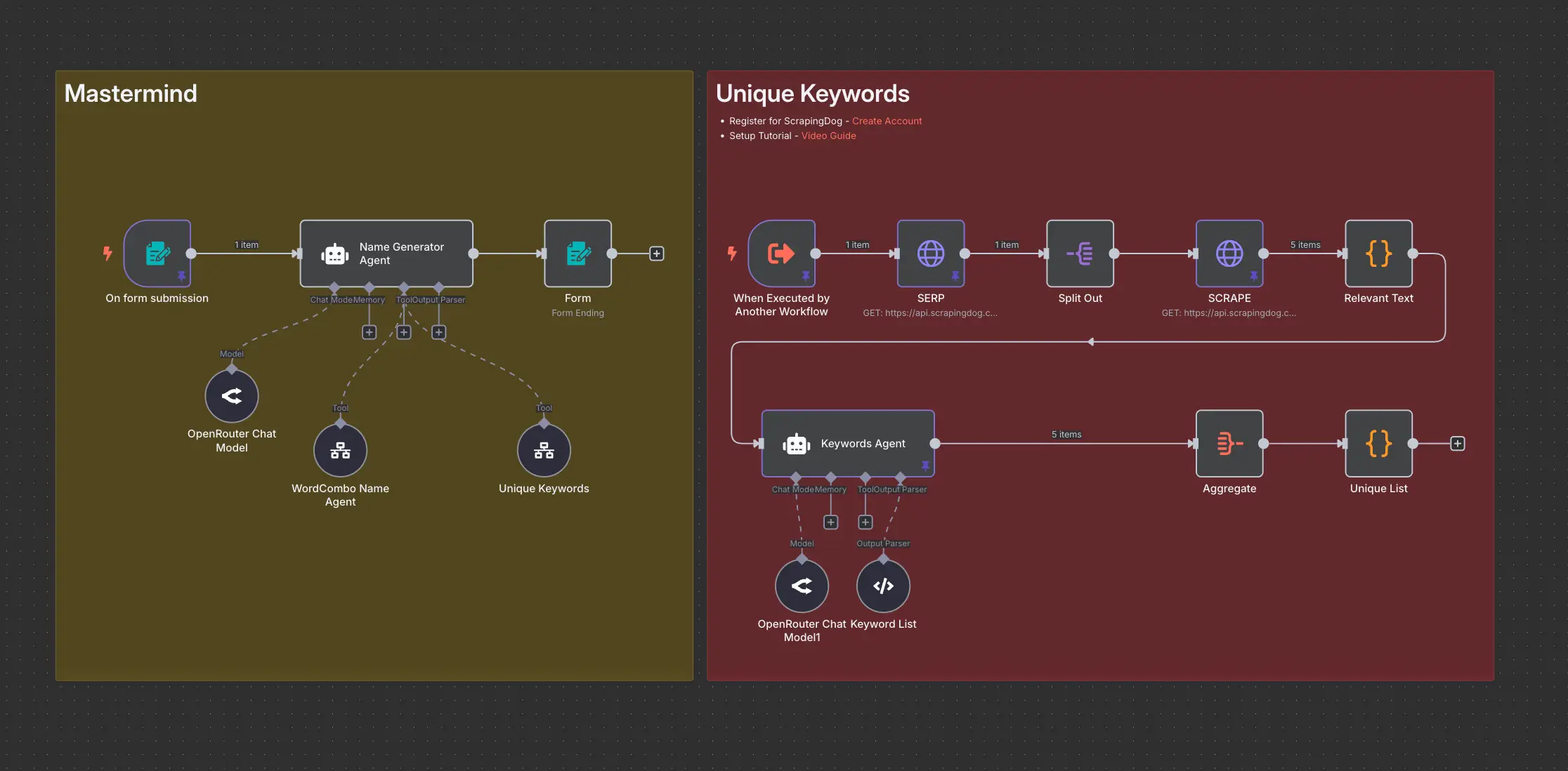
The Shopify webhook to n8n to Claude to WhatsApp Business API pipeline starts when Shopify POSTs order JSON to an n8n Webhook node on orders/create or fulfillment events.
In Shopify admin, create a webhook pointing to your n8n URL. In n8n, parse customer.phone, order_number, line_items, total_price, and fulfillment tracking_number. Branch early: if no WhatsApp opt-in flag, exit. Normalize phone to E.164 (country code required).
Claude's role is variable preparation and edge-case formatting - summarizing line items into a short string, choosing the correct template name by fulfillment status, or flagging missing tracking before send. For high-volume stores, deterministic mapping may be enough; Claude helps when item descriptions are messy or multilingual.
The final node calls your BSP's WhatsApp API with the template name, language, and variable array. Log message ID and status. On failure (invalid number, template mismatch), route to a dead-letter queue and optionally fall back to email.
{
  "messaging_product": "whatsapp",
  "to": "+919876543210",
  "type": "template",
  "template": {
    "name": "order_confirmation_v1",
    "language": { "code": "en" },
    "components": [
      {
        "type": "body",
        "parameters": [
          { "type": "text", "text": "Priya" },
          { "type": "text", "text": "#10482" },
          { "type": "text", "text": "₹2,499" },
          { "type": "text", "text": "https://store.com/orders/10482" }
        ]
      }
    ]
  }
}
How does the WhatsApp 24-hour rule affect post-purchase WhatsApp?
The WhatsApp 24-hour rule means you can send free-form replies only within 24 hours of the customer's last inbound message; outside that window, business-initiated messages must use approved templates.
When a customer messages you first ("Is my order confirmed?"), a customer service window opens. Inside it, agents or bots can reply without templates. Each customer message resets the clock. Pure post-purchase notifications (order placed right after checkout, shipment alert two days later) usually happen outside an active session, so they are business-initiated and must use utility templates.
Utility templates sent inside an open service window are often free of per-message template charges under current pricing models. Templates sent outside the window start billable conversations. For D2C brands, that cost is usually acceptable for high-trust transactional messages.
Design n8n to store last_inbound_at per customer from WhatsApp webhooks. Before sending a non-template reply, check whether the window is open. Automations that blast free-form text outside the window violate policy and risk account flags.
How do you avoid utility template rejection on WhatsApp?
You avoid utility template rejection by keeping templates strictly transactional, using neutral names, and separating all promotional copy into marketing templates.
Common rejection reasons include promotional language inside utility bodies ("10% off your next order"), vague or misleading content, wrong category selection, and variables used for open-ended marketing copy. Use labels like "Order update" in the body. Keep variables to facts: names, IDs, amounts, dates, tracking URLs.
Test with sample data before submission. Match variable count exactly between template definition and API payload - a mismatch fails at send time, not at approval. If you need seasonal messaging, create a marketing template and send only to customers with marketing opt-in, not by sneaking promos into utility shells.
Maintain a template registry spreadsheet: name, status, variable map, Shopify field source, last tested date. When Meta updates policies, audit utility templates quarterly.
When should humans gate delays, refunds, and exceptions on WhatsApp?
Humans should gate delays, refunds, and exceptions on WhatsApp whenever the message could surprise, anger, or legally bind the brand beyond a simple status fact.
Straight paths - order placed, shipped with tracking, delivered - can run fully automated once templates and opt-in checks pass. Exception paths need a human approval step in n8n before any WhatsApp send.
Route to a human queue when: fulfillment status is delayed or partial, inventory shows backorder, a refund or cancellation webhook fires, the customer previously opened a complaint ticket, or tracking shows repeated failed delivery attempts. The workflow creates a review task with order context and a suggested utility template or draft reply. An agent approves, edits, or escalates to a conversational thread if the customer recently messaged.
Refunds especially need judgment. A utility template can confirm "Refund of ₹X initiated to your original payment method." If the refund follows a quality complaint or chargeback threat, a human should review tone and timing. Pair this with your broader support automation strategy - automated confirmation for routine cases, human voice for trust repair.
What daily and weekly checklists keep post-purchase WhatsApp on track?
Daily and weekly checklists keep post-purchase WhatsApp reliable by catching failed sends, consent gaps, and template drift before customers notice.
Daily (10-15 minutes)
- Review failed WhatsApp sends from n8n error logs (invalid numbers, template errors, opt-in missing).
- Clear the human approval queue for delayed orders and refunds.
- Spot-check three random orders: Shopify data matches what the customer received on WhatsApp.
- Confirm no agent sent free-form messages outside the 24-hour window.
Weekly (30-45 minutes)
- Compare WhatsApp delivery rate vs email for the same order cohort.
- Audit new checkout orders: percent with WhatsApp opt-in and valid E.164 phone.
- Check template approval status for any pending or rejected submissions.
- Review customer replies on order threads - are FAQs repeating? Feed patterns into FAQ or support automation.
- Reconcile BSP billing against send volume; flag unexpected marketing-category charges.
Monthly
- Retest all utility templates with staging orders after Shopify theme or checkout app changes.
- Update variable mapping if SKU descriptions or currency formatting changed.
When should you book a roadmap call for Shopify WhatsApp automation?
Book a roadmap call for Shopify WhatsApp automation when manual order texts consume real hours, template rejections block launch, or pre-purchase and post-purchase WhatsApp run on conflicting setups.
Signs you are ready: 50+ orders per week with someone manually confirming on WhatsApp, checkout opt-in unclear or untracked, multiple BSP or app experiments with no single source of truth, or fulfillment exceptions routinely sent without review. Signs to wait: under 20 orders per week, no WhatsApp opt-in plan, or pre-purchase lead response still broken - fix time to lead first.
On a 45-minute call we map your Shopify events, template set, opt-in capture, n8n workflow sketch, and human gates for refunds and delays. You leave with a phased build order - not another generic "add WhatsApp" checklist.
Book your 45-minute roadmap call if you want post-purchase WhatsApp to run without someone typing "Thanks for your order" at midnight.
Frequently asked questions
Quick answers on the topics covered in this article.
Shopify sends email and SMS notifications natively depending on your plan and apps, but it does not ship WhatsApp order confirmations out of the box. You need the WhatsApp Business API through a BSP or Shopify app plus approved utility templates and checkout opt-in.
Utility templates carry transactional facts like order ID, shipping status, and delivery confirmation. Marketing templates promote products, discounts, or re-engagement. Mixing promo copy into utility templates is a common rejection reason.
Yes. WhatsApp requires explicit opt-in before business-initiated messages. A required phone field at checkout is contact collection, not consent. Use a clear checkbox that names WhatsApp and describes order updates.
Common triggers are orders/create or orders/paid for confirmation, orders/fulfilled for shipped, and fulfillment or delivery tracking events for out-for-delivery and delivered messages. Match webhooks to the utility templates you have approved.
n8n receives Shopify webhooks, maps order fields to template variables, checks opt-in, and calls your BSP WhatsApp API endpoint. Claude can format variables or flag missing data before send. Failed sends should log to a retry or human queue.
After a customer's last inbound message, you have 24 hours to reply with free-form text. Outside that window, outbound messages must use approved templates. Most automated order confirmations are template-based because they are business-initiated.
Frequent causes include promotional language in utility bodies, wrong category, policy violations, misleading content, or variable placeholders used for marketing copy. Keep utility templates short, factual, and limited to order-related information.
Routine refund confirmations can use approved utility templates after human review of the case. Complex refunds, disputes, and ambiguous delays should pause for human approval before any WhatsApp message sends.
Lead automation optimizes speed-to-reply on inbound interest before purchase. Post-purchase automation sends transactional updates after payment. They share the same WhatsApp number and API account but need different templates, opt-in scopes, and KPIs.
When order volume makes manual confirmation unsustainable, template approvals keep failing, or checkout opt-in and fulfillment webhooks are not wired to a single auditable workflow. A roadmap call helps decide DIY n8n vs guided implementation before buying another disconnected app.
Share this article
Related workflows
Daily Validated Business Ideas using n8n and Upwork
Deep Research using n8n automation to generate report using Tavily