Why Do Sales Calls Never Show Up in Your CRM? (2026)


Table of Contents
- Introduction
- Why do sales calls never show up in your CRM?
- What is AI sales call notes CRM automation?
- How does Claude meeting follow-up automation work after a call?
- How do you set up human approve-before-send guardrails?
- What daily and weekly checklists keep post-call CRM logging reliable?
- Which metrics prove your Claude CRM logging workflow is working?
- How does post-call logging fit your revenue automation priorities?
- When should you book a roadmap call for CRM call logging?
- Frequently Asked Questions (FAQs)
Introduction
Your rep finishes a strong discovery call. They know the champion, the budget range, the competitor in the mix, and the objection that still needs handling. They close Zoom, grab coffee, and jump on the next meeting.
By Friday the CRM still shows "call completed" with no notes. The follow-up email is a vague "great chatting" because the details faded. RevOps opens the opportunity and cannot tell if this deal is real or a polite brush-off.
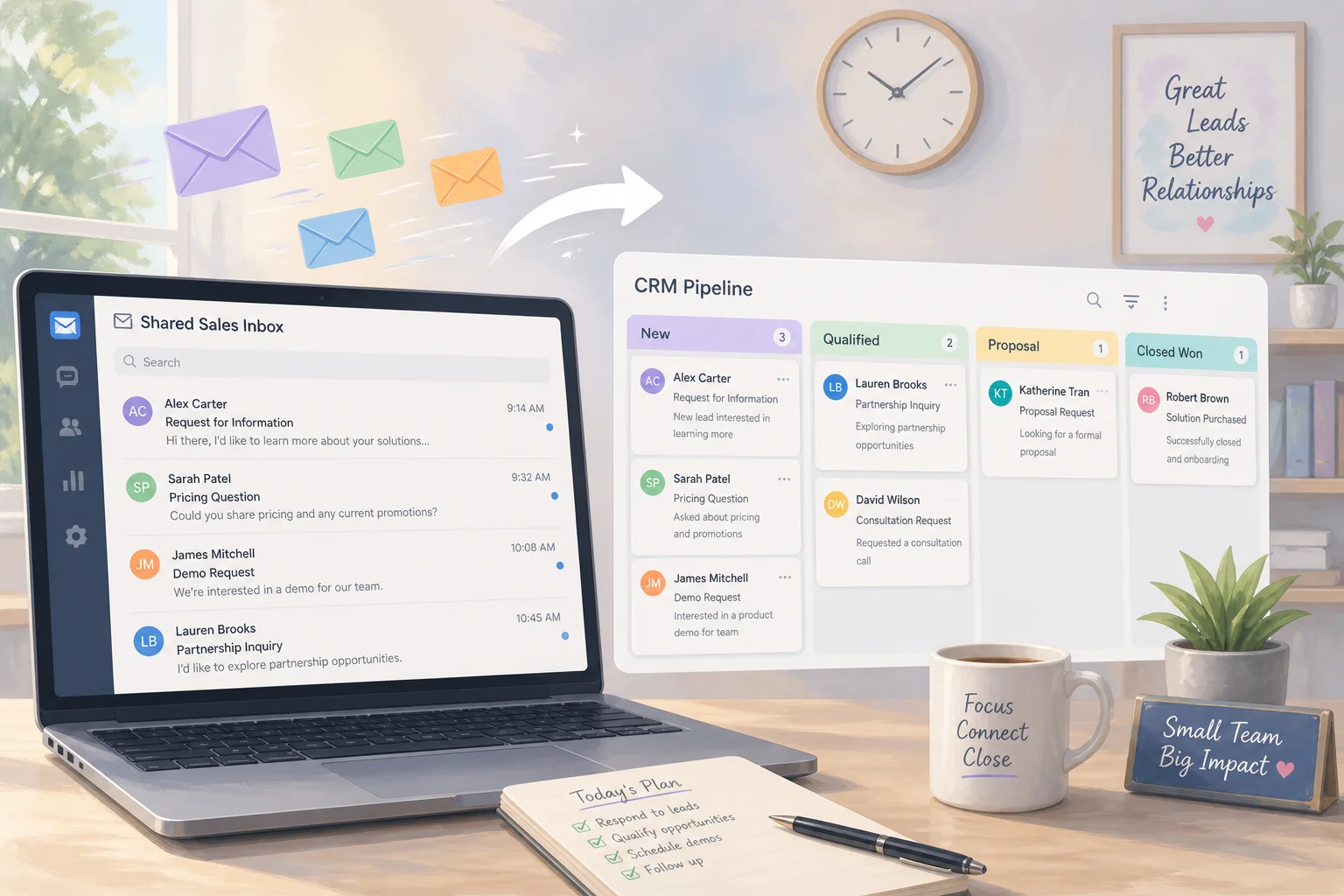
That gap between rich conversations and empty activity logs is one of the most expensive leaks in a B2B funnel. AI sales call notes CRM automation closes it without asking reps to type novels after every call. Claude reads the transcript, drafts structured CRM updates and tasks, and prepares follow-up copy. A human approves every write-back and every outbound message before it ships.
This guide covers why calls vanish from your CRM, how Claude meeting follow-up automation works end to end, what guardrails keep reps in control, and what to measure so the system earns trust instead of creating noise.
If you are still copying between Claude and HubSpot by hand, start with stop copy-pasting between Claude and your CRM. If after-hours inbound is your bigger leak, read after-hours leads sitting in CRM until Monday.
Why do sales calls never show up in your CRM?
Sales calls rarely fail to get logged because reps are lazy. They fail because logging is friction at the worst moment: right after a conversation when the rep's job is to listen, think, and move to the next meeting.
Three patterns show up in almost every team I audit:
Batch updating. Reps promise to "update CRM later" and batch it Friday afternoon. By then half the nuance is gone and notes shrink to one line.
Shadow systems. Reps keep real context in personal docs, Slack DMs, or their head because the CRM form feels slow or the fields do not match how they sell.
No enforced handoff standard. SDR to AE, AE to CS, and AE to finance each expect notes that nobody was required to write in a structured way.
RevOps is told the CRM is the single source of truth. Forecasts, pipeline reviews, and handoffs all assume call history is captured. When it is not, you get stage jumps with no story, deals that look healthy until they stall, and customers who repeat themselves because nobody logged what they already said.
The fix is not another training session on "CRM hygiene." It is removing the manual step between "call ended" and "system of record updated."
What is AI sales call notes CRM automation?
AI sales call notes CRM automation means a workflow that takes a call transcript or rough notes, runs them through an AI model, and outputs structured data your CRM can store: activity summaries, field updates, tasks, and draft follow-ups.
The AI does not replace the rep's judgment. It replaces the blank text box they were never going to fill at 4:47 p.m. on a Tuesday.
A typical output bundle looks like this:
| Output type | What it contains | Where it lands |
|---|---|---|
| Call summary | Short and detailed recap, sentiment, key quotes | CRM activity / call log |
| Qualification facts | Pain, goals, decision-makers, budget, timeline | Contact and deal fields |
| Deal updates | Suggested stage, close date, amount adjustments | Opportunity record |
| Tasks | Next steps with owner and due date | CRM tasks or project tool |
| Follow-up draft | Subject line and email body | Rep inbox draft or Slack approval |
Claude is a strong fit here because you can give it your exact qualification framework (MEDDIC, BANT, SPICED, or a custom rubric) and ask for JSON that an orchestrator like n8n maps into HubSpot, Pipedrive, or Salesforce.
The human stays in the loop. Nothing writes to CRM and nothing sends to the prospect until someone approves.
How does Claude meeting follow-up automation work after a call?
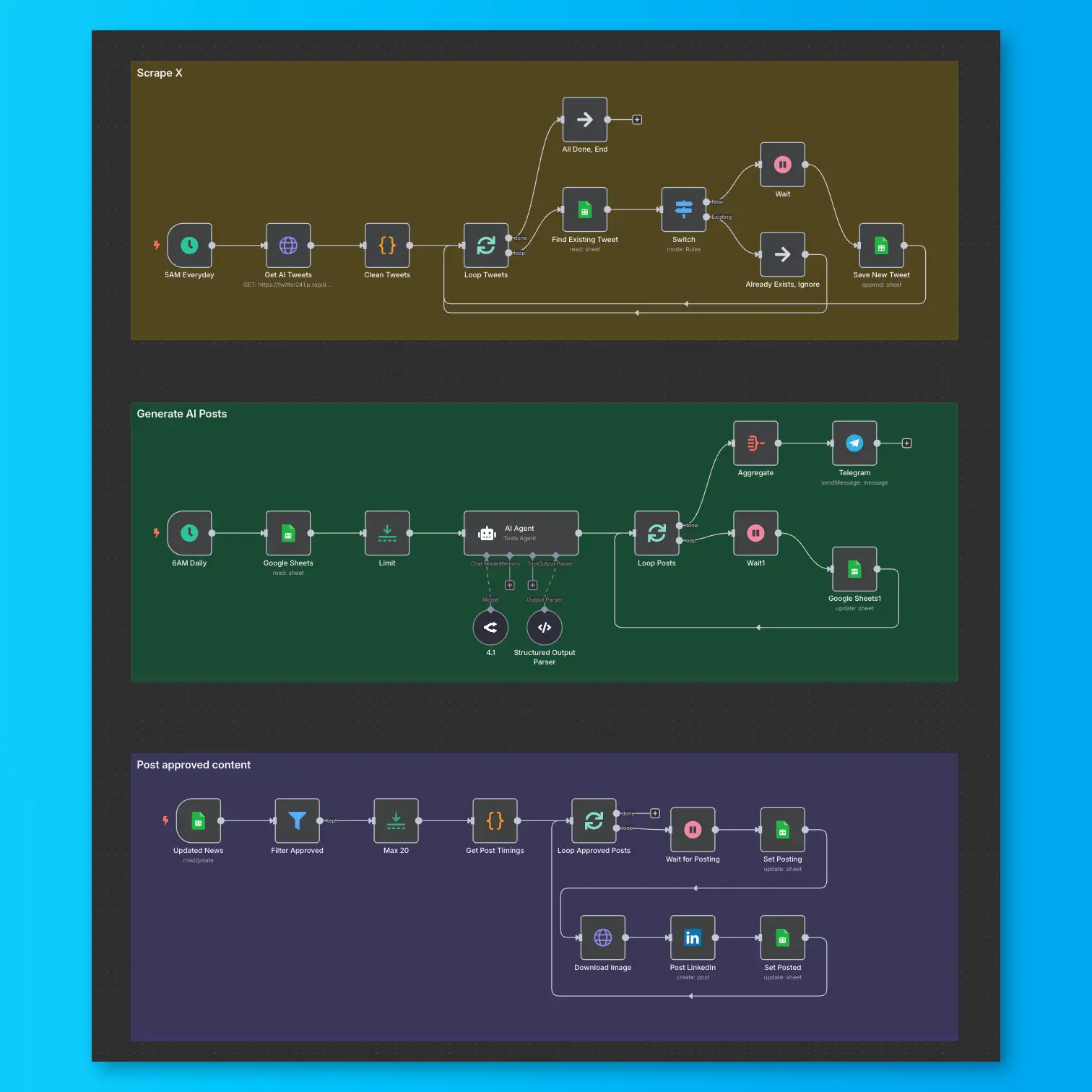
Claude meeting follow-up automation starts when the meeting ends, not when the rep remembers to log it. The orchestration layer watches for a new transcript, enriches it with CRM context, sends both to Claude, and routes the output to an approval queue.
Here is the flow in plain terms:
- Zoom or Teams finishes and produces a transcript.
- n8n (or Make) picks up the transcript via webhook or scheduled poll.
- The workflow looks up participants in your CRM and pulls the active deal, stage, and owner.
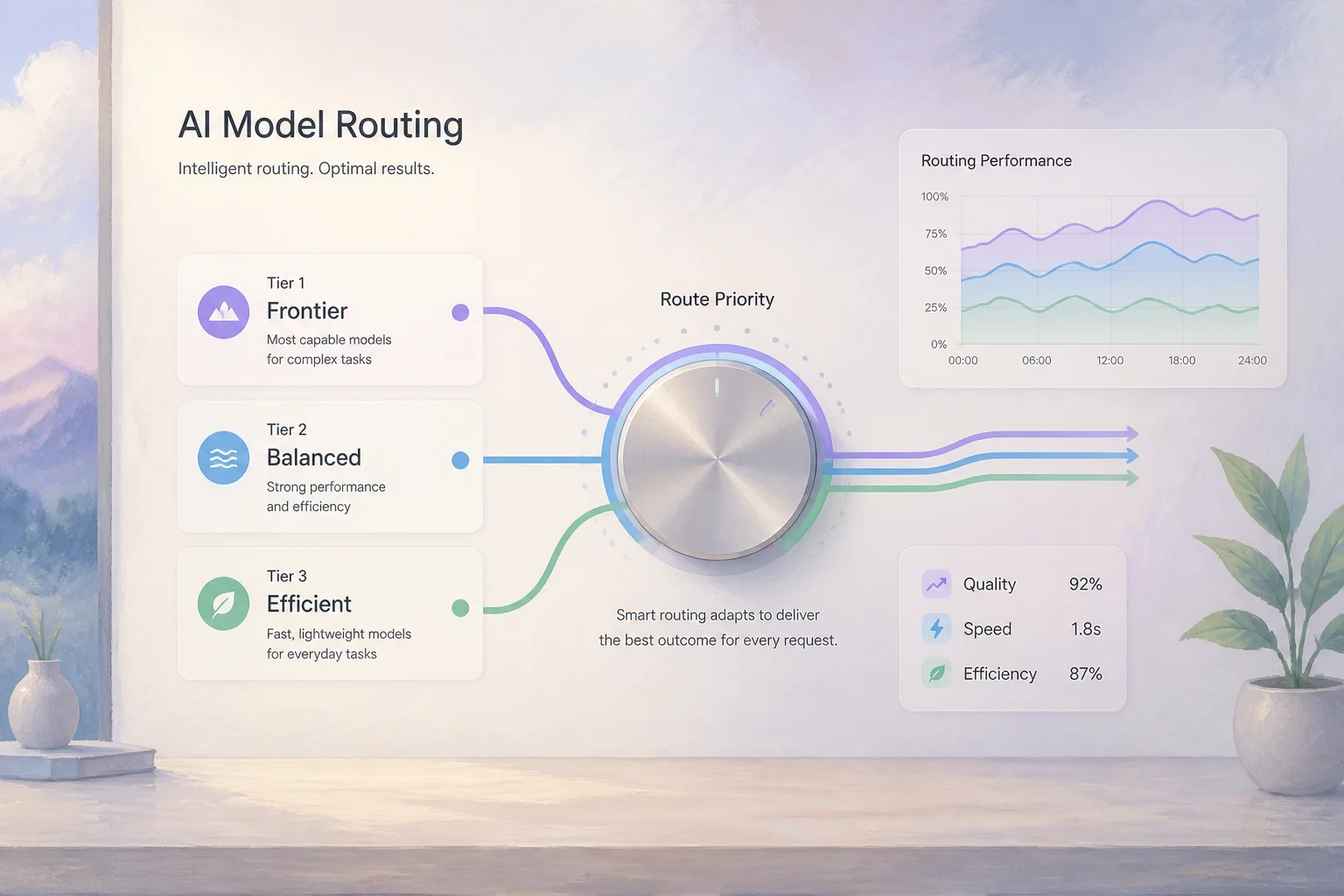
- Claude Haiku classifies and extracts structured fields fast. Claude Sonnet handles nuanced follow-up drafts when the deal is large or politically complex.
- n8n builds a Slack message (or email) with the summary, proposed field changes, tasks, and draft follow-up.
- The rep approves, edits, or rejects each piece.
- Approved items write back to CRM. Approved email becomes a draft in the rep's mailbox.
This is the same approve-before-send pattern that works for invoice review and lead qualification. Sales calls are just a higher-volume version of the same problem: unstructured input, structured system of record, human gate on output.
How do Zoom and Teams transcripts reach Claude?
Zoom and Microsoft Teams both offer native transcription on paid plans. The transcript is usually available minutes after the call ends. Your automation needs a reliable trigger:
- Webhook on recording ready when your plan supports it.
- Scheduled poll every few minutes against a folder or API endpoint where transcripts land.
- Calendar match so only external customer calls trigger the workflow, not internal standups.
Before Claude sees the transcript, n8n should attach CRM context: account name, deal stage, ARR, owner, and any notes from prior calls. Without that, Claude may misidentify participants or suggest a stage change that does not match pipeline reality.
Keep internal calls out of the flow. Filter on attendee domains, meeting titles, or a "customer call" tag in the calendar invite.
What should Claude extract from a sales call transcript?
Prompt design matters more than model choice. Start with the fields your team already uses in pipeline reviews. Claude's job is to populate your schema, not invent a new sales methodology.
A practical JSON schema for n8n to parse:
{
  "call_summary": {
    "short_summary": "",
    "detailed_summary": "",
    "sentiment": "positive|neutral|negative"
  },
  "qualification": {
    "pain_points": [],
    "goals": [],
    "decision_makers": [],
    "budget_discussed": false,
    "budget_notes": "",
    "timeline": "",
    "competitors_mentioned": []
  },
  "deal_updates": {
    "recommended_stage": "",
    "stage_change_reason": "",
    "estimated_close_date": ""
  },
  "tasks": [
    {
      "description": "",
      "due_in_days": 2,
      "priority": "high|medium|low"
    }
  ],
  "follow_up_email": {
    "subject": "",
    "body": ""
  }
}
Version this schema in your RevOps playbook. When a field changes in HubSpot, update the prompt the same week or Claude will keep writing to fields that no longer exist.
How do you set up human approve-before-send guardrails?
Approve-before-send is not optional for customer-facing output. It is the guardrail that lets you automate logging without automating mistakes.
Slack as the approval surface works well for sales teams already living in Slack. n8n posts a card with:
- Call summary (editable inline or via thread reply).
- Proposed CRM field changes shown as before/after.
- Task list with checkboxes to accept or drop.
- Follow-up email in a code block the rep can copy-edit.
Buttons: Approve all, Approve summary only, Reject. Rejected runs should log why so you can tune prompts.
CRM write permissions should be scoped. The automation service account can create activities and tasks but should not delete records or change deal owners without a separate rule.
Email drafts, not sends. Even after approval, land the follow-up in the rep's draft folder or as a CRM email template. Let the rep add a personal line and hit send. Auto-send removes the human tone that closes deals.
Audit trail. Store the raw transcript hash, Claude output JSON, approval timestamp, and who approved. When a forecast argument starts, you can show what the rep signed off on.
If your team is still debating MCP vs n8n for CRM glue, the patterns in Claude MCP CRM integration apply here too. Post-call logging is usually an orchestration workflow, not a chat sidebar trick.
What daily and weekly checklists keep post-call CRM logging reliable?
Automation without an operating cadence drifts. These checklists are light enough for a small RevOps function to run without a dedicated admin.
Daily (10-15 minutes)
- Check n8n for failed runs. Common causes: transcript delay, CRM API rate limits, renamed custom fields.
- Spot-check two random calls per active team. Compare transcript to Claude summary. Note repeated misses (wrong decision-maker, missed budget mention).
- Scan Slack approval queue for backlog. If reps ignore cards for 24+ hours, the workflow is creating work they will bypass.
- Watch for stage anomalies (sudden spike in "Evaluation" moves) that suggest prompt drift.
Weekly (30-45 minutes with sales leadership)
- Review coverage: percent of external calls with transcript, AI summary, and approved CRM write-back.
- Review time-to-log: median minutes from call end to approved update. Target under two hours for active segments.
- Hold a 15-minute rep feedback loop: what summaries help, what feels generic, where follow-up drafts need tone tweaks.
- Update prompt or schema if the same correction appears three times in one week.
- Fold results into your existing pipeline review so logging quality sits next to stage and close-date hygiene.
Treat the workflow like any other integration: documented owner, version-controlled n8n export, and a one-page runbook for "transcript stopped flowing."
Which metrics prove your Claude CRM logging workflow is working?
Measure a small set of leading indicators first. Lagging revenue metrics take a quarter to move.
Leading indicators
| Metric | What good looks like |
|---|---|
| Call logging coverage | 90%+ of tagged customer calls have approved CRM activity within 24h |
| Time-to-log | Median under 2 hours from call end to approved write-back |
| Field completeness | Key qualification fields populated on 80%+ of active opportunities |
| Approval edit rate | Under 30% heavy edits after month two (prompt is stabilizing) |
| Task completion | 70%+ of AI-created tasks closed on time |
Lagging indicators (quarterly)
- Pipeline velocity between stages where call notes were previously sparse.
- Win rate on opportunities with full call history vs control cohort.
- Forecast accuracy when stage definitions are enforced by structured logging.
- Shorter sales cycle on segments where follow-up discipline improved.
If coverage is high but win rate flatlines, the problem is not logging. It is qualification or offer fit. Do not keep tuning prompts to fix a positioning issue.
How does post-call logging fit your revenue automation priorities?
Not every automation deserves week-one attention. Post-call CRM logging scores high on impact and moderate on build effort when you already record calls and run a CRM.
Use a simple prioritization lens:
| If this is true | Post-call logging priority |
|---|---|
| Reps run 10+ external calls per week | High |
| Forecasts rely on rep self-reported stage | High |
| You already pay for Zoom/Teams transcription | High (trigger exists) |
| CRM is empty but proposals are the bottleneck | Medium - pair with quote automation after verbal yes |
| Leads die before anyone calls | Low first - fix lead response |
The revenue prioritization framework I use with clients ranks workflows by leak size times fixability. Empty CRM after calls is a large leak with a clear technical path: transcript in, structured data out, human approves.
Start with one team and read-only field suggestions if your data foundation is messy. Let reps approve summaries and tasks for two weeks before auto-writing deal stages. Clean duplicates and standardize stage definitions first if your CRM already looks like a junk drawer.
When should you book a roadmap call for CRM call logging?
DIY works when you have one CRM, one call platform, and someone who can own n8n exports. It breaks down when:
- Zoom, Teams, and a dialer all produce transcripts in different formats.
- HubSpot, Pipedrive, and a finance spreadsheet all need the same call facts.
- Legal wants retention rules, PII redaction, or region-specific data handling before AI touches transcripts.
- Sales, CS, and implementation each need different summary formats from the same call.
- You need a phased rollout across regions without breaking an existing MCP experiment.
That is when a focused build order beats another month of partial wiring. On a 45-minute roadmap call we map your call-to-CRM journey, score which integrations matter first, and leave you with a sequenced backlog: transcript trigger, Claude prompt pack, Slack approval UX, CRM field map, and the metrics to watch in week one.
You do not need a six-month AI program. You need calls to show up in the CRM the same day they happen, with follow-ups drafted while context is still fresh.
Book your 45-minute roadmap call if Zoom/Teams, your CRM, and Slack need a prioritized wiring plan before your reps lose another week of pipeline data.
Frequently asked questions
Quick answers on the topics covered in this article.
Reps skip logging because it is slow friction right after high-cognitive-load conversations. Batch updating later loses detail. Automation that drafts structured notes from transcripts removes the typing step while keeping the rep as approver.
It is a workflow that sends call transcripts or notes to an AI model like Claude, which outputs structured summaries, field updates, tasks, and follow-up drafts. An orchestrator writes approved output to HubSpot, Pipedrive, or Salesforce.
After a call ends, the transcript and CRM context go to Claude via API. Claude returns JSON with summary, qualification facts, tasks, and a draft email. The rep reviews in Slack, approves or edits, then the workflow updates CRM and creates an email draft.
You need an orchestration layer to connect transcript sources, Claude, Slack, and your CRM. n8n is a common choice for small teams because it is self-hostable and maps JSON to CRM APIs cleanly. Make or custom code work too.
Use Haiku for high-volume extraction and classification. Route complex deals, executive conversations, or nuanced follow-up drafts to Sonnet. Splitting by deal size or segment controls cost without sacrificing quality where it matters.
You should not auto-send customer emails without human review. Land approved copy as a draft in the rep's inbox or CRM email tool. Approve-before-send protects tone, accuracy, and compliance.
HubSpot, Pipedrive, and Salesforce all expose APIs for activities, tasks, and field updates. The pattern is the same: JSON from Claude maps to your CRM objects. Custom fields require prompt and schema alignment.
A focused pilot with one team, one call platform, and Slack approval typically takes one to two weeks if CRM fields are already standardized. Messy data foundations add time for cleanup before auto-writing stages.
Track call logging coverage, time-to-log, field completeness on key qualification fields, approval edit rates, and task follow-through. Quarterly, review pipeline velocity and forecast accuracy where logging improved.
Book a roadmap session when multiple call platforms, CRMs, or teams need coordinated rollout, or when legal and security require PII handling before AI touches transcripts. A prioritized integration map beats months of partial fixes.
Share this article
Related workflows