How to Scrape Google Maps Reviews Without Getting Blocked (2026


Table of Contents
- Introduction
- Why Is Google Maps Review Data So Valuable for Teams?
- Why Does Naive Google Maps Scraping Break So Fast?
- How Can You Use Apify Google Maps Scraper Reliably in 2026?
- How Do You Trigger the Apify Actor via API in Python?
- How Do You Export Scraped Results to JSON and CSV?
- What Does a Real Restaurant Chain Monitoring Workflow Look Like?
- What Legal and Ethical Rules Should You Follow?
- Which Apify Actor Should You Use?
- Frequently Asked Questions (FAQs)
- Conclusion
- Ready to Start Scraping Google Maps?
Introduction
If you run growth, SEO, or data workflows in local markets, Google Maps reviews are one of the most useful public signals you can collect. They help you see how customers talk about businesses, which competitors are gaining trust, and where service quality is slipping. That matters whether you are building sentiment dashboards, prospecting local leads, or tracking brand reputation.
The problem is reliability. A quick Selenium script might work in test mode, then fail in production because of rate limits, anti-bot detection, or CAPTCHA walls. Teams often waste weeks maintaining fragile scrapers instead of using the data.
This guide shows a practical path that works for technical marketers and developers: use the Google Maps Scraper Actor, call it from Python, and export structured output for downstream analysis. You will get actionable data without running a brittle scraping stack yourself.
If you are new, the Apify free plan is enough to run small tests before scaling your pipeline.
Why Is Google Maps Review Data So Valuable for Teams?
Google Maps has live, location-rich business data that is hard to replicate anywhere else. For US and UK teams, it is especially useful because local search behavior is mature and review volume is high across most categories.
For local SEO, review count and average rating are direct competitive context. Even if they are not the only ranking factors, they strongly influence click behavior. If your listing has 4.0 stars and a competitor has 4.7 with 3x reviews, users often choose the competitor before they ever visit your site.
For competitor research, review text helps answer questions your analytics tools cannot:
- What complaints appear repeatedly across competitors?
- Which features do customers praise most?
- Are there service gaps by location or by time?
For lead generation, Google Maps business records can be filtered by category, city, rating band, and missing website/contact quality. That gives sales teams high-intent local prospect lists with clear qualification criteria.
For reputation monitoring, review trends can become an early warning system. A sudden drop in average rating, or a spike in negative terms like "slow", "rude", or "refund", can trigger immediate action before churn and revenue impact become obvious in monthly reports.
Why Does Naive Google Maps Scraping Break So Fast?
Most first attempts fail for predictable reasons.
If your goal is specifically Google Maps reviews scraping, reliability usually breaks before data quality breaks - and that is what makes naive setups expensive to maintain.
The first issue is anti-bot detection. Google Maps is dynamic, JavaScript-heavy, and behavior-aware. It checks request patterns, interaction timing, browser fingerprint signals, and session history. Simple scripts that click, scroll, and parse at machine speed look non-human almost immediately.
The second issue is rate limiting. If requests come too fast from the same IP or session profile, you will see throttling, partial responses, or hard blocks. Teams often interpret this as "random instability", but it is usually protection logic doing its job.
The third issue is CAPTCHA challenges. Once flagged, your scraper can get interrupted by verification pages. At that point, run reliability collapses and your pipeline produces dirty data - missing entities, partial records, or stale snapshots.
There is also an operations issue. Even if a script works this week, Maps UI and data selectors change often. Maintaining selectors, retries, proxy rotation, and health checks becomes an ongoing engineering burden. For most teams, that maintenance cost is higher than the cost of using a managed actor built for this exact workload.
How Can You Use Apify Google Maps Scraper Reliably in 2026?
Google Maps Scraper Actor on Apify gives you a managed execution environment and a standard data contract.
Google Maps Scraper Actor on Apify gives you a managed execution environment and a standard data contract. Instead of maintaining infrastructure, you define inputs, run jobs, and consume clean output datasets.
Core reliability advantages:
- Managed execution at cloud scale
- Better handling of retries and transient failures
- Proxy/session strategy handled by the platform
- Run logs and status history for debugging
- Output stored in datasets you can fetch programmatically
A practical input payload usually includes search query, locale, and result limits. Example:
{
  "searchStringsArray": [
    "pizza restaurant in Manchester",
    "pizza restaurant in Liverpool"
  ],
  "maxCrawledPlacesPerSearch": 120,
  "language": "en",
  "countryCode": "uk"
}
The exact input schema can vary by actor version, so always verify the actor's current input docs in the Apify Console.
If you are building sentiment analysis, normalize text early (lowercase, punctuation cleanup, language tagging), then enrich with business metadata such as area, chain type, and competitor group. This lets you compare sentiment by neighborhood and by brand cluster instead of reading raw comments in isolation.
How Do You Trigger the Apify Actor via API in Python?
Below is a production-friendly starter using requests. It starts a run, polls status, and fetches results from the run dataset.
import csv
import json
import os
import time
from typing import Any

import requests

APIFY_TOKEN = os.environ["APIFY_TOKEN"]
ACTOR_ID = "YOUR_GOOGLE_MAPS_SCRAPER_ACTOR_ID"

BASE_URL = "https://api.apify.com/v2"

actor_input: dict[str, Any] = {
    "searchStringsArray": [
        "coffee shop in London",
        "coffee shop in Bristol"
    ],
    "maxCrawledPlacesPerSearch": 100,
    "language": "en",
    "countryCode": "uk"
}

# 1) Start actor run
start_url = f"{BASE_URL}/acts/{ACTOR_ID}/runs"
start_response = requests.post(
    start_url,
    params={"token": APIFY_TOKEN},
    json=actor_input,
    timeout=60,
)
start_response.raise_for_status()
run = start_response.json()["data"]
run_id = run["id"]
print(f"Started run: {run_id}")

# 2) Poll until completion
status_url = f"{BASE_URL}/actor-runs/{run_id}"
while True:
    status_response = requests.get(status_url, params={"token": APIFY_TOKEN}, timeout=30)
    status_response.raise_for_status()
    run_data = status_response.json()["data"]
    status = run_data["status"]
    print(f"Run status: {status}")

    if status in {"SUCCEEDED", "FAILED", "ABORTED", "TIMED-OUT"}:
        break

    time.sleep(5)

if status != "SUCCEEDED":
    raise RuntimeError(f"Actor run ended with status: {status}")

# 3) Fetch dataset items
dataset_id = run_data["defaultDatasetId"]
items_url = f"{BASE_URL}/datasets/{dataset_id}/items"
items_response = requests.get(
    items_url,
    params={"token": APIFY_TOKEN, "clean": "true"},
    timeout=60,
)
items_response.raise_for_status()
results = items_response.json()
print(f"Fetched records: {len(results)}")

# 4) Save JSON
with open("google-maps-results.json", "w", encoding="utf-8") as f:
    json.dump(results, f, ensure_ascii=False, indent=2)

# 5) Save CSV (example fields)
fieldnames = ["title", "address", "rating", "reviewsCount", "categoryName", "website"]
with open("google-maps-results.csv", "w", newline="", encoding="utf-8") as f:
    writer = csv.DictWriter(f, fieldnames=fieldnames)
    writer.writeheader()
    for row in results:
        writer.writerow({key: row.get(key, "") for key in fieldnames})

print("Export complete: google-maps-results.json + google-maps-results.csv")
Tips for teams:
- Keep
APIFY_TOKENin environment variables, never hardcode it. - Add retry logic around API calls for network noise.
- Log
run_idfor traceability in CI/CD or scheduled jobs. - Validate expected fields before loading into BI tools.
How Do You Export Scraped Results to JSON and CSV?
Apify datasets are naturally JSON-first, so JSON is best for pipelines, warehouses, and model inputs. CSV is best for quick QA in Sheets/Excel and handoff to non-developer stakeholders.
Recommended pattern:
- Pull raw dataset items as JSON.
- Store immutable raw snapshot (audit trail).
- Create transformed CSV view with only analysis fields.
- Push final table to BI/warehouse.
If you need both engineering and marketing users to consume the same run, publish:
raw/google-maps/YYYY-MM-DD/*.jsonfor reproducibilitycurated/google-maps/YYYY-MM-DD/*.csvfor team reporting
This avoids the common issue where teams overwrite one "latest.csv" file and lose historical context.
What Does a Real Restaurant Chain Monitoring Workflow Look Like?
Imagine a UK restaurant chain with 22 locations tracking competitors in London, Birmingham, and Manchester. The ops team wants weekly visibility into market sentiment and local service gaps.
They schedule the actor to run every Monday at 6:00 AM for target queries like "best burger restaurant in Manchester city centre". Each run collects listing metadata and review-related fields. A simple pipeline then:
- Groups locations by city and cuisine category
- Calculates average rating deltas week-over-week
- Flags competitors with sudden review spikes
- Runs sentiment extraction on latest review snippets
- Sends a Slack digest to regional managers
Week 1 reveals that two Manchester competitors gained unusually high 5-star volume after a campaign. Week 3 shows one of those locations dropping sharply due to repeated "slow service" mentions. The chain uses that signal to update ad messaging and staffing plans in similar neighborhoods before customer sentiment drifts.
This is the practical win. You are not scraping for scraping's sake. You are converting public local signals into faster operational decisions.
What Legal and Ethical Rules Should You Follow?
This part matters.
Google Maps content is publicly visible, but usage is still governed by platform terms and applicable law. The right approach is risk-aware, narrow, and responsible.
Practical guidelines for developers and marketers:
- Review Google Maps Platform Terms and your jurisdiction.
- Use data for internal analytics, monitoring, and research unless legal review says otherwise.
- Do not present scraped data as an official Google dataset.
- Avoid excessive load patterns and irresponsible scrape volumes.
- Minimize personal data usage and retention.
- Add an internal policy for acceptable usage, retention, and deletion.
If you operate in regulated environments or plan large-scale commercial redistribution, involve legal counsel early. For most internal intelligence workflows, the safer path is limited-scope collection, transparent governance, and clear data purpose.
Which Apify Actor Should You Use?
| Actor | Best for | Link |
|---|---|---|
| Google Maps Scraper (Apify-maintained) | Use when you need full business listings plus review data at higher volume and want a widely used default. | compass/crawler-google-places |
| Google Maps Reviews Scraper | Use when you only need review text, ratings, and reviewer-level details in a focused reviews-only workflow. | scrapers/google-maps |
| Google Maps Data Extractor | Use when you want a stripped-down, faster, and often cheaper option for basic place data without extra enrichment. | compass/google-maps-extractor |
Conclusion
Reliable Google Maps review collection is less about clever scraping scripts and more about repeatable operations. If you use managed actors, clean exports, and clear legal guardrails, your team can focus on sentiment, lead quality, and reputation decisions instead of scraper firefighting.
Ready to Start Scraping Google Maps?
Apify's free $5/month plan is enough for early testing, and you can start without a credit card.
Launch the Google Maps Scraper Actor, run your first dataset, and export JSON/CSV in under 10 minutes.
Frequently asked questions
Quick answers on the topics covered in this article.
It depends on actor capabilities and your configuration. Many setups prioritize listing metadata, average rating, and review count. If you need full review text, verify the specific actor output schema and legal constraints before scaling.
You can, but maintenance cost is usually the problem. Detection updates, selector drift, proxy management, retries, and CAPTCHA handling create ongoing operational overhead that many teams underestimate.
Weekly is a good default for most local categories. Daily can be useful in high-volume markets, but only when you have clear alerting rules and a team ready to act on faster signals.
Start with what you can analyze. For many teams, 50-200 places per query is enough for directional insights. Expand only when decisions actually require broader coverage.
Yes. Keep raw JSON for auditability and reprocessing, then build cleaned CSV or warehouse tables for reporting and dashboards.
Use location-aware grouping, remove duplicates, normalize text, and track sentiment trends over time instead of treating one-week spikes as final truth.
Yes. Developers can own ingestion and quality checks, while marketers and ops teams consume curated CSV outputs and dashboards.
It is a strong ingestion layer. Most teams still need transformation, dashboarding, and alerting components (for example, warehouse + BI + Slack alerts).
Track review velocity, recurring negative terms, response-time patterns, and location-level variance. A stable average can hide serious service issues at specific branches.
Collecting data without an action model. Define who acts on alerts, what thresholds trigger intervention, and how outcomes are measured before scaling collection.
Share this article
Related workflows
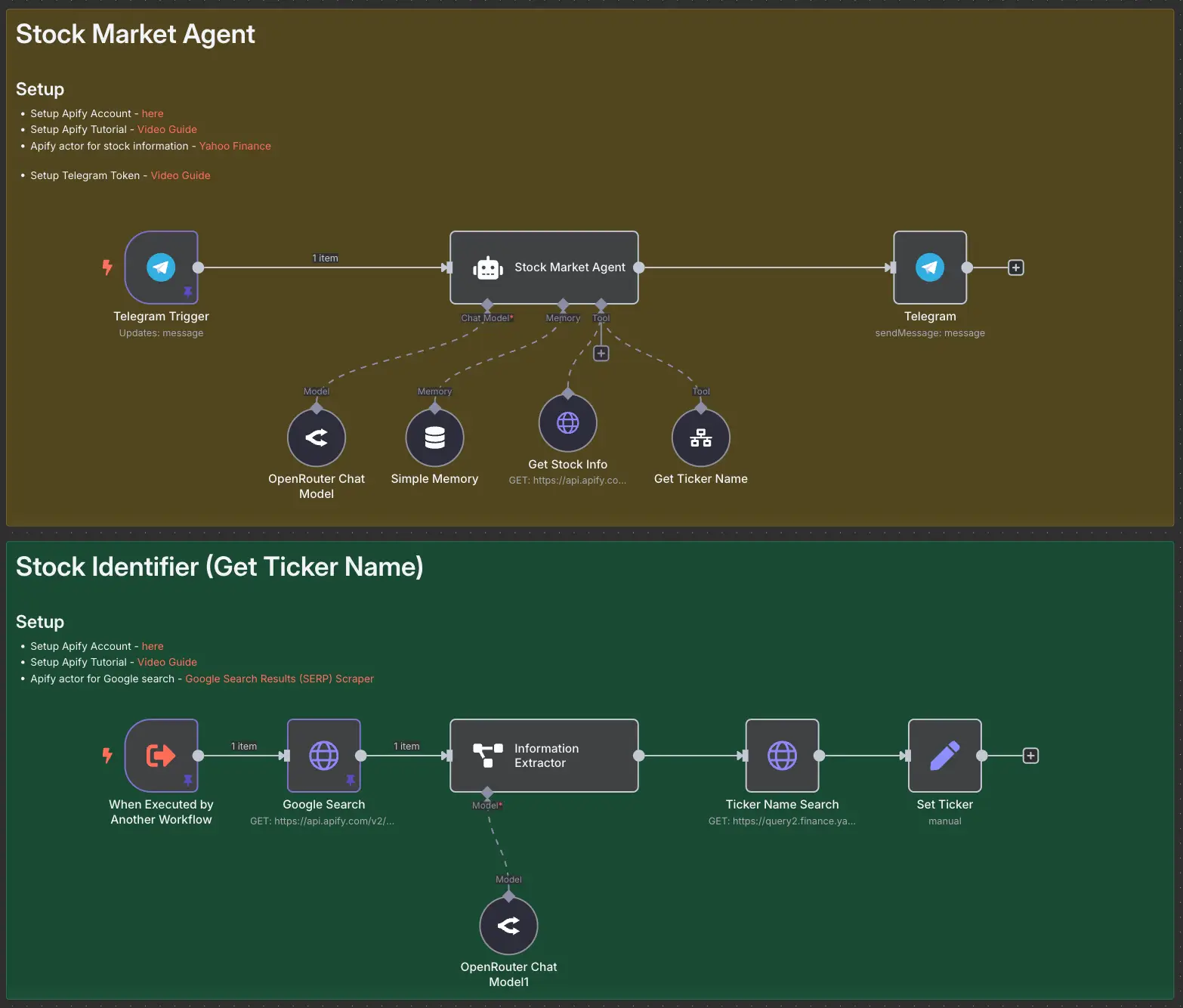
Stock Market AI Agent using n8n and Apify